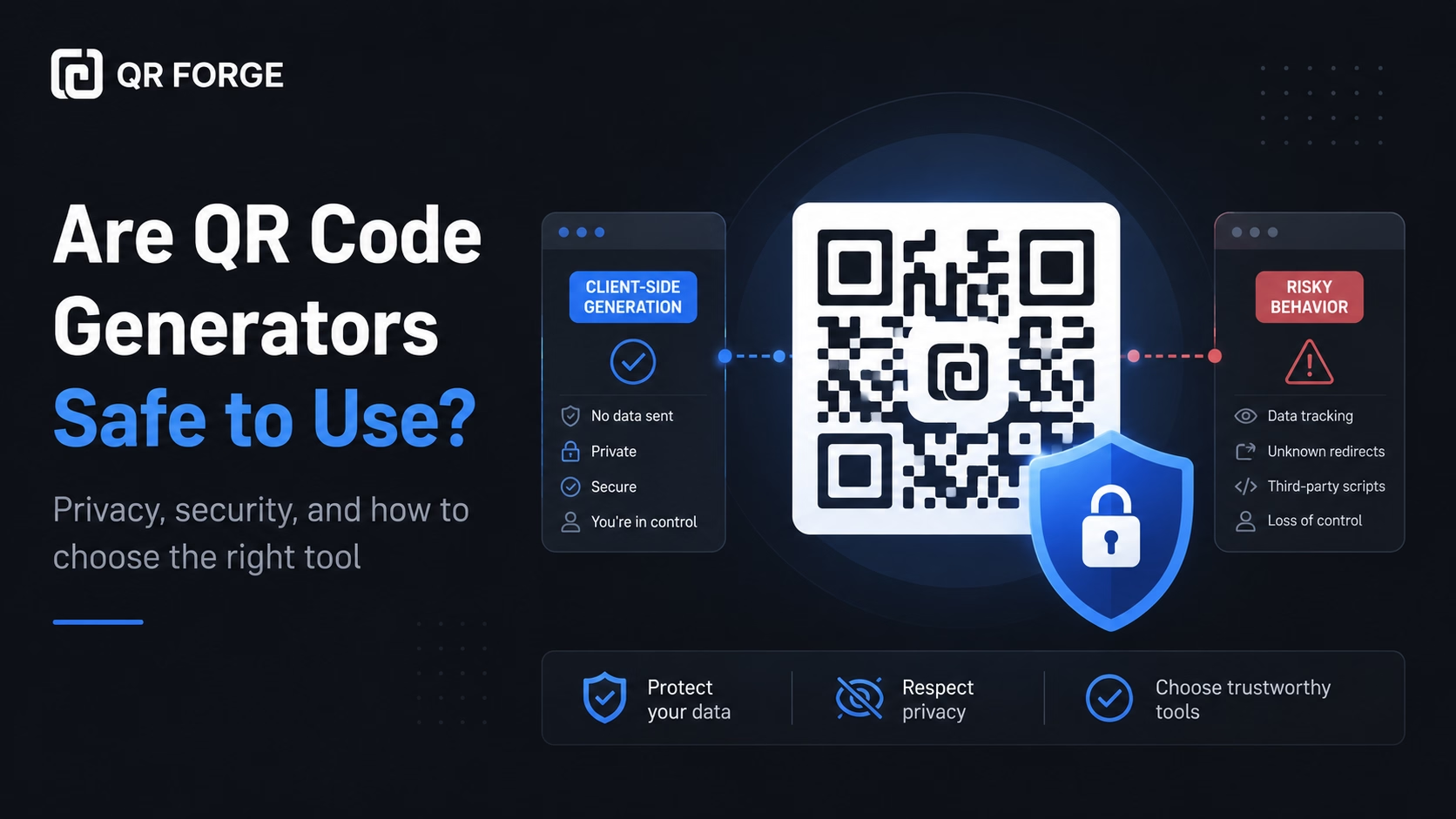
QR code generators are usually safe to use, but not every tool handles your data in the same way.
Some generators create the QR code directly in your browser. Others send the information you enter to a server, store it in an account, add tracking redirects, or collect scan analytics.
That difference matters when your QR code contains a WiFi password, phone number, email address, contact card, private document link, or business information.
Create a privacy-first QR code
Generate a static QR code in your browser without login, watermark, or forced tracking.
Are QR code generators generally safe?
Most legitimate QR code generators are safe for ordinary use.
The main risk usually comes from how the service handles your input and whether it changes the destination you entered.
A QR code is encoded information
A QR code may contain:
- a website URL
- plain text
- WiFi credentials
- a phone number
- an email address
- a WhatsApp link
- contact information
- a file link
The QR image does not make this information private.
The generator controls data processing
A generator may process the information locally in your browser or send it to a remote server.
A trustworthy service should explain how generation works and whether your data is stored.
What makes a QR code generator safe?
A safe QR code generator should be transparent and predictable.
Clear privacy practices
The service should explain whether it stores your input, creates account history, adds analytics, or shares information with third parties.
HTTPS protection
The website should use HTTPS.
HTTPS protects data while it travels between your browser and the website, although it does not prove the service itself is trustworthy.
No hidden redirects
A static QR code generator should not silently replace your destination with an unfamiliar tracking link.
Always scan the finished code and verify the destination.
Reliable downloads
The generator should provide a clean, scannable file such as PNG or SVG without requiring the website to remain open.
Client-side vs server-side generation
Where the QR code is generated affects privacy.
Client-side generation
Client-side generation happens in your browser.
For basic static QR codes, this can avoid sending the entered content to a backend.
It is especially useful for:
- WiFi passwords
- phone numbers
- email addresses
- contact details
- private URLs
- pre-filled messages
Server-side generation
Server-side generation sends the input to a remote system.
This is common for saved projects, team accounts, dynamic redirects, templates, and analytics.
Server-side generation is not automatically unsafe, but the service should clearly explain what it stores.
For sensitive information, prefer a generator that performs basic static QR generation locally in your browser and does not require an account.
Static vs dynamic QR code safety
Static and dynamic QR codes have different privacy trade-offs.
Static QR codes
A static QR code stores the final data directly in the QR pattern.
Benefits include:
- no redirect service is required
- no scan analytics are necessary
- no account is needed after download
- the code does not depend on a subscription
- the destination can be verified directly
The limitation is that the encoded data cannot be changed after creation.
Dynamic QR codes
A dynamic QR code usually stores a redirect URL controlled by a QR platform.
This allows the destination to be changed and scan analytics to be collected.
Dynamic QR code dependencies
A dynamic code may stop working if:
- the subscription ends
- the provider closes
- the account is suspended
- the project is deleted
- the redirect domain expires
Dynamic QR codes can be safe, but they require more trust in the provider.
Can a QR code generator collect your data?
Yes, depending on how the service is built.
Information a service may collect
A QR platform may collect:
- entered URLs
- phone numbers
- WiFi details
- email addresses
- contact data
- pre-filled messages
- IP address
- browser information
- account history
- scan analytics
Not every generator collects all of this.
How to reduce exposure
Choose a generator that:
- explains where generation happens
- avoids forced account creation
- does not require unnecessary permissions
- avoids hidden tracking redirects
- provides a clear privacy policy
- lets you verify the final result
Is it safe to create a WiFi QR code?
A WiFi QR code can be safe, but it should be treated like the password itself.
Anyone who scans or decodes it may be able to see the network details.
Use a guest network
Use a separate guest WiFi network for customers, visitors, tenants, or event attendees.
Avoid publicly sharing your main private network.
Control placement
Place the code where intended guests can access it, not where anyone outside the location can scan it.
Change credentials when needed
If the code is shared too widely, change the guest password and generate a new QR code.
Is it safe to create a vCard QR code?
A vCard QR code can contain personal information.
Common vCard data
It may include:
- full name
- phone number
- email address
- company
- website or address
- website
- physical address
Share only what is necessary
Do not add private details just because the form supports them.
Treat a printed or published vCard QR code as public information.
Is it safe to create a WhatsApp QR code?
A WhatsApp QR code normally contains a phone number and an optional message.
Use the right number
For public posters, menus, packaging, or advertisements, use a business or customer service number when possible.
Review the pre-filled message
Make sure the message does not contain confidential or misleading information.
Is a QR code safe for private documents?
A QR code does not protect a private file by itself.
It only provides a shortcut to the link.
Secure the destination
For sensitive documents, use:
- password protection
- authenticated access
- restricted sharing permissions
- expiring links
- document-level access control
Anyone who can scan the QR code may be able to access an unprotected link.
Warning signs of an unsafe QR generator
Some behavior should make you cautious.
Unnecessary permissions
A basic generator should not need access to your contacts, location, microphone, or files unless a feature genuinely requires it.
Hidden destination changes
Be cautious if the QR code opens an unfamiliar redirect domain when you expected a direct link.
Vague security claims
Claims such as "100% secure" are not enough without details about storage, tracking, and redirects.
Deceptive downloads
Avoid sites with fake download buttons, aggressive pop-ups, misleading payment screens, or suspicious browser notifications.
How to verify a generated QR code
Never publish a QR code without testing it.
Scan the preview
Check that the preview opens the expected destination.
Scan the downloaded file
The exported file may differ from the preview, so scan it again after downloading.
Test the final design
Scan the QR code after placing it into a poster, card, menu, package, or social media graphic.
Inspect the destination
For URL QR codes, check the domain spelling and complete address before continuing.
Can QR codes contain malware?
A QR code itself is not a normal executable program.
However, it can lead to a malicious website, fake login page, harmful download, fraudulent payment request, or deceptive app installation.
The destination creates the risk
Scanning a QR code is similar to clicking a link.
The destination and the user's next action determine the risk.
Safer scanning habits
Before continuing:
- inspect the URL
- verify the domain
- avoid entering passwords on suspicious pages
- do not install unknown applications
- be careful with payment requests
- avoid unexpected downloads
- confirm the source of the QR code
Watch for replaced stickers
Public QR codes can be covered with fraudulent stickers.
Inspect QR codes on parking meters, payment signs, restaurant tables, and public notices before scanning.
Privacy risks of QR code analytics
Dynamic QR platforms may collect scan analytics.
Analytics may include
Depending on the provider:
- scan time
- approximate location
- device type
- operating system
- browser
- repeat scans
- IP-derived information
Decide whether tracking is necessary
Not every QR code needs analytics.
A static QR code may be enough for guest WiFi, contact sharing, or a direct website link.
Do free QR codes expire?
A static QR code does not expire by itself.
Why a static QR code may stop working
The destination may fail if:
- the webpage is removed
- the domain expires
- the phone number changes
- the WiFi password changes
- the file is deleted
- the printed code is damaged
Dynamic codes may depend on payment
Some dynamic platforms disable redirects after a trial, subscription cancellation, account closure, or usage limit.
Check the provider's terms before printing dynamic codes in large quantities.
How to choose a safe QR code generator
Use a simple checklist before entering sensitive information.
Check how generation works
Look for clear information about whether generation occurs in your browser or on a server.
Review the privacy policy
Check what data is collected, why it is collected, how long it is stored, and whether it is shared.
Prefer direct static generation
For simple QR codes, direct static generation reduces dependence on third-party redirect services.
Avoid unnecessary accounts
An account may be useful for teams and analytics, but basic static generation should not always require one.
Verify every output
Scan the QR code and confirm the final destination before publishing it.
How QR Forge approaches privacy
QR Forge is designed around simple, privacy-first static QR generation.
Generation in the browser
Basic QR generation is designed to happen client-side.
No login required
You do not need an account to create a basic QR code.
No watermark
Generated QR codes are not designed to include a forced watermark.
No QR scan-tracking redirect by default
QR Forge generates static QR codes that do not use a QR Forge redirect or scan-tracking endpoint by default. The website may separately use Google Analytics or advertising integrations as described in the Privacy Policy.
The destination still matters
A privacy-friendly generator cannot make an unsafe destination secure.
You still need to protect private files, use guest WiFi, and avoid publishing sensitive information.
Safe QR code generator checklist
Before using a generator, confirm that:
Privacy
- data handling is explained
- basic generation avoids unnecessary storage
- an account is not forced
- tracking is optional or absent
- sensitive data is not entered into an unknown service
Security
- the website uses HTTPS
- the destination is correct
- there are no unexpected redirects
- the download is clear and scannable
- the final QR code is tested
Long-term reliability
- dynamic code terms are understood
- subscription requirements are clear
- the provider appears reliable
- printed codes have been tested
- contact details are appropriate for public sharing
Are QR code generators safe? Final answer
Yes, QR code generators can be safe to use.
For simple static QR codes, prefer a transparent generator that works locally in the browser, avoids forced accounts, does not add hidden tracking redirects, and lets you verify the final destination.
For dynamic QR codes, choose the provider carefully because the QR code depends on its redirect infrastructure, account system, privacy practices, and long-term availability.
Final reminder
The generator creates the QR image, but you are responsible for the information you enter and the destination you share.
Verify the code, limit sensitive data, protect private links, and test the final result before publishing.
Create a privacy-first QR code
Generate a static QR code in your browser with no login, no watermark, and no forced tracking.