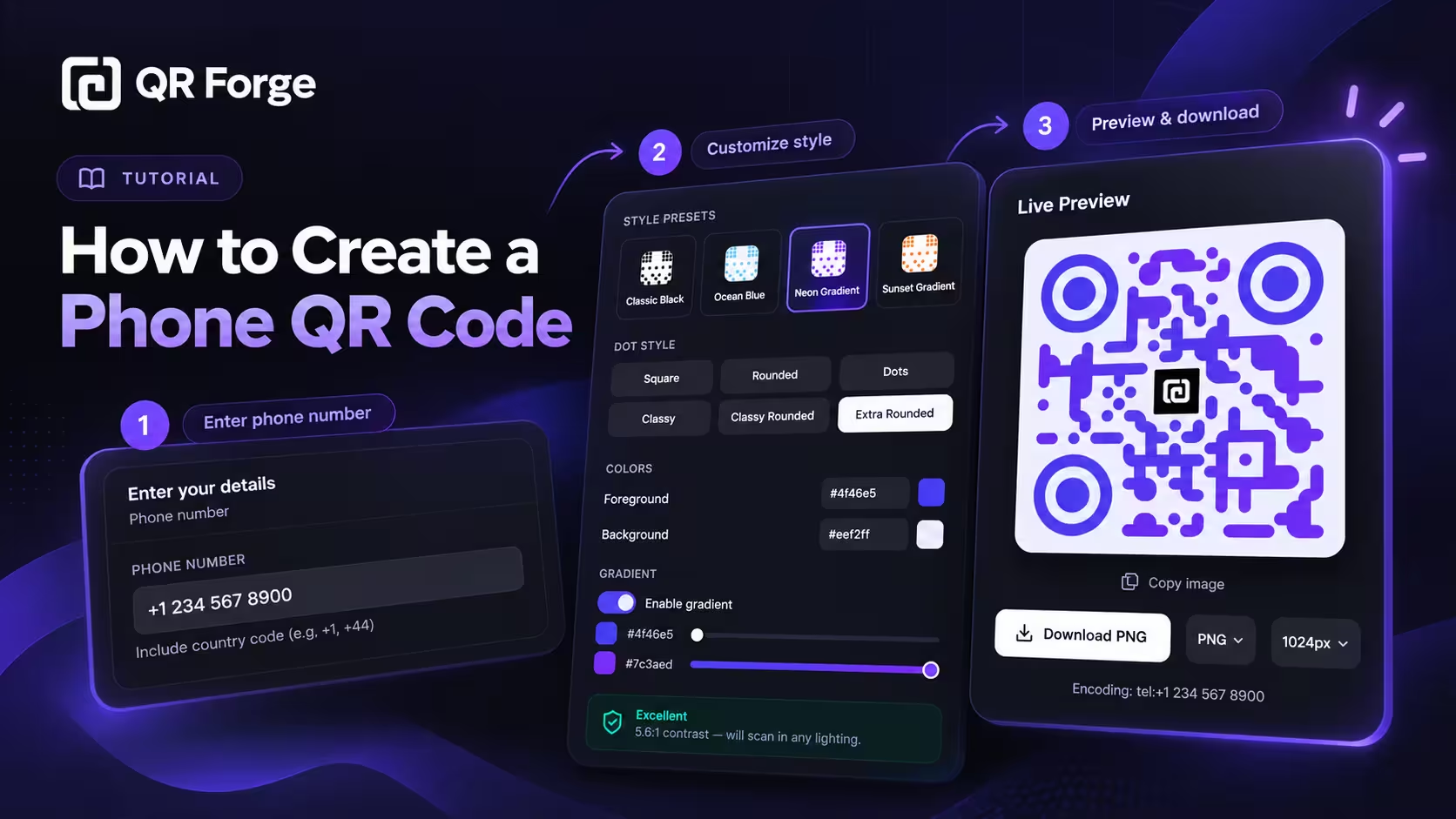
How to Create a Phone QR Code
Learn how to create a phone QR code that prepares a call action, format an international number, customize and export the code, and test it on real devices.
Let people scan your number and review a call action.
A phone QR code contains a tel: action for the number you enter. A compatible scanner may offer to open a dialer for review; behavior depends on the device and app. Test the code and include the number in visible text as a fallback.
Phone number
Include country code (e.g. +1, +44)
Style Presets
Dot Style
Corner Square
Corner Dot
Colors
Gradient
High contrast
21.0:1 contrast detected. Test the finished QR code in its intended lighting and on target devices.
Your QR code will appear here
Fill in the details to generate your QR code.
No account needed · downloads are instant
Enter QR details before copying or downloading.
Practical steps for creating QR codes people can use right away.
Learn how to create a phone QR code that prepares a call action, format an international number, customize and export the code, and test it on real devices.
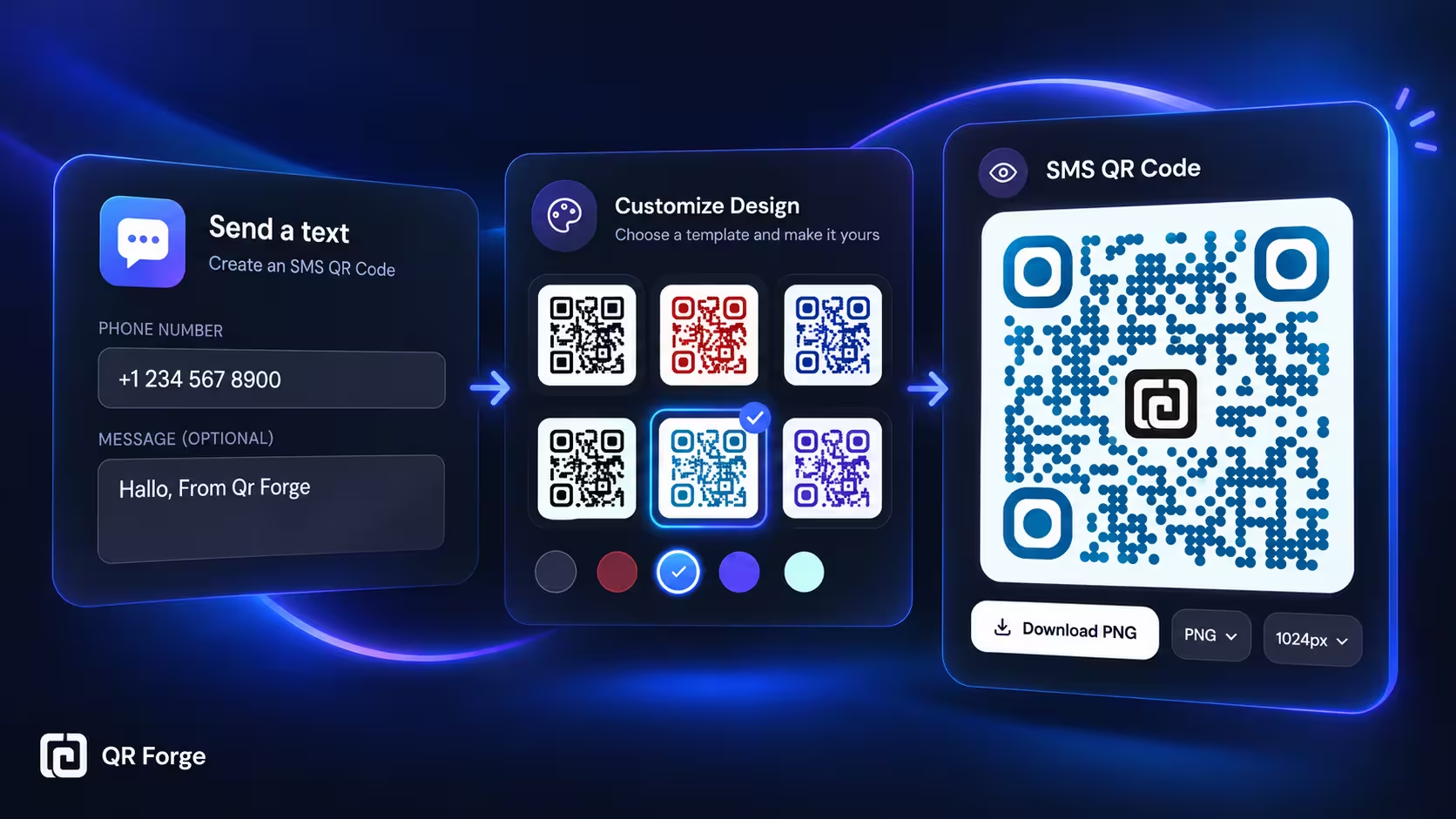
Learn how to create an SMS QR code that opens a text message draft, including phone number formatting, optional message text, customization, testing, and export tips.
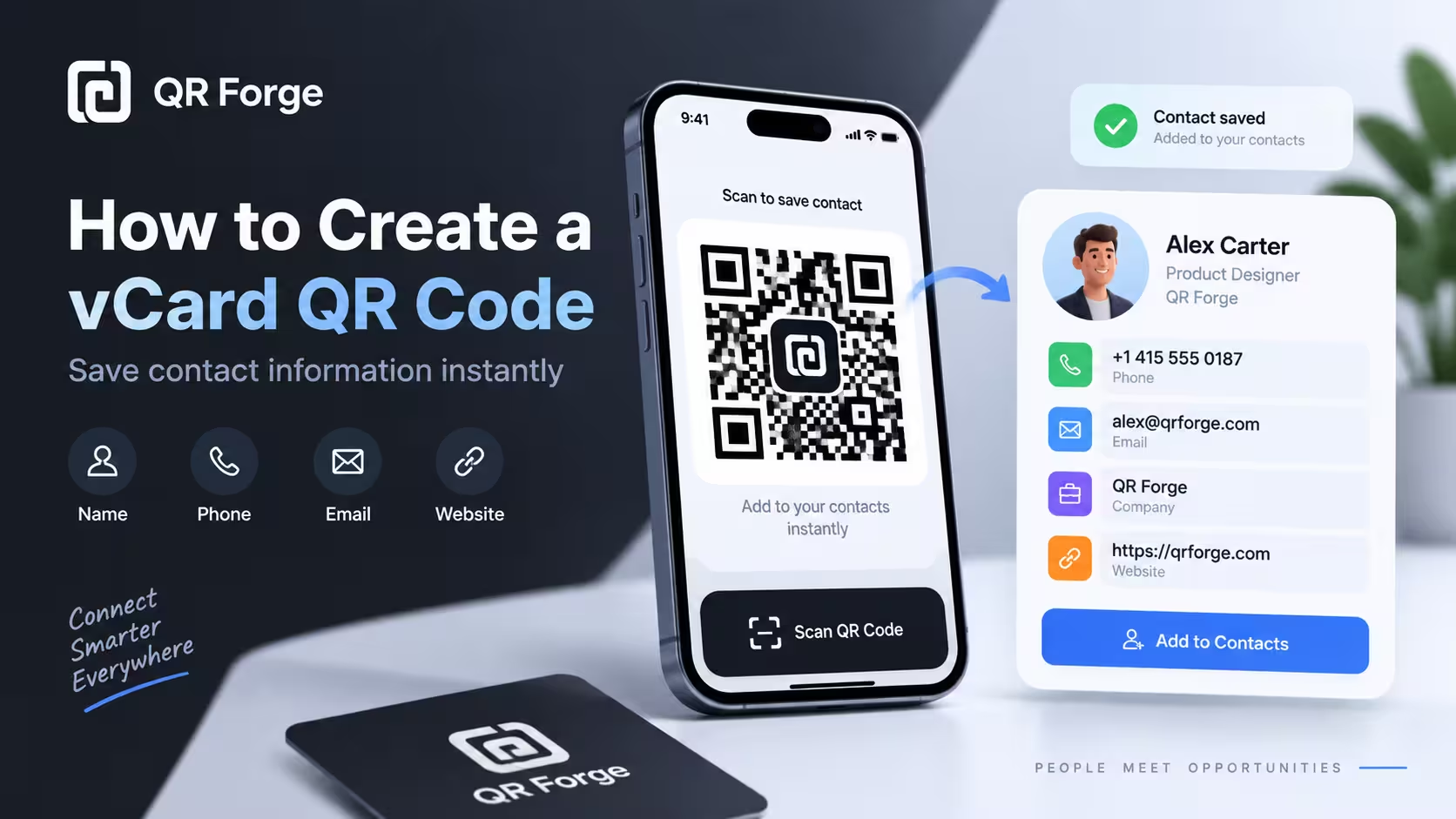
Learn to create a vCard 3.0 QR code with QR Forge's supported contact fields and test whether compatible devices offer a contact-save option.
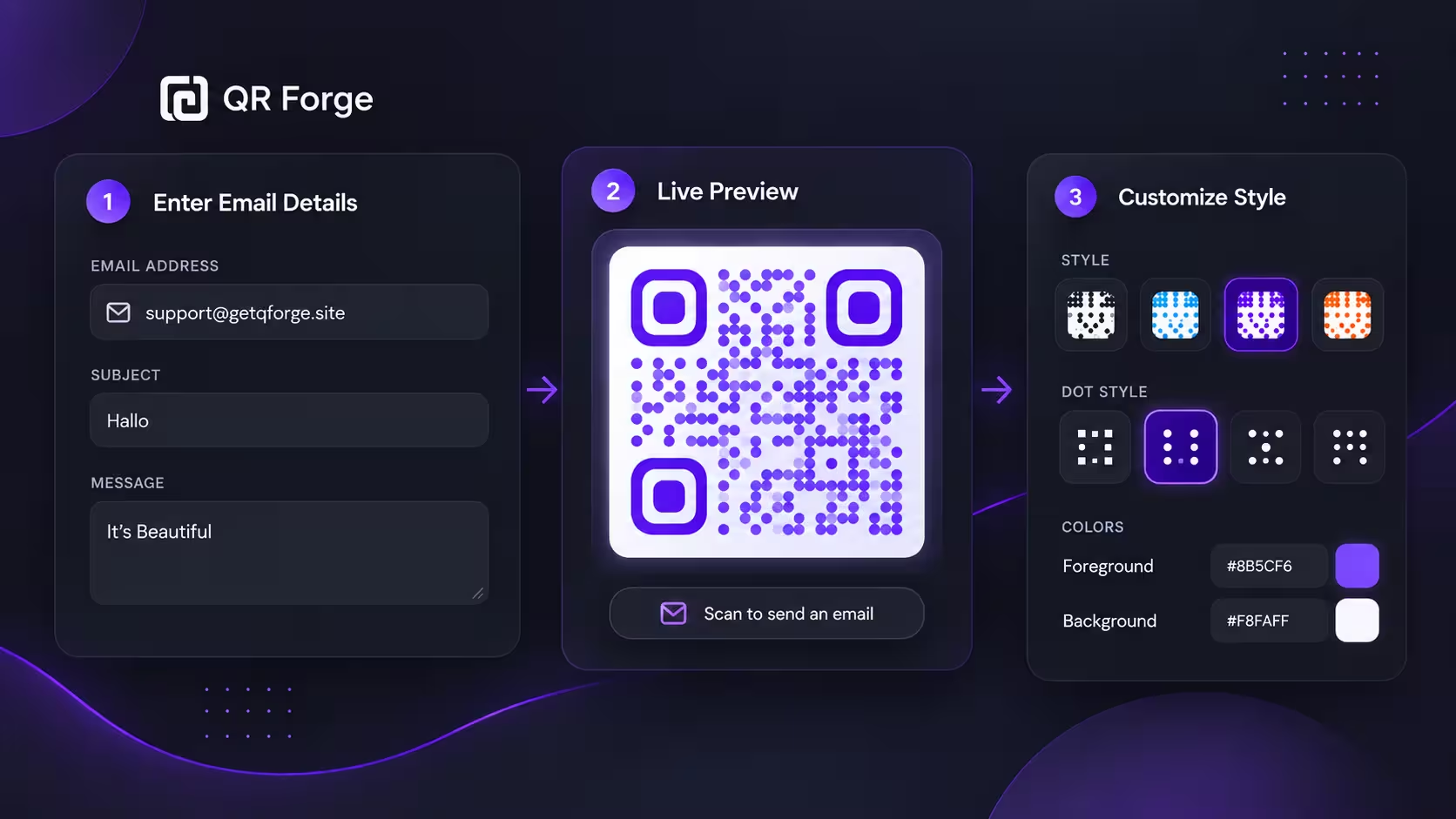
Learn how to create an email QR code that opens a new email draft, plus practical tips for subjects, messages, privacy, testing, and print use.
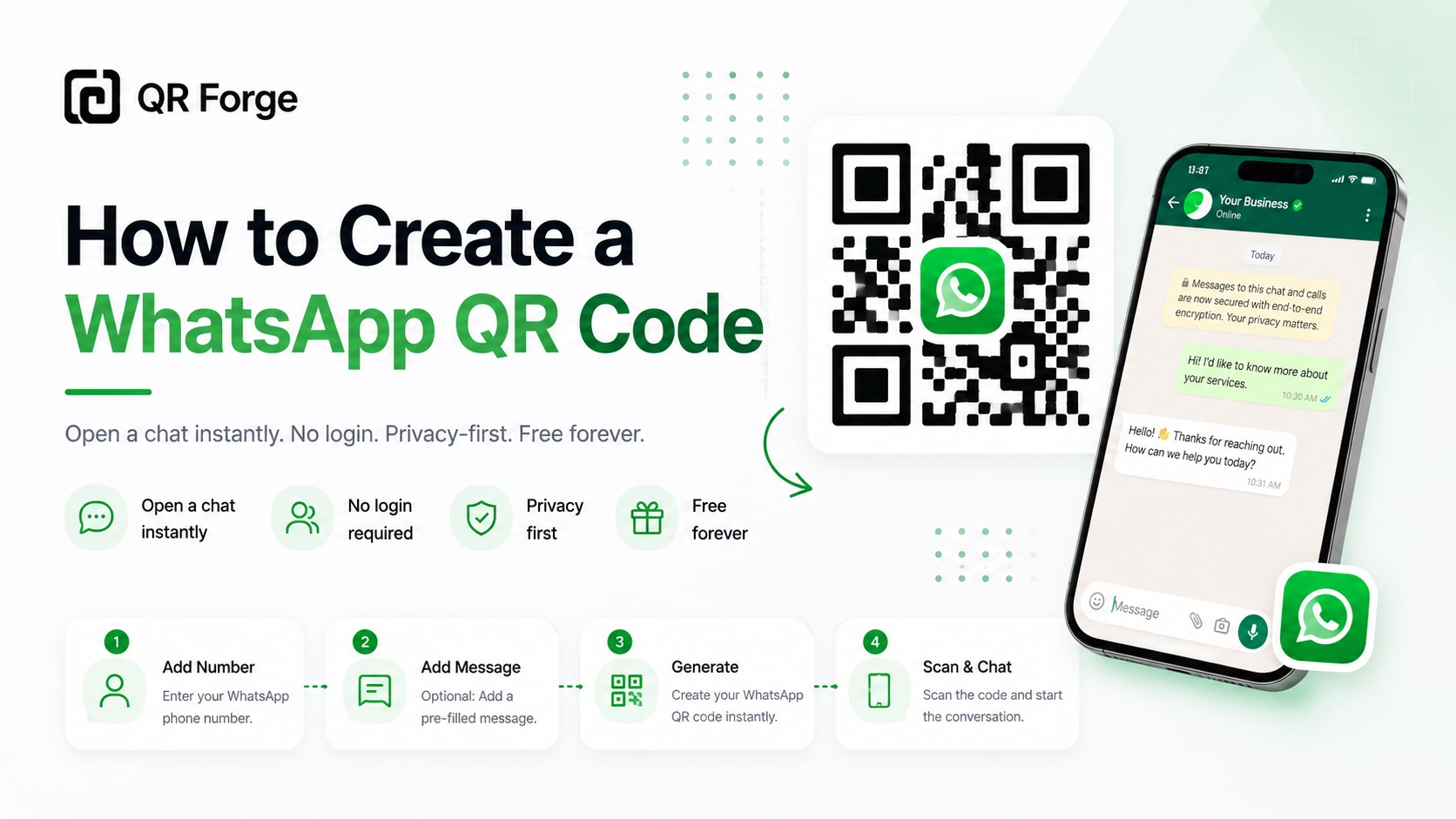
Learn how to create a WhatsApp QR code for a click-to-chat link, with tips for businesses, customer support, posters, packaging, and social media.
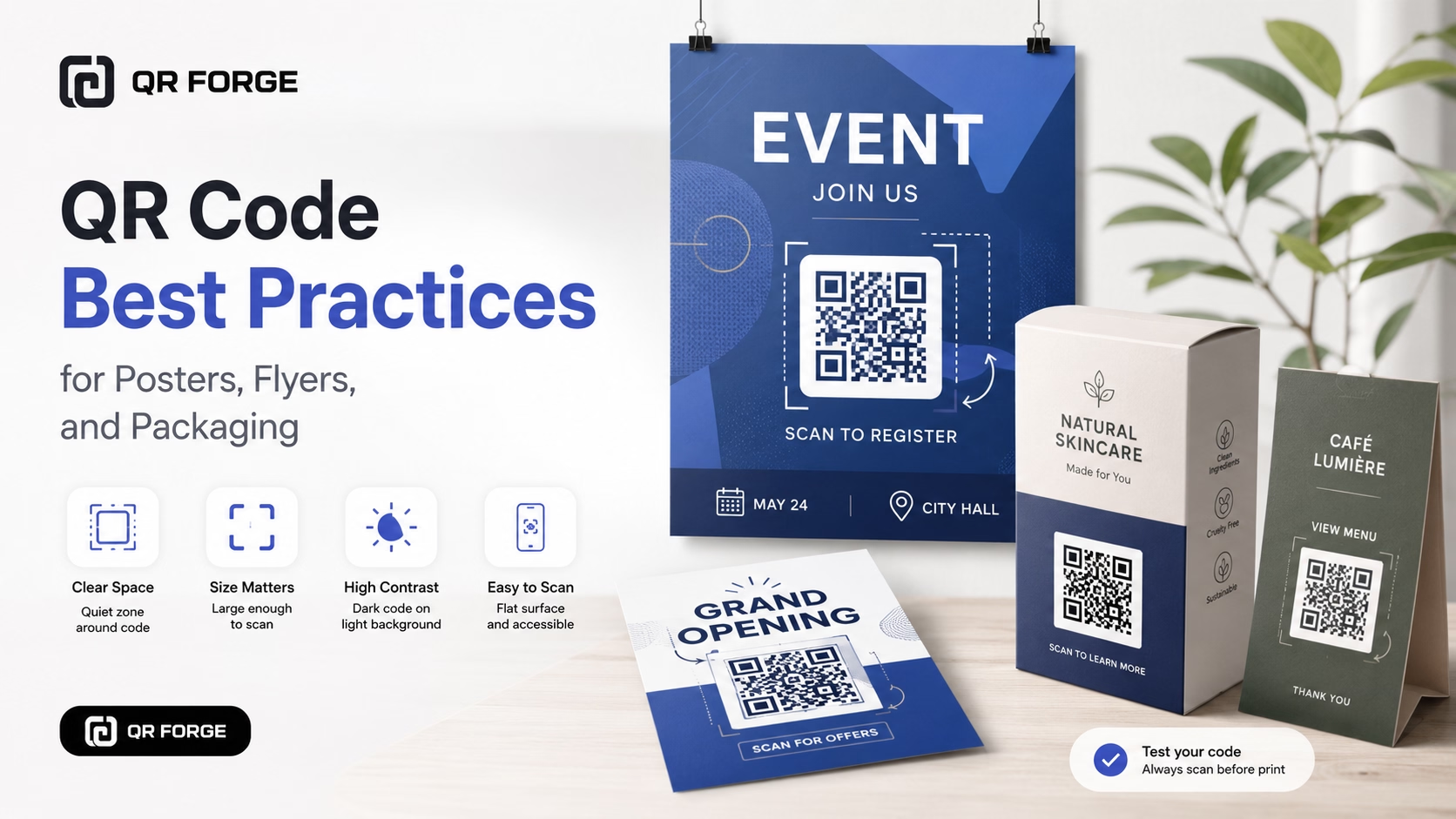
Learn practical QR code best practices for posters, flyers, packaging, menus, and printed marketing materials, including size, contrast, placement, testing, and calls to action.
A phone QR code encodes a tel: URI (e.g., tel:+15551234567). A compatible scanner may offer to open the device's dialer with the number ready to review. Support and confirmation steps vary by device and app.
Enter your phone number
Include the full number with country code (e.g. +1 555 123 4567).
Design your QR code
Customize colors, style, and optionally add your company logo.
Deploy on your materials
Business cards, vehicle wraps, billboards, product labels — wherever customers might need to reach you.
Emergency Contacts
Display a contact number alongside a QR code. Do not rely on a QR scan as the only way to reach emergency help.
Storefront Signage
After-hours customers scan a QR on your door to reach your answering service without searching for your number.
Vehicle Advertising
Truck wraps and car magnets include a call QR so drivers behind you can save or call your number safely at a stop.
Property Management
Maintenance request numbers on tenant notice boards — residents scan rather than copying from small print.
Product Packaging
Customer service numbers as QR codes reduce support friction. No hunting for contacts on a cluttered box.
Medical Offices
Appointment scheduling or nurse lines printed on prescription bags and discharge paperwork.
The QR contains a tel: action; it does not place a call itself. A compatible scanner may offer to open a dialer, and the prompt and confirmation steps depend on the device and app.
Always include the country code (e.g. +1 for US, +44 for UK). Without it, the phone may misinterpret the number depending on the user's locale.
A tel: QR encodes the number; whether it can be called depends on the scanner, device, dialer, and service that handles that number.
The Phone field does not accept extension syntax such as ;ext=42. Enter the main number and place the extension in visible text near the QR.
A phone QR contains a tel: call action; an SMS QR contains a text-message action. Compatible scanners may offer the corresponding app, depending on the device.
For WhatsApp specifically, use our WhatsApp QR generator — it creates a direct chat link rather than a tel: URI, which works better for WhatsApp-only numbers.
Generate a custom call QR code free, with no watermarks.