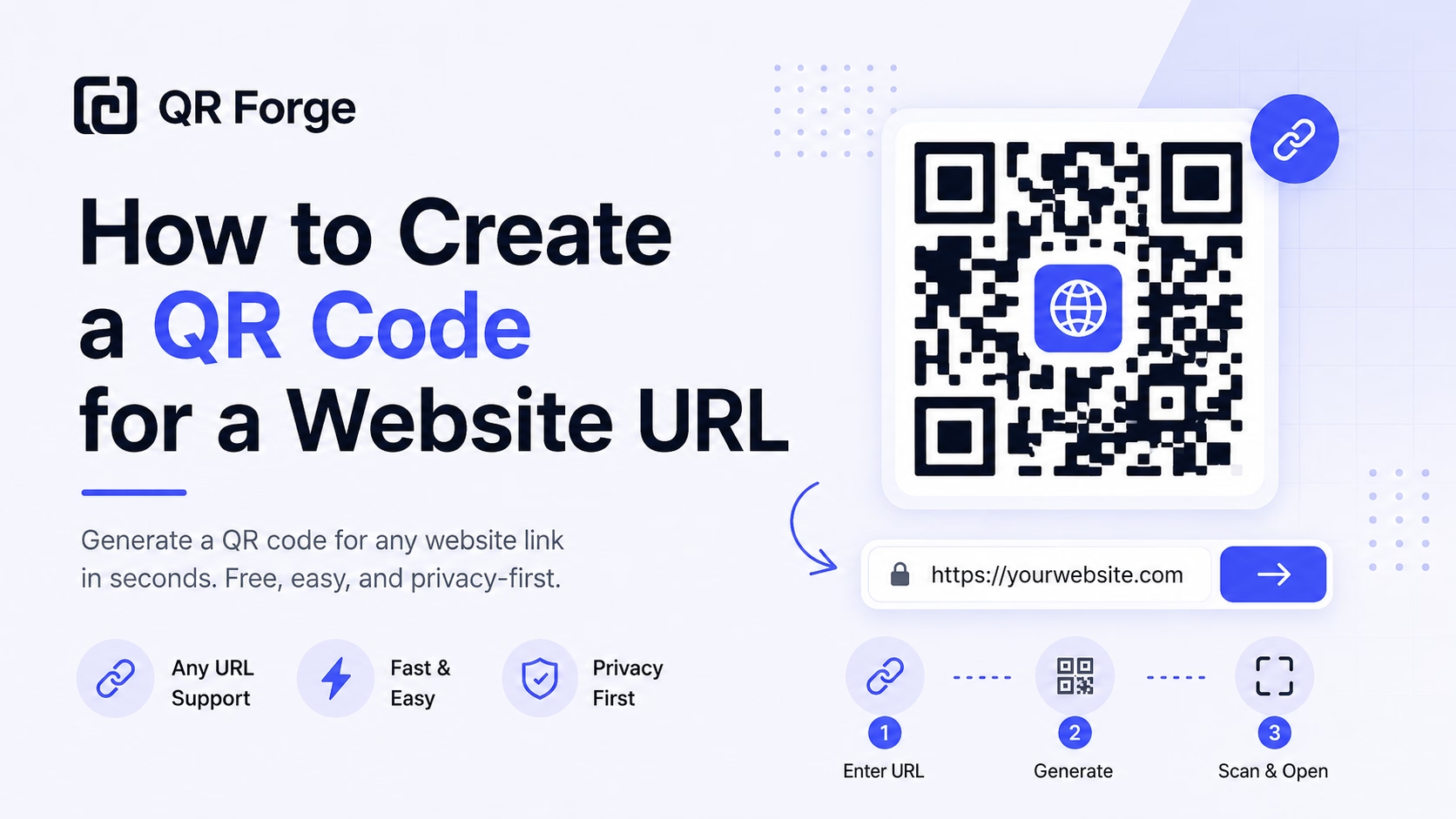
How to Create a QR Code for a Website URL
Learn how to create a QR code for any website URL, test it properly, and use it on posters, business cards, menus, packaging, and digital materials.
Send viewers straight to your channel or video — no searching required.
A YouTube QR code lets you put your video content directly in front of a physical audience. Whether you're linking to a channel home page, a specific video, a playlist, or a subscription prompt, one scan is all it takes to start watching — or to hit Subscribe.
Website link
https:// will be added automatically
Style Presets
Dot Style
Corner Square
Corner Dot
Colors
Gradient
High contrast
21.0:1 contrast detected. Test the finished QR code in its intended lighting and on target devices.
Encoding: https://youtube.com/
Practical steps for creating QR codes people can use right away.
Learn how to create a QR code for any website URL, test it properly, and use it on posters, business cards, menus, packaging, and digital materials.
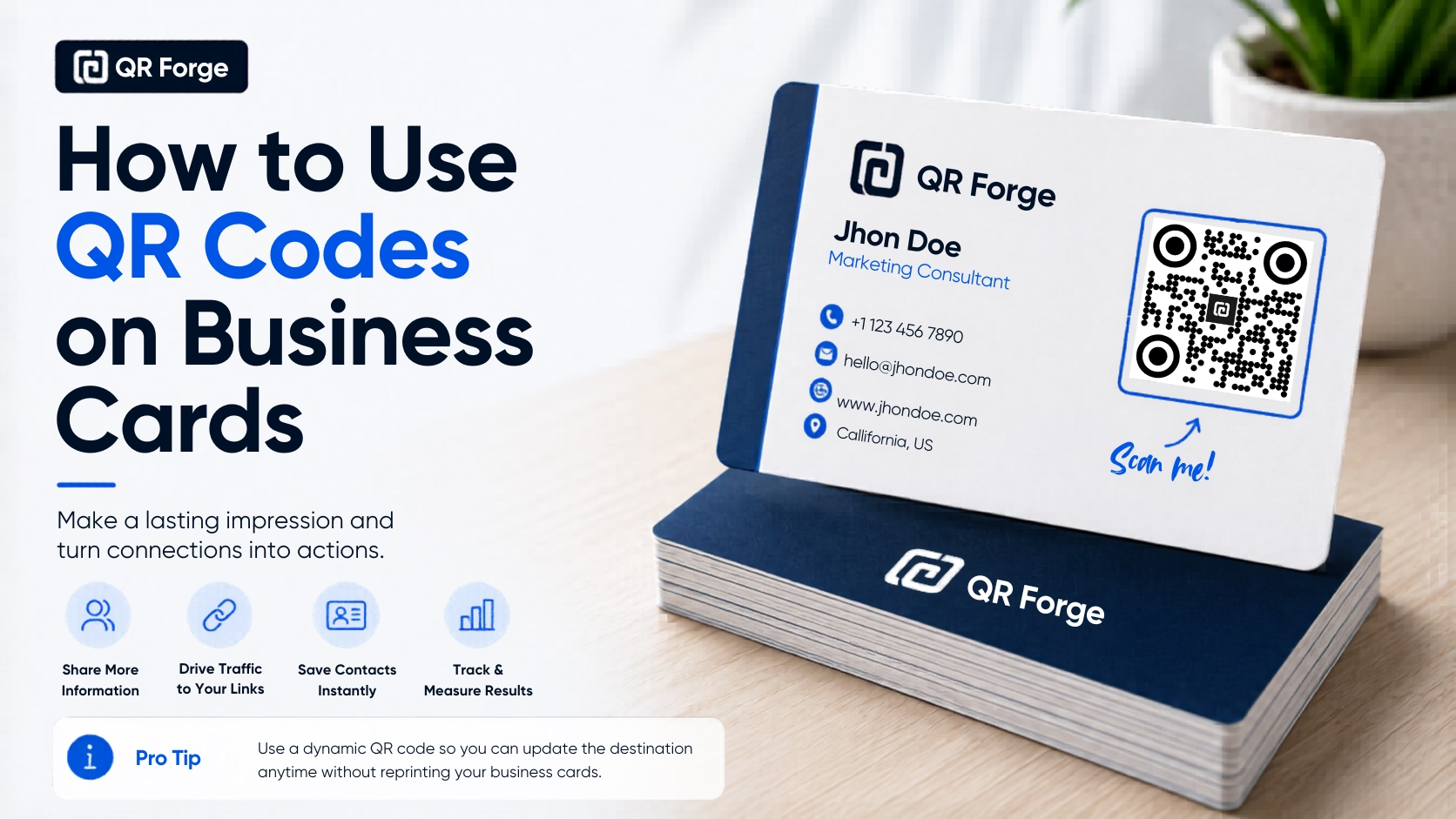
Learn how to use a QR code on a business card for websites, contact details, portfolios, social profiles, and WhatsApp, with practical design and printing tips.
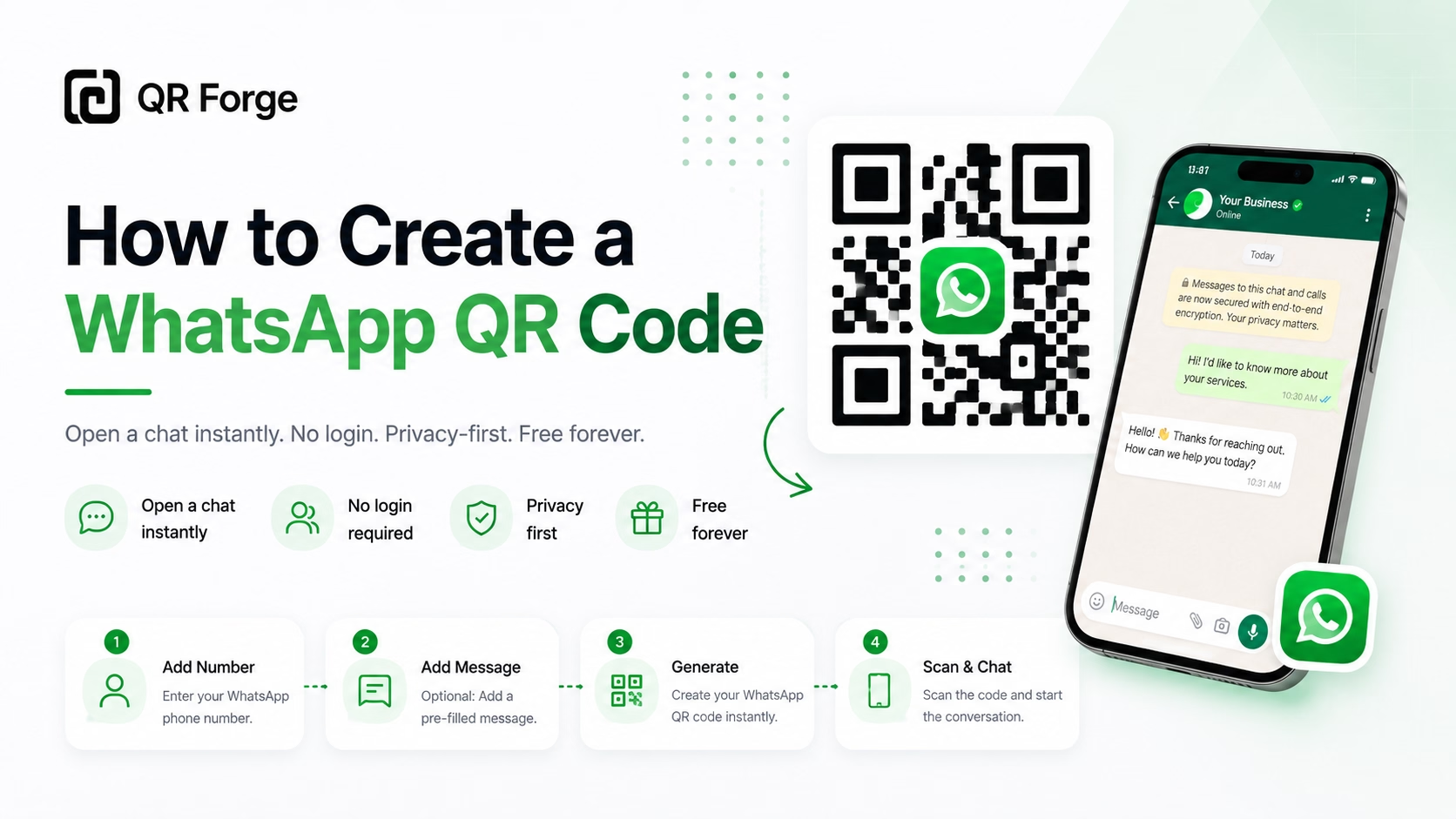
Learn how to create a WhatsApp QR code for a click-to-chat link, with tips for businesses, customer support, posters, packaging, and social media.
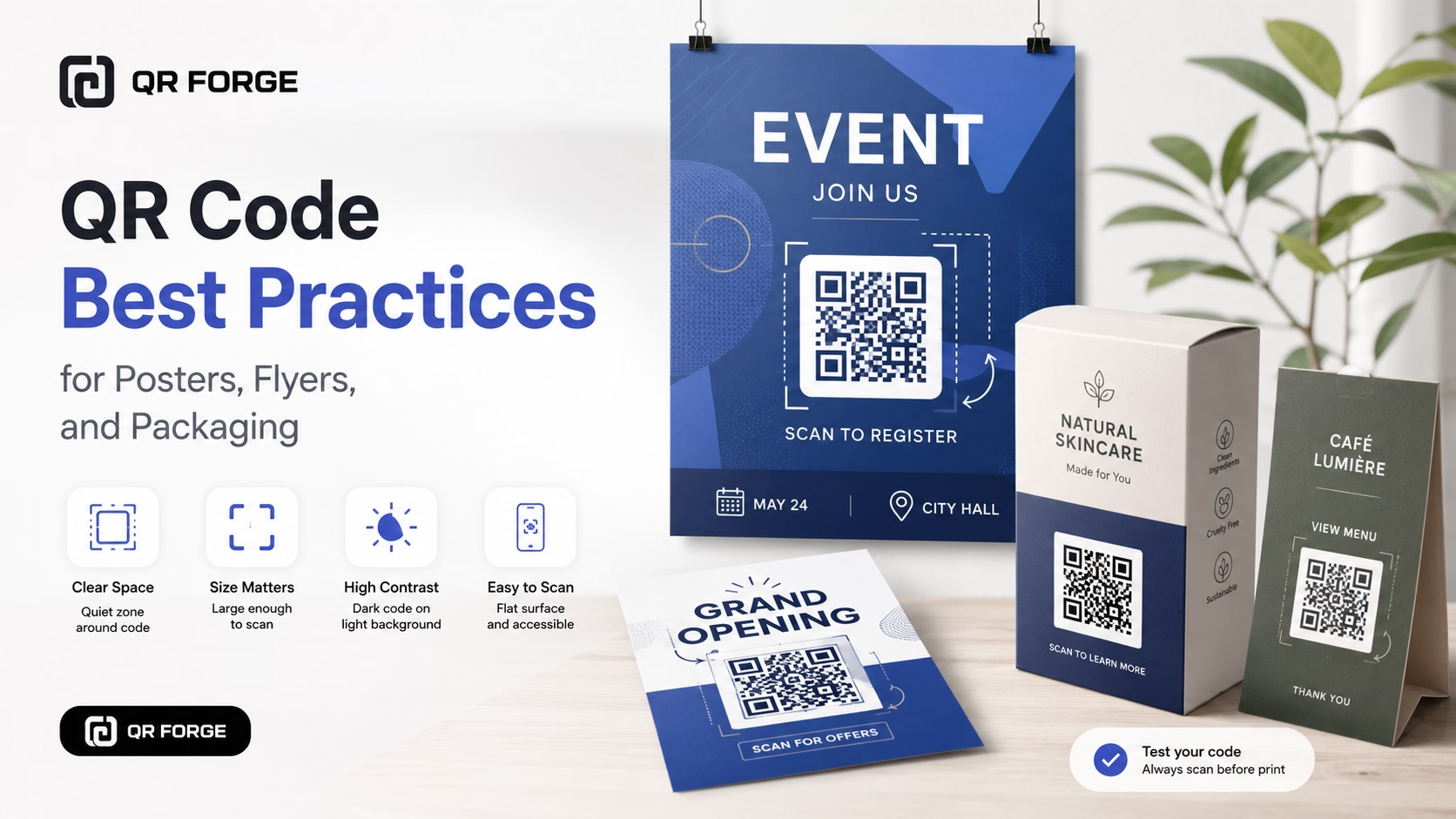
Learn practical QR code best practices for posters, flyers, packaging, menus, and printed marketing materials, including size, contrast, placement, testing, and calls to action.
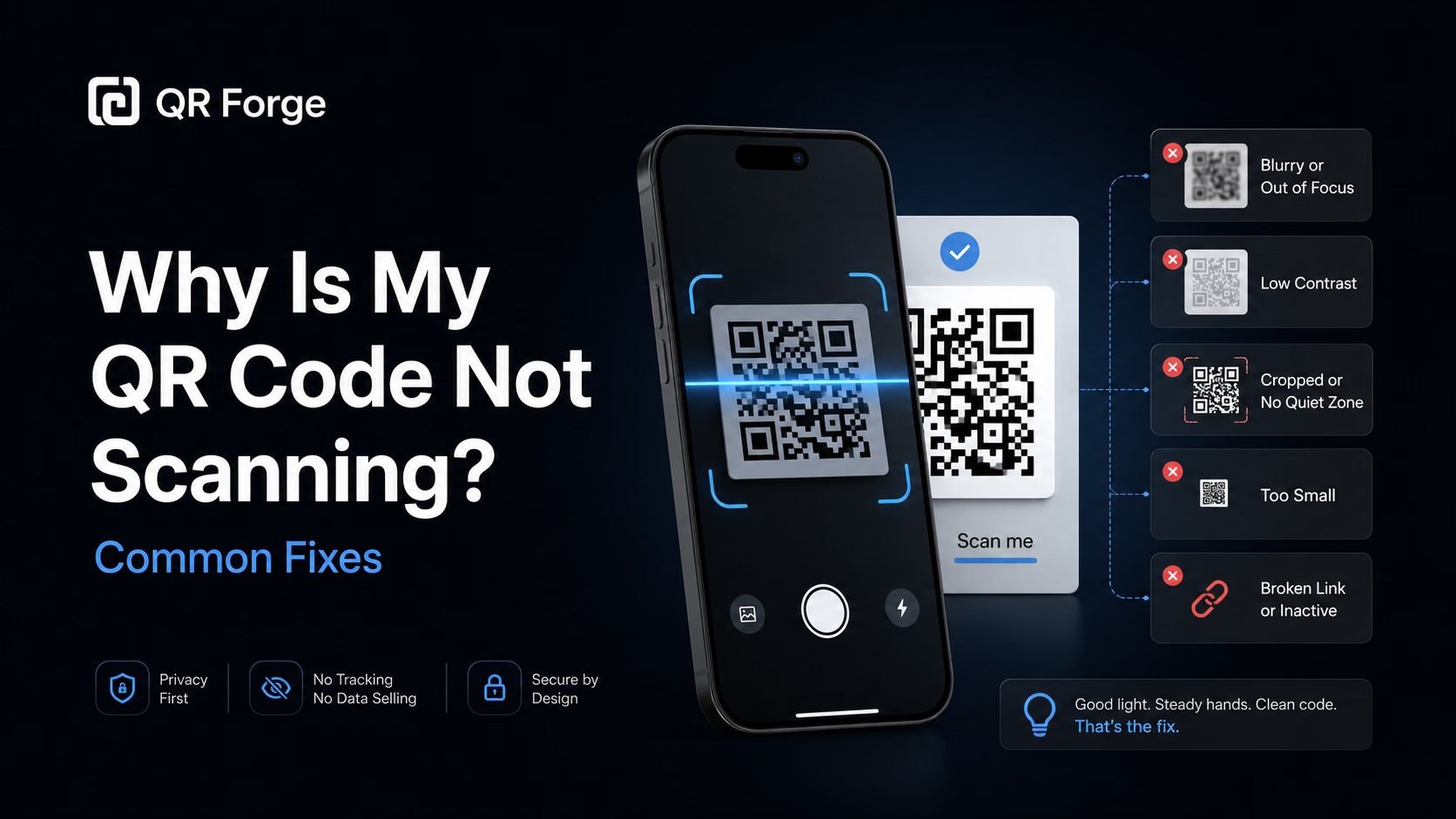
Learn why a QR code may not scan and how to fix common problems with size, contrast, quiet zone, print quality, lighting, distance, and broken links.
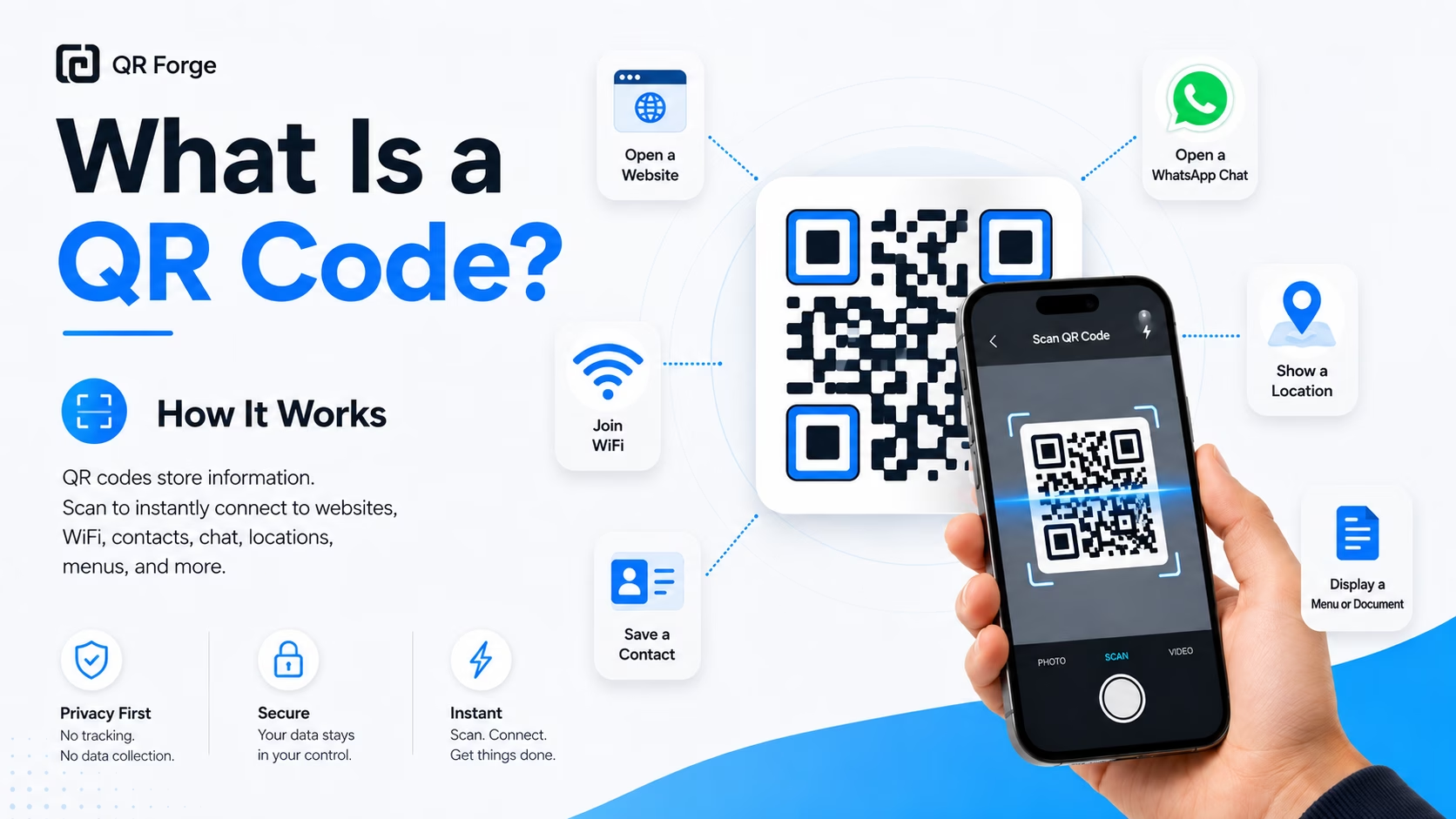
Learn what a QR code is, how it works, what information it can store, and why QR codes are useful for websites, WiFi, contact sharing, menus, and more.
A YouTube QR code encodes a youtube.com URL — your channel, a video watch page, or a playlist. You can also use YouTube's subscribe shortlink (youtube.com/@handle?sub_confirmation=1) to open a pre-prompted subscription dialog. When scanned, the link opens in the browser or directly in the YouTube app on mobile, making it an ideal way to convert print audiences into subscribers.
Paste your YouTube URL
Enter your channel URL, a specific video URL, or a playlist link. For subscriptions, use youtube.com/@handle?sub_confirmation=1.
Design in YouTube's style
Use YouTube's red and white palette or your channel's brand colors. Add your channel logo for instant recognition.
Deploy across physical media
Merchandise, book covers, product boxes, event banners, business cards, classroom materials — anywhere your audience exists offline.
Product Packaging
Link to unboxing videos, setup tutorials, or product demo videos right on the box — dramatically reduces support requests.
Books & Textbooks
Authors and educators link to companion video lessons or author readings — printed pages come alive with video.
Musicians & Performers
Tour merchandise and show programs include a QR to your latest music video or concert highlights reel.
Fitness & Wellness Brands
Gym posters and equipment manuals link to workout video tutorials — clients get expert guidance by scanning the wall.
Educational Institutions
Course materials and student handouts include QR codes linking to lecture recordings, lab demonstrations, or explainer videos.
Corporate Training
Training manuals and onboarding packets link to internal or public YouTube training videos — always the latest version.
Link to a specific video for maximum retention — viewers know exactly what they'll watch. Link to the channel home page when your goal is broad discovery and subscription.
Append ?sub_confirmation=1 to your channel URL (e.g. youtube.com/@yourchannel?sub_confirmation=1). When users arrive, YouTube shows a 'Subscribe?' dialog before they even see your channel.
Yes — copy the playlist URL from the YouTube share button or browser bar. Users will see the full playlist with auto-play enabled.
On most devices with the YouTube app installed, mobile browsers will trigger an app-open prompt. The behavior varies by browser, but most users will end up in the app.
Yes — Shorts have standard youtube.com/shorts/videoID URLs that work exactly like regular video links.
The QR code will still scan but the video won't load — the user sees a 'Video unavailable' error. For long-lasting print materials, link to your channel rather than individual videos.
Generate your YouTube QR code free. Drive views and subscribers from the physical world.