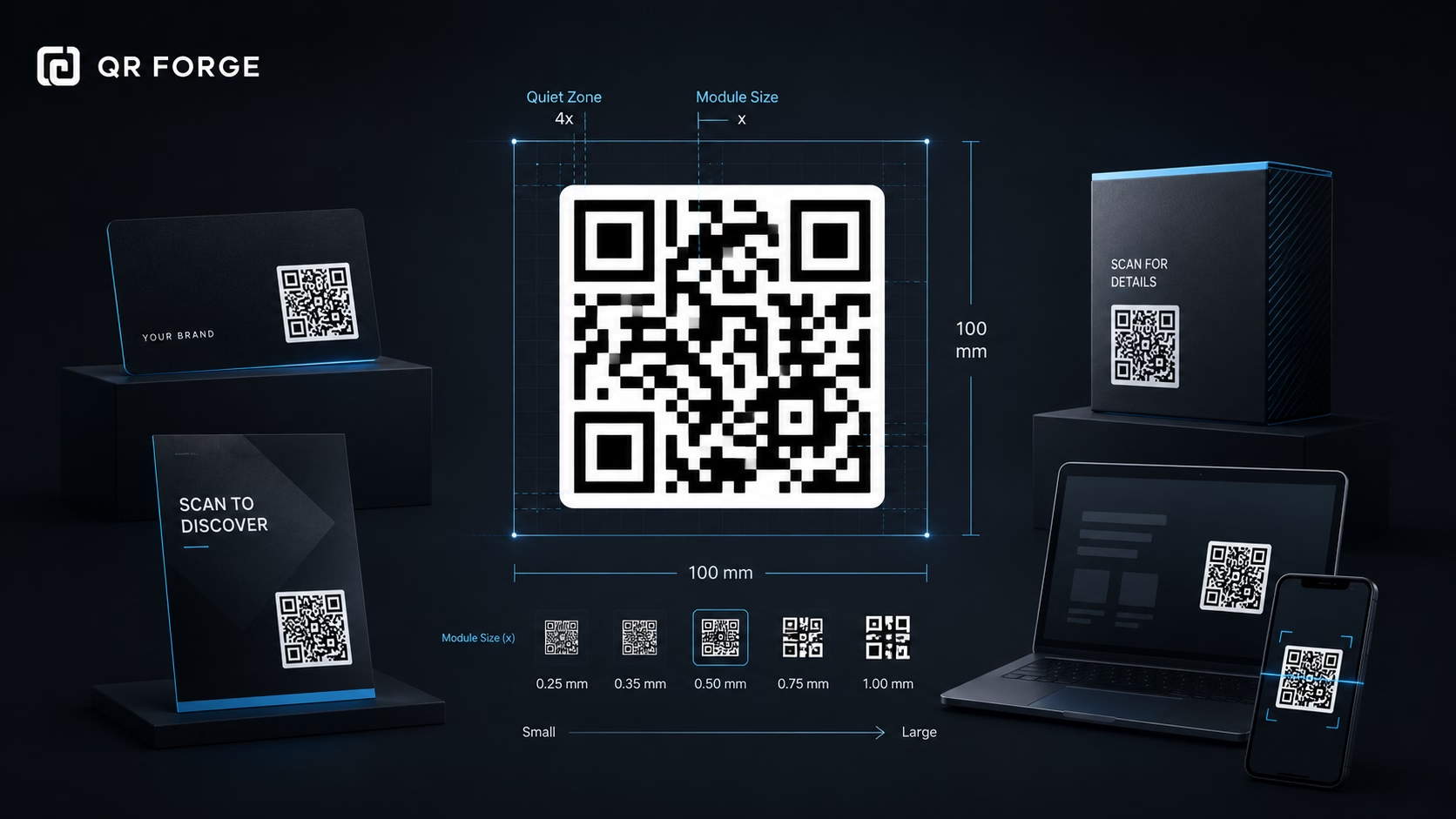
QR Code Size Guide for Print and Digital Use
Learn the recommended QR code sizes for business cards, flyers, posters, packaging, menus, and screens so your QR codes stay easy to scan.
Replace printed documents with a scannable link to the live version.
A PDF QR code contains a URL to a PDF hosted elsewhere, such as your website or a file-sharing service. QR Forge does not upload or host the PDF. Make the link accessible to your intended audience and test it; opening or downloading depends on the host, scanner, and device.
Website link
https:// will be added automatically
Style Presets
Dot Style
Corner Square
Corner Dot
Colors
Gradient
High contrast
21.0:1 contrast detected. Test the finished QR code in its intended lighting and on target devices.
Check the details you entered
Correct the highlighted details to preview and download your QR code.
Common issues: empty URL, malformed email, coordinates out of range
Complete or correct the QR details before copying or downloading.
Practical steps for creating QR codes people can use right away.
Learn the recommended QR code sizes for business cards, flyers, posters, packaging, menus, and screens so your QR codes stay easy to scan.
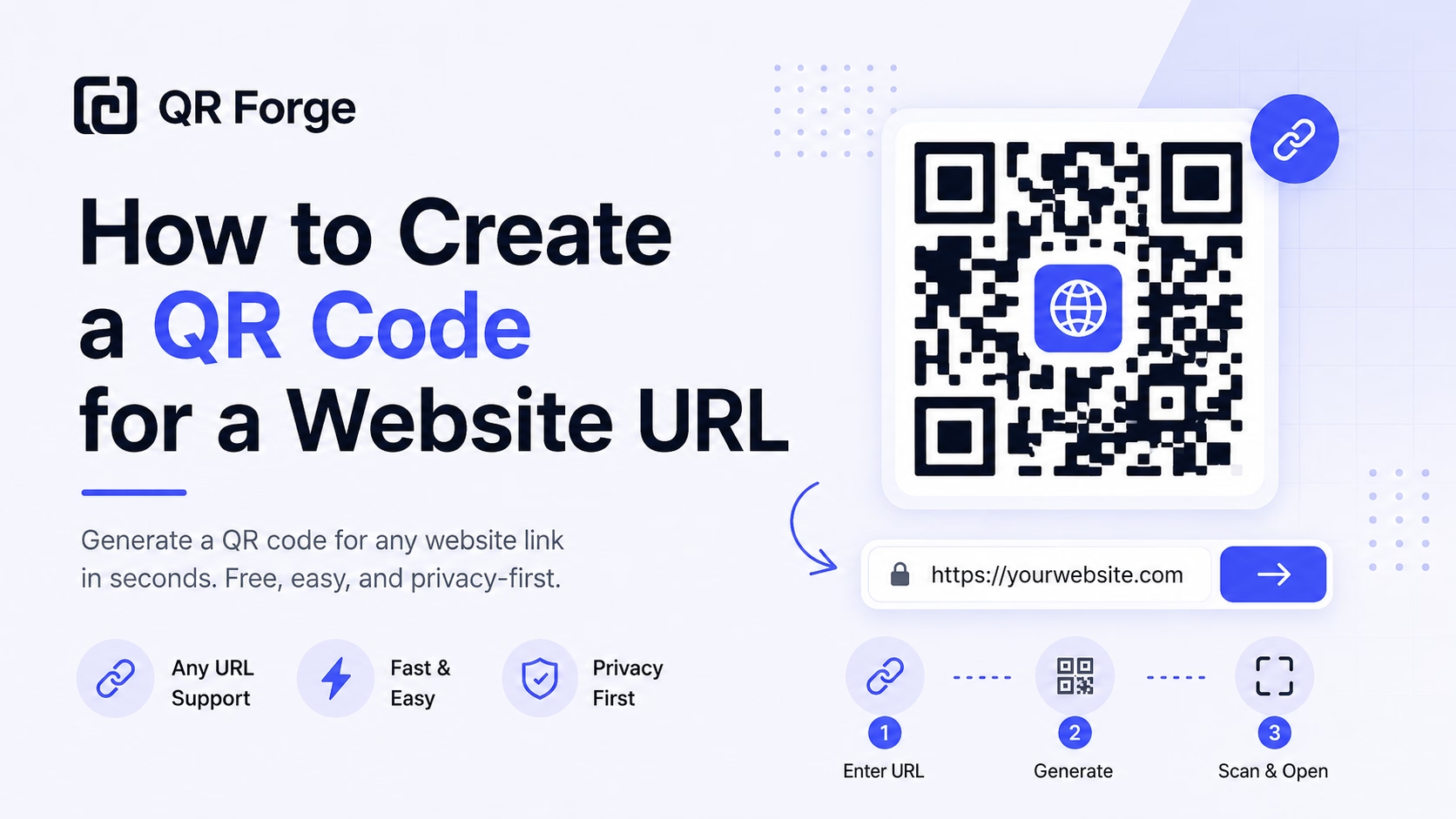
Learn how to create a QR code for any website URL, test it properly, and use it on posters, business cards, menus, packaging, and digital materials.
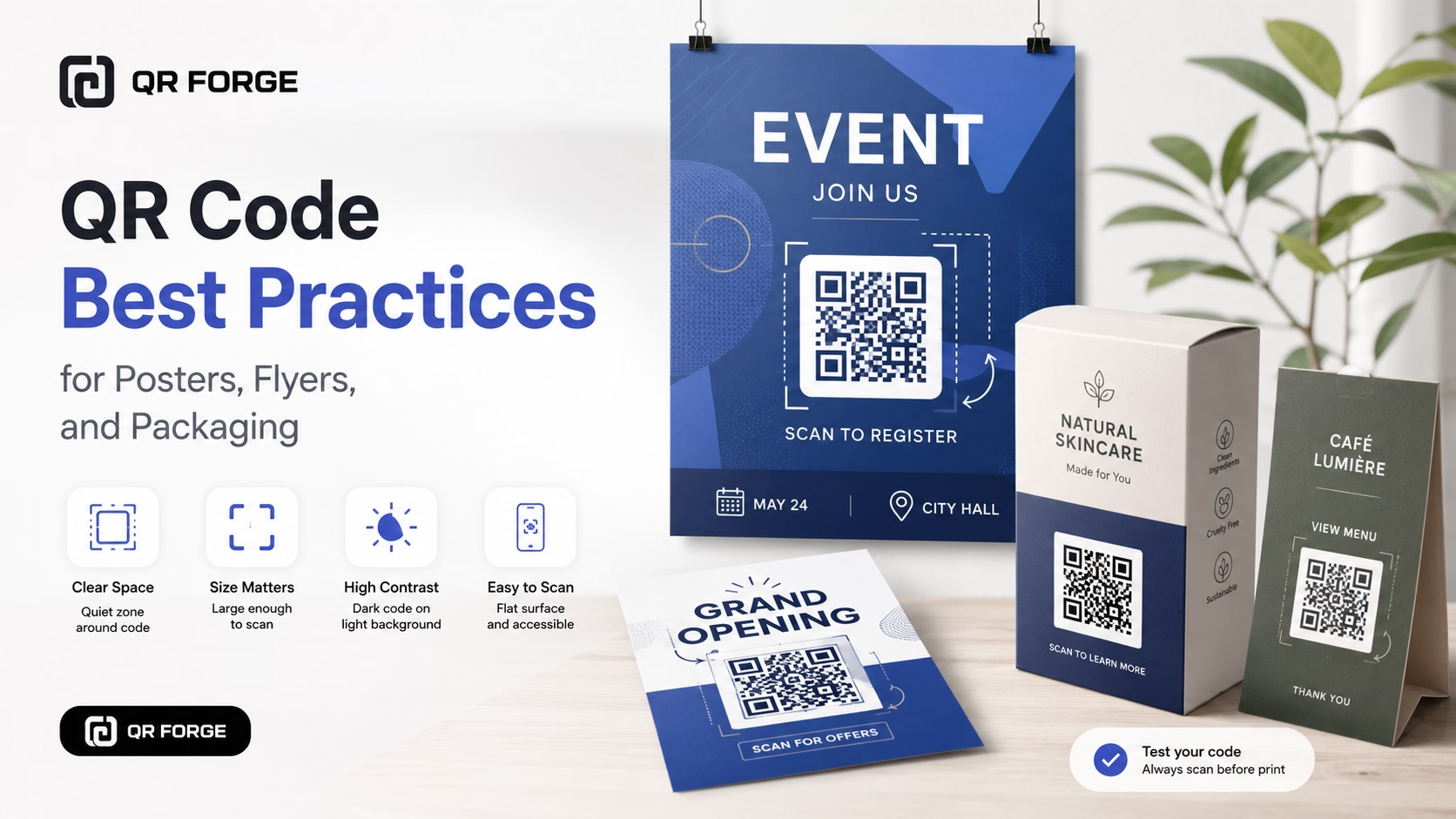
Learn practical QR code best practices for posters, flyers, packaging, menus, and printed marketing materials, including size, contrast, placement, testing, and calls to action.
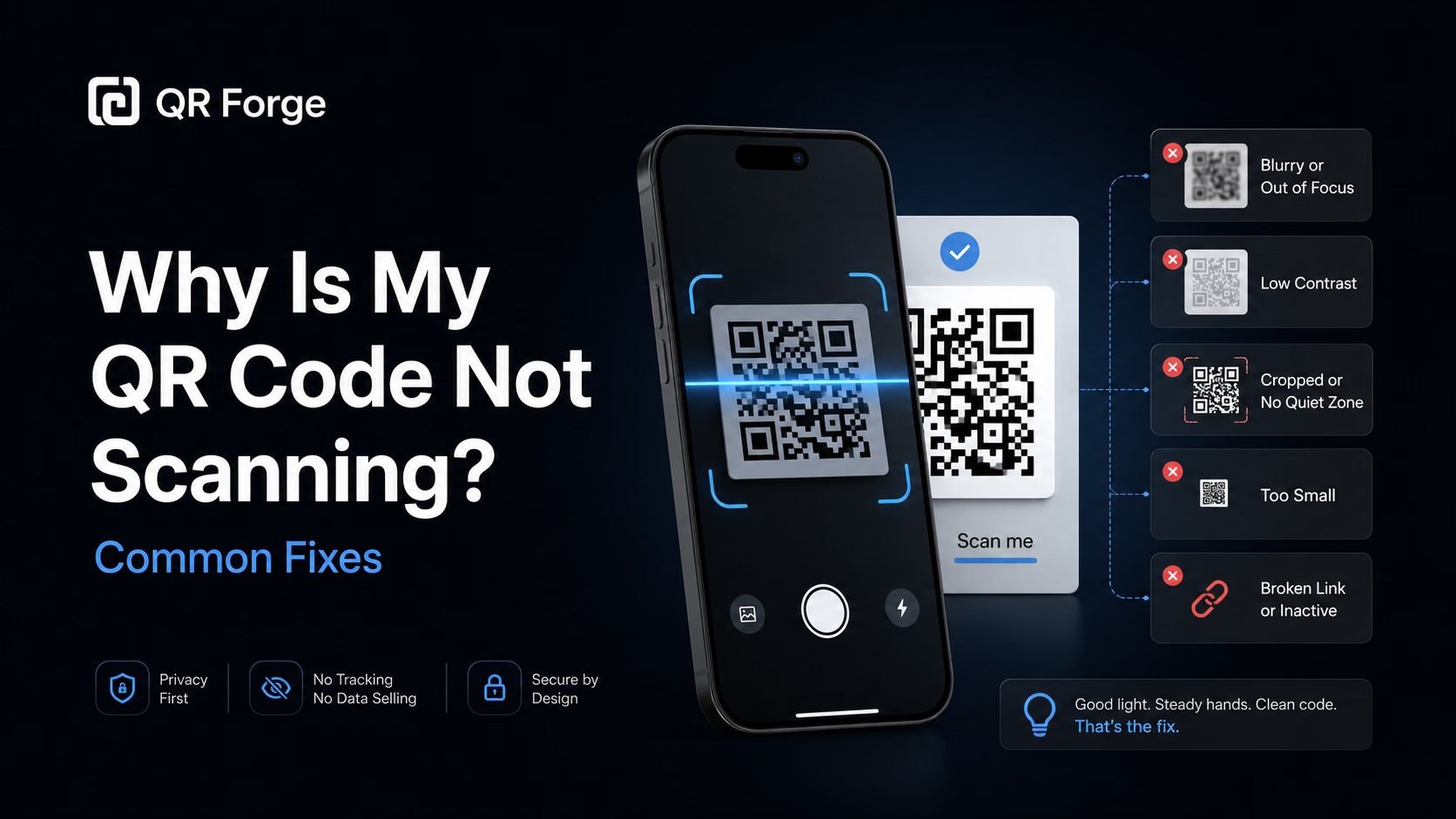
Learn why a QR code may not scan and how to fix common problems with size, contrast, quiet zone, print quality, lighting, distance, and broken links.
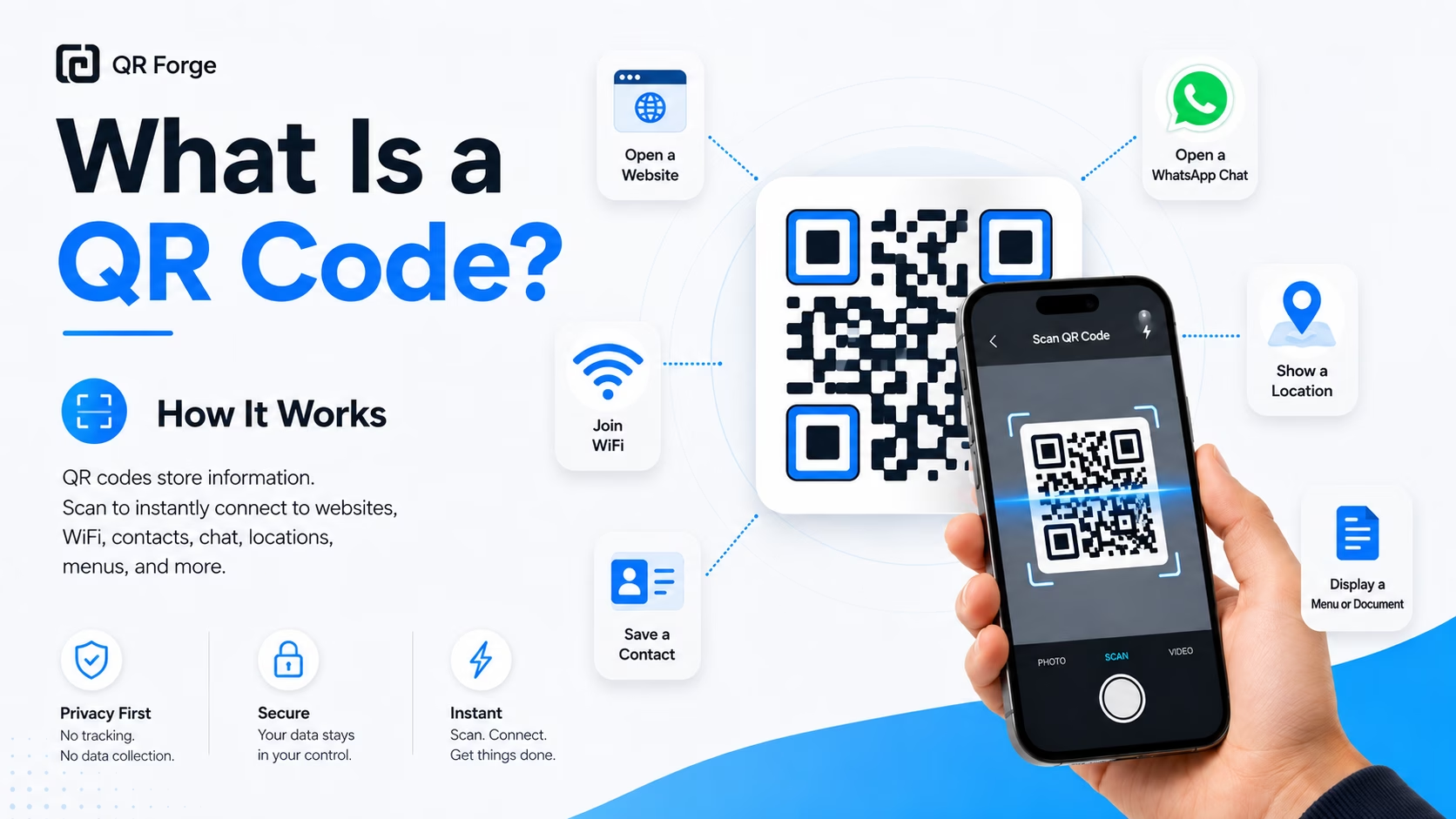
Learn what a QR code is, how it works, what information it can store, and why QR codes are useful for websites, WiFi, contact sharing, menus, and more.
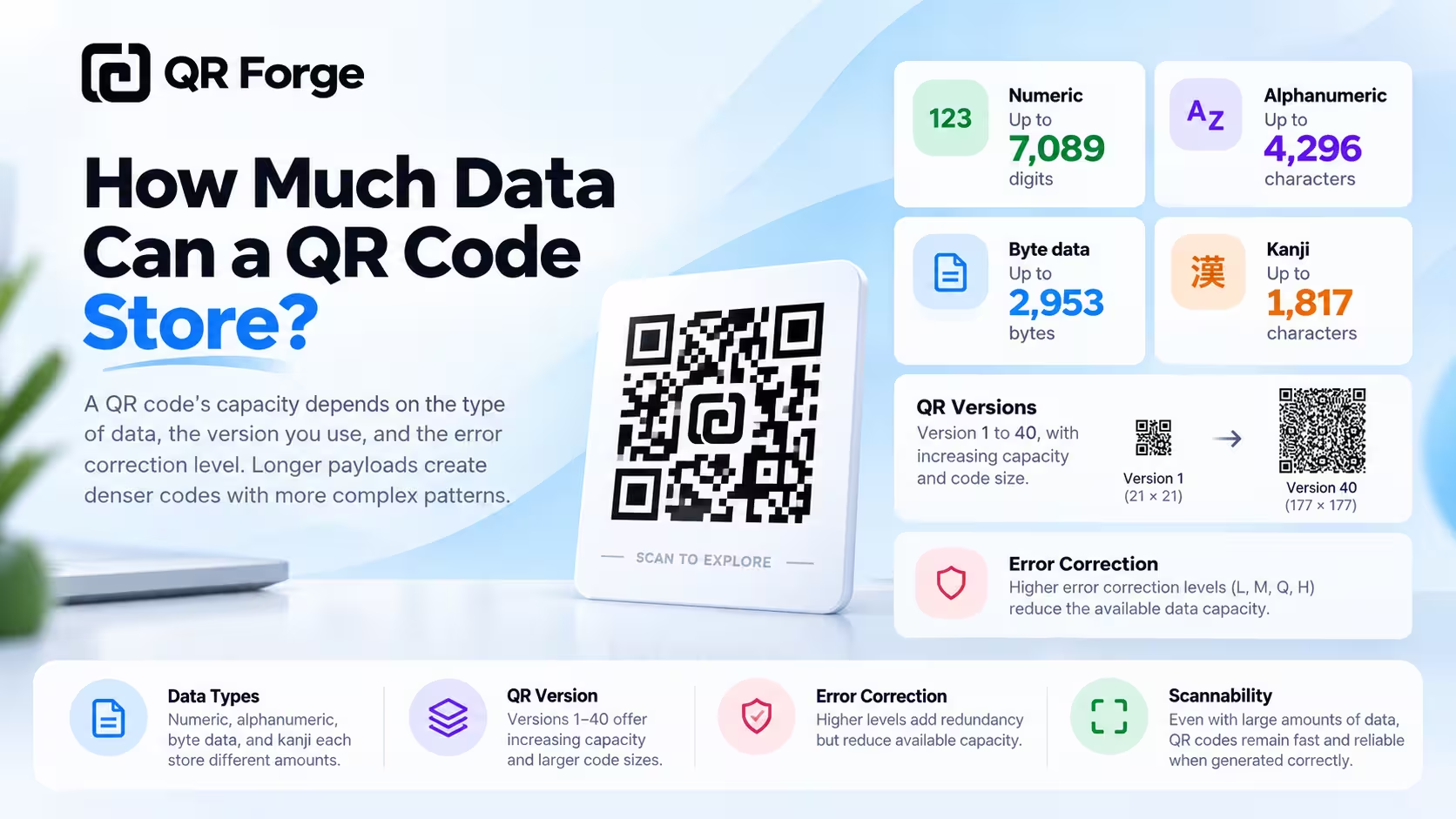
Learn how much data a QR code can store, what affects QR code capacity, and how numbers, text, URLs, version, and error correction change the data limit.
A PDF QR code is a URL QR code that links to a hosted PDF or its share page. If you update the file while keeping the same accessible URL, existing QR codes can continue to point to it. Confirm that your host preserves the link and test the updated file.
Host your PDF online
Host the PDF on your website or a file-sharing service and set permissions for your intended audience. QR Forge does not upload or host files.
Paste the PDF URL
Enter the hosted file or share URL. Check it on a device without your account to confirm the intended audience can access it.
Design, download, and deploy
Customize the QR, export as SVG or PNG, and add to menus, brochures, packaging inserts, or any printed material.
Restaurant Menus
Table QR codes link to a PDF menu — update prices or seasonal dishes without reprinting a single card.
Product Manuals & Datasheets
Packaging and equipment labels link to the latest PDF manual — always accurate, no outdated paper inserts.
Sales Catalogs & Brochures
Trade show business cards link to your full product catalog PDF — no heavy print runs, always current.
Government & Legal Documents
Public notices and permit applications can link to hosted regulatory documents. Check accessibility and permissions for your audience.
Course Syllabi & Reading Lists
Classroom posters and handouts link to PDF syllabi — students always have the latest version without email chains.
Medical Forms & Intake Documents
Waiting room QR codes link to PDF intake forms patients can read or print at home before their appointment.
Use Google Drive's sharing controls to copy a link and choose access for your intended audience. The link may open a preview rather than a direct download; test it without your own signed-in account.
It depends on the scanner, browser, file host, and sharing permissions. Test the link and QR code on the devices your audience uses.
The QR keeps the same URL. If your host lets you update the file while preserving that URL and its permissions, the link can show the new version. Check the host's behavior and test it after updating.
QR Forge encodes the URL, not the PDF file. Your host controls file-size limits; the URL itself must fit in the QR code. Larger files may take longer to load on mobile.
Your file host or PDF may require a password or sign-in. QR Forge only encodes the URL and does not manage access; test the experience with your intended audience.
Functionally identical — a PDF QR is simply a URL QR whose destination happens to be a PDF file. We list it separately so you can quickly find it by use case.
Generate a QR code for a hosted PDF URL. Keep the link accessible and test it after updates.