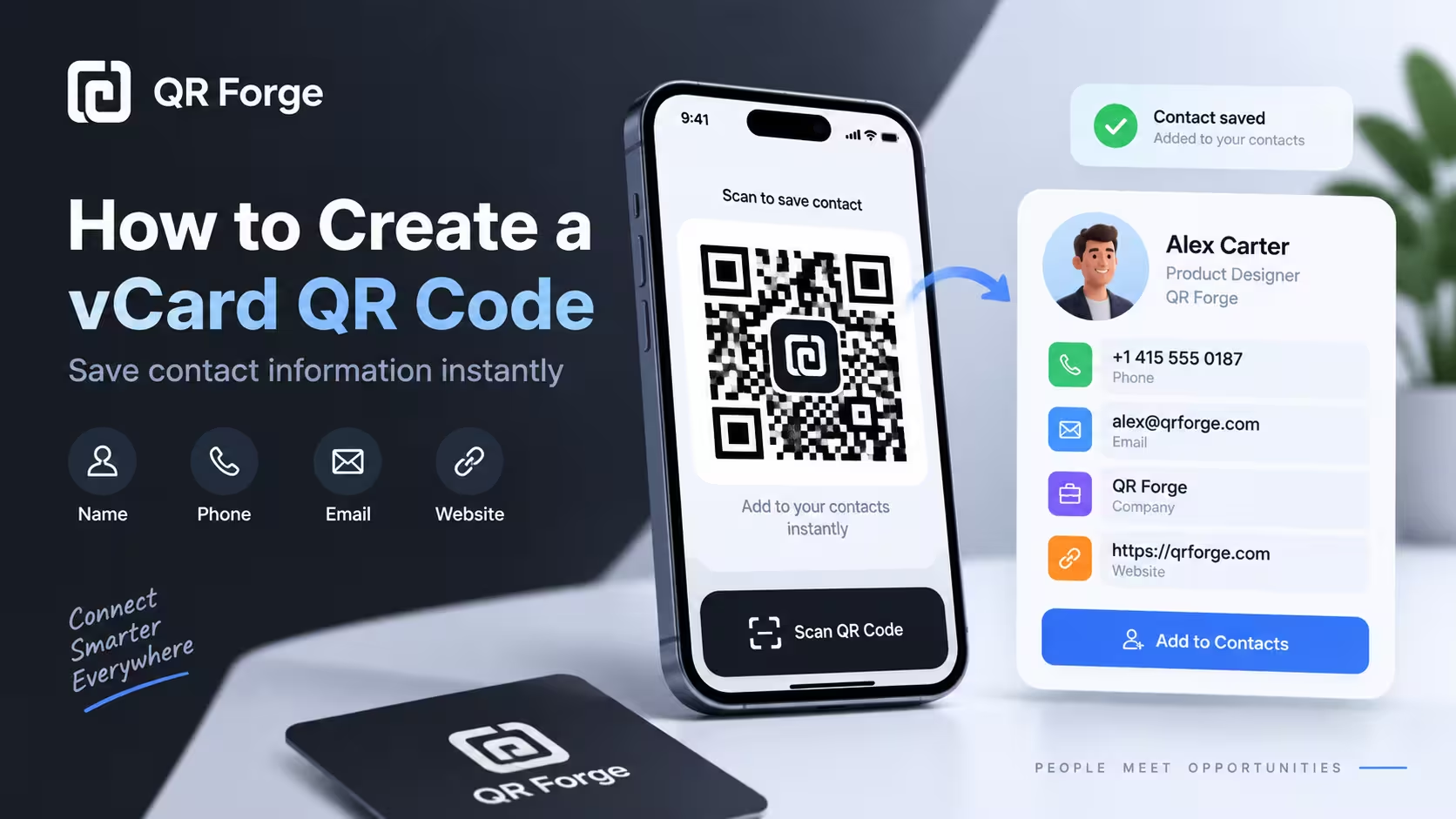
How to Create a vCard QR Code for Contact Information
Learn to create a vCard 3.0 QR code with QR Forge's supported contact fields and test whether compatible devices offer a contact-save option.
Share selected contact details in one scannable code.
Create a vCard QR code with the fields supported by this form: name, organization, phone, email, website, and address. A compatible scanner may offer to save the details; what happens after scanning depends on the device and app.
vCard / Contact
Add at least one name, organization, phone, email, website, or address.
Style Presets
Dot Style
Corner Square
Corner Dot
Colors
Gradient
High contrast
21.0:1 contrast detected. Test the finished QR code in its intended lighting and on target devices.
Your QR code will appear here
Fill in the details to generate your QR code.
No account needed · downloads are instant
Enter QR details before copying or downloading.
Practical steps for creating QR codes people can use right away.
Learn to create a vCard 3.0 QR code with QR Forge's supported contact fields and test whether compatible devices offer a contact-save option.
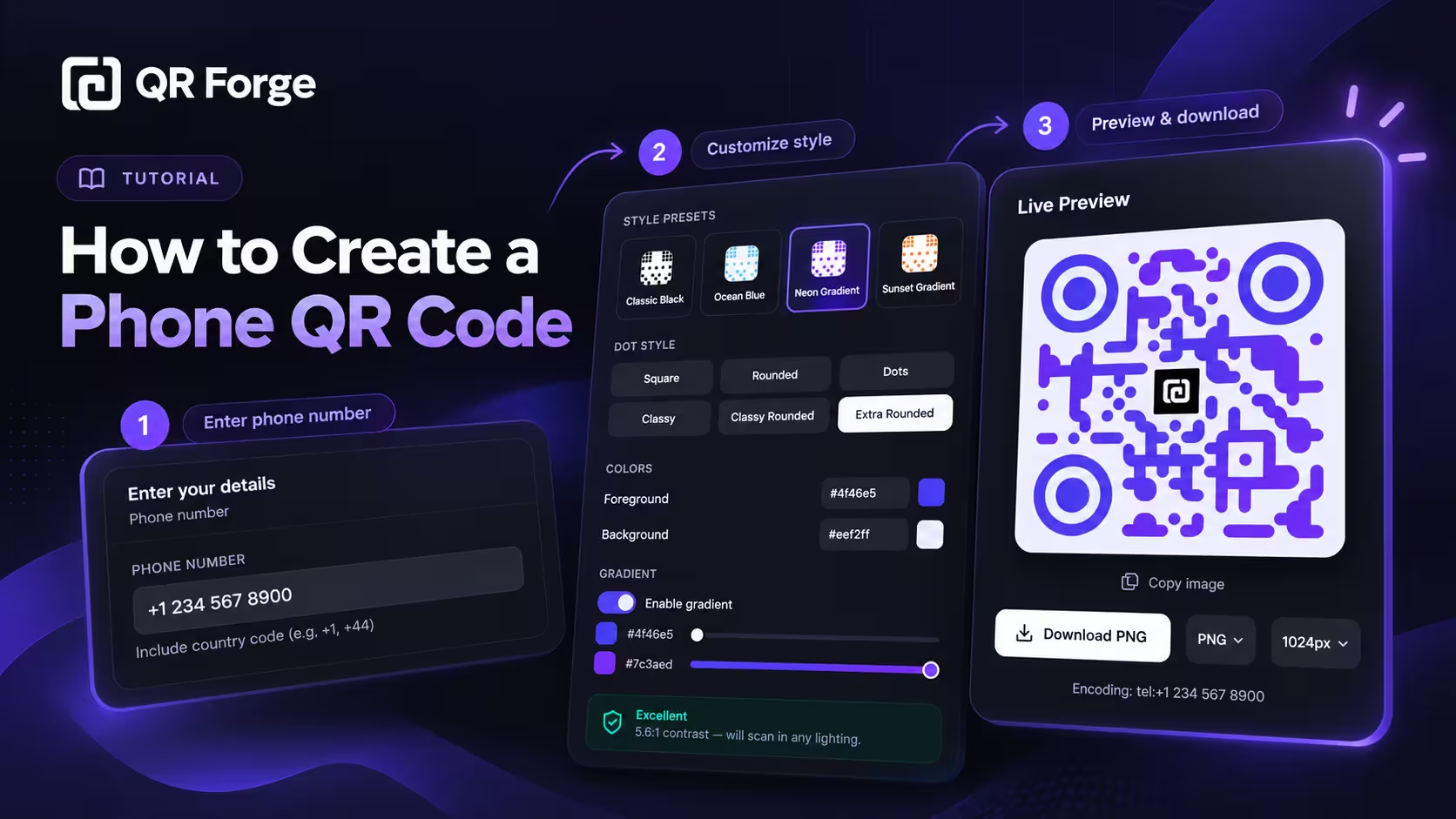
Learn how to create a phone QR code that prepares a call action, format an international number, customize and export the code, and test it on real devices.
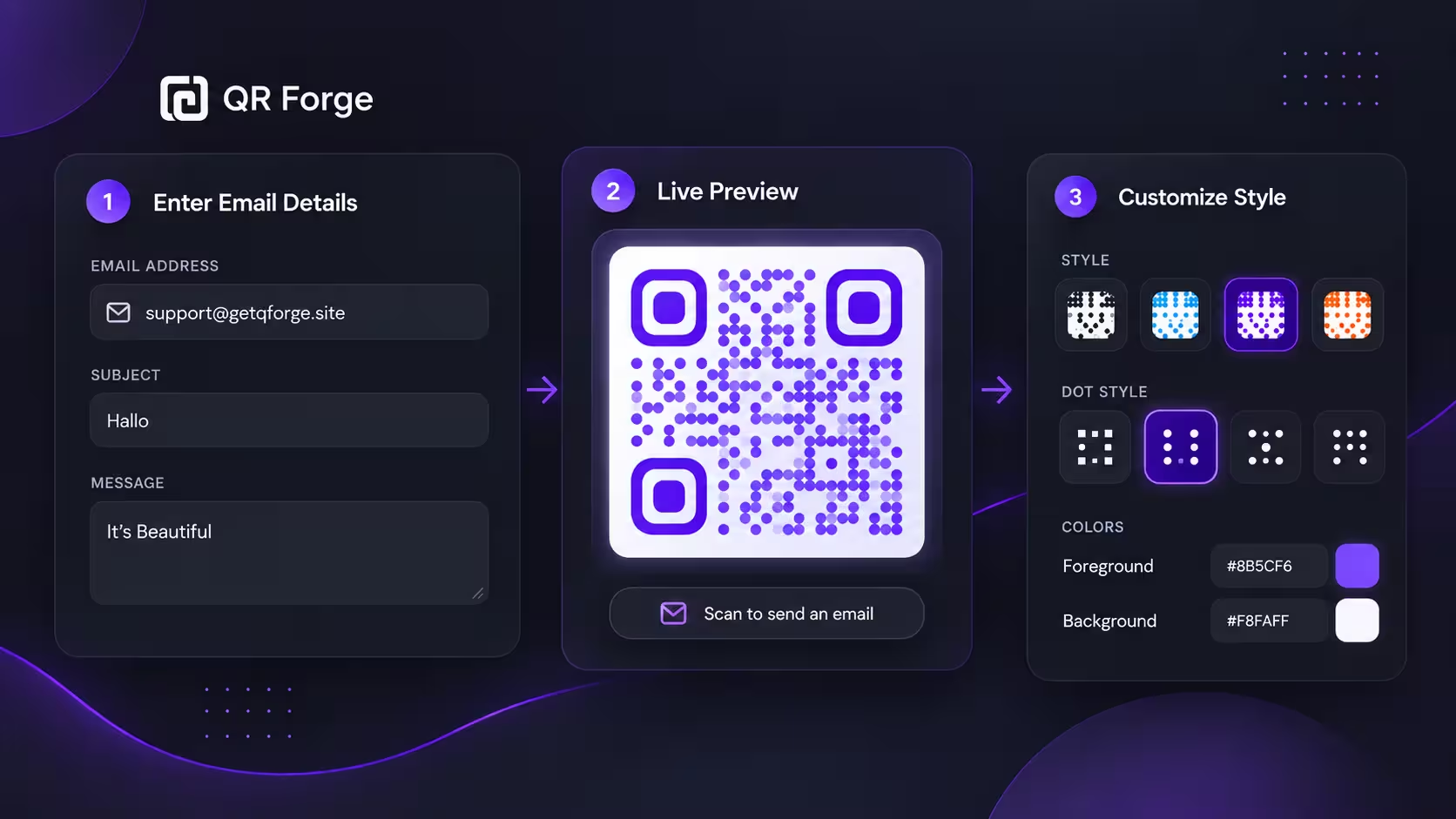
Learn how to create an email QR code that opens a new email draft, plus practical tips for subjects, messages, privacy, testing, and print use.
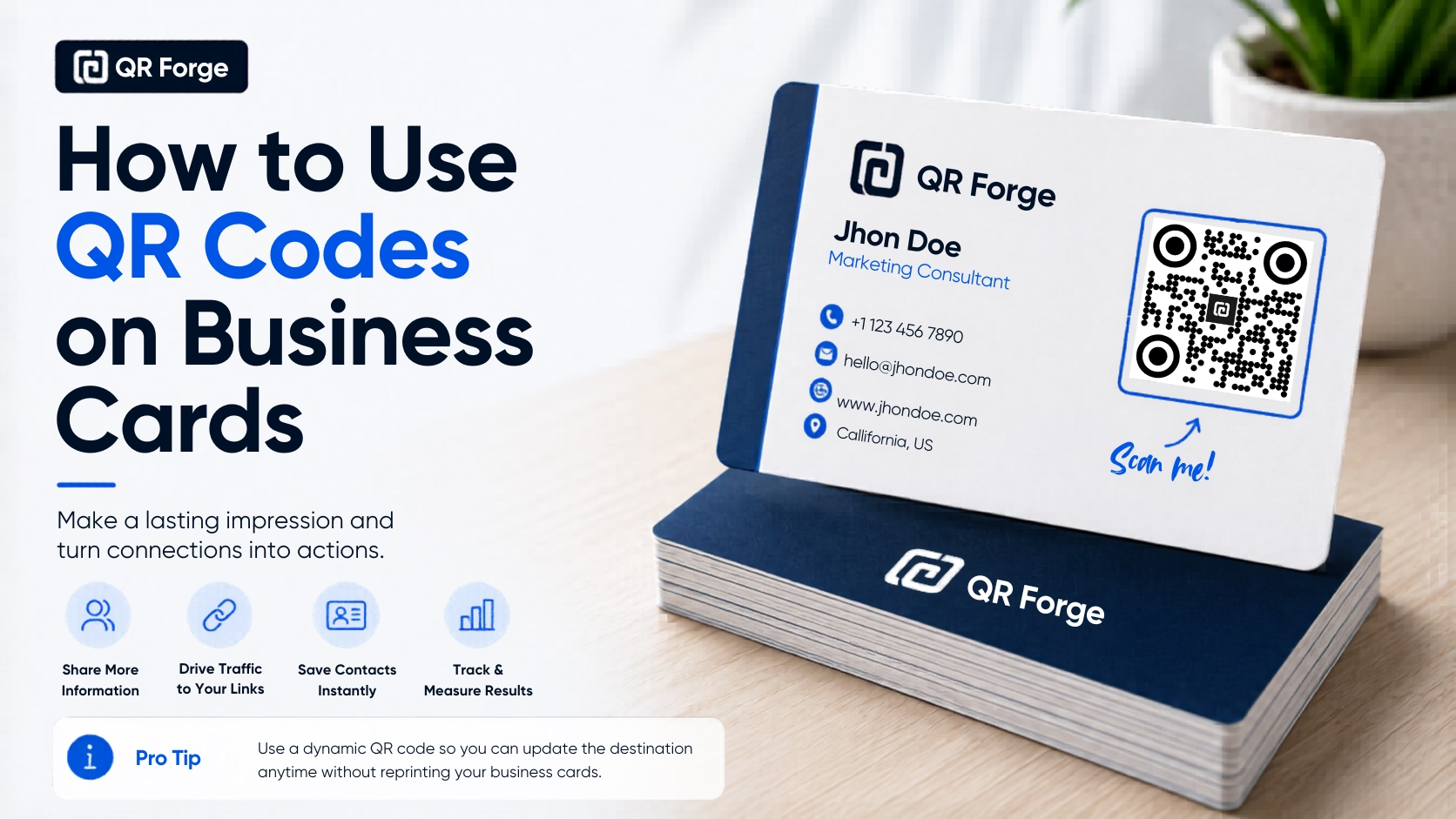
Learn how to use a QR code on a business card for websites, contact details, portfolios, social profiles, and WhatsApp, with practical design and printing tips.
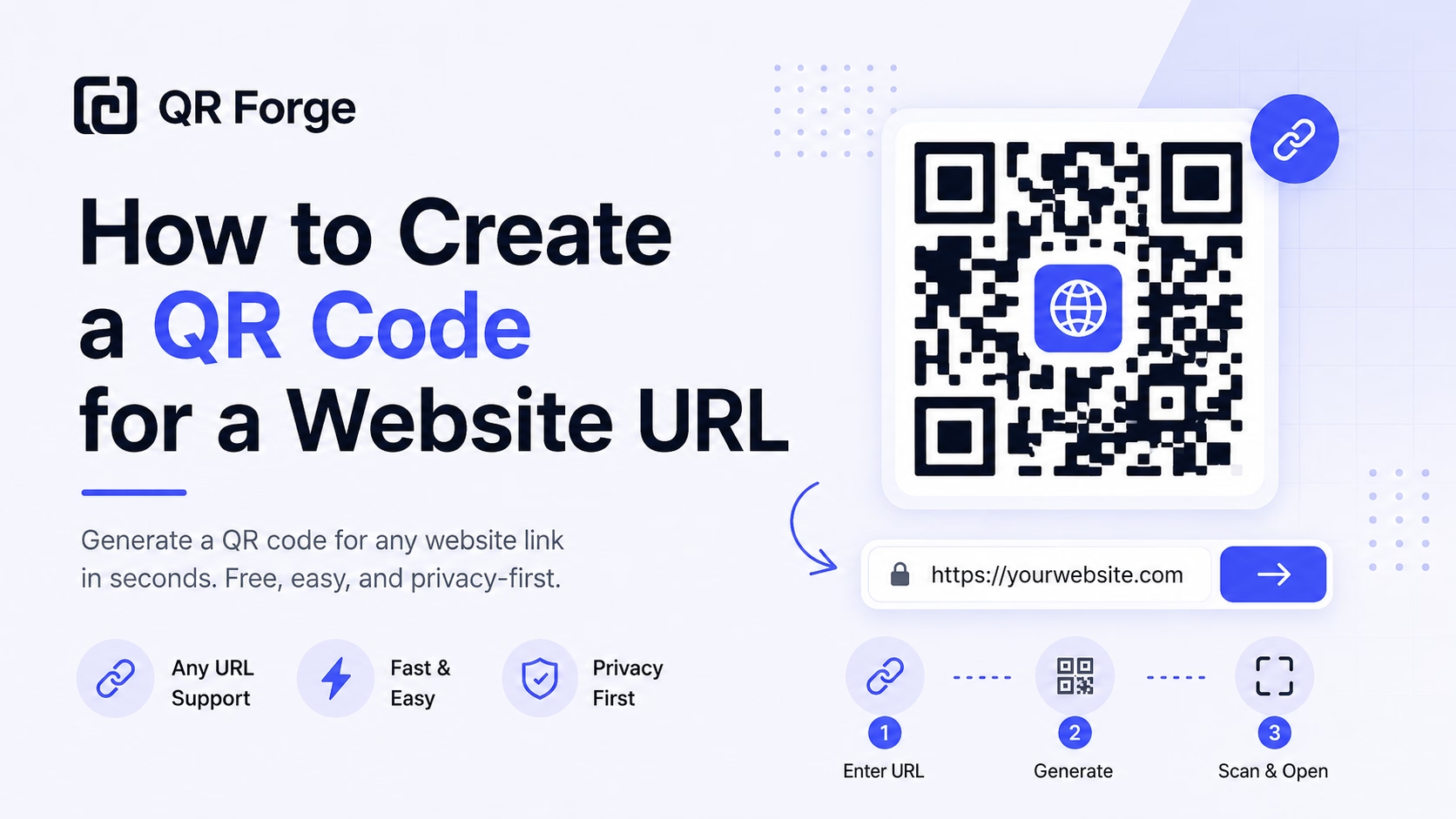
Learn how to create a QR code for any website URL, test it properly, and use it on posters, business cards, menus, packaging, and digital materials.
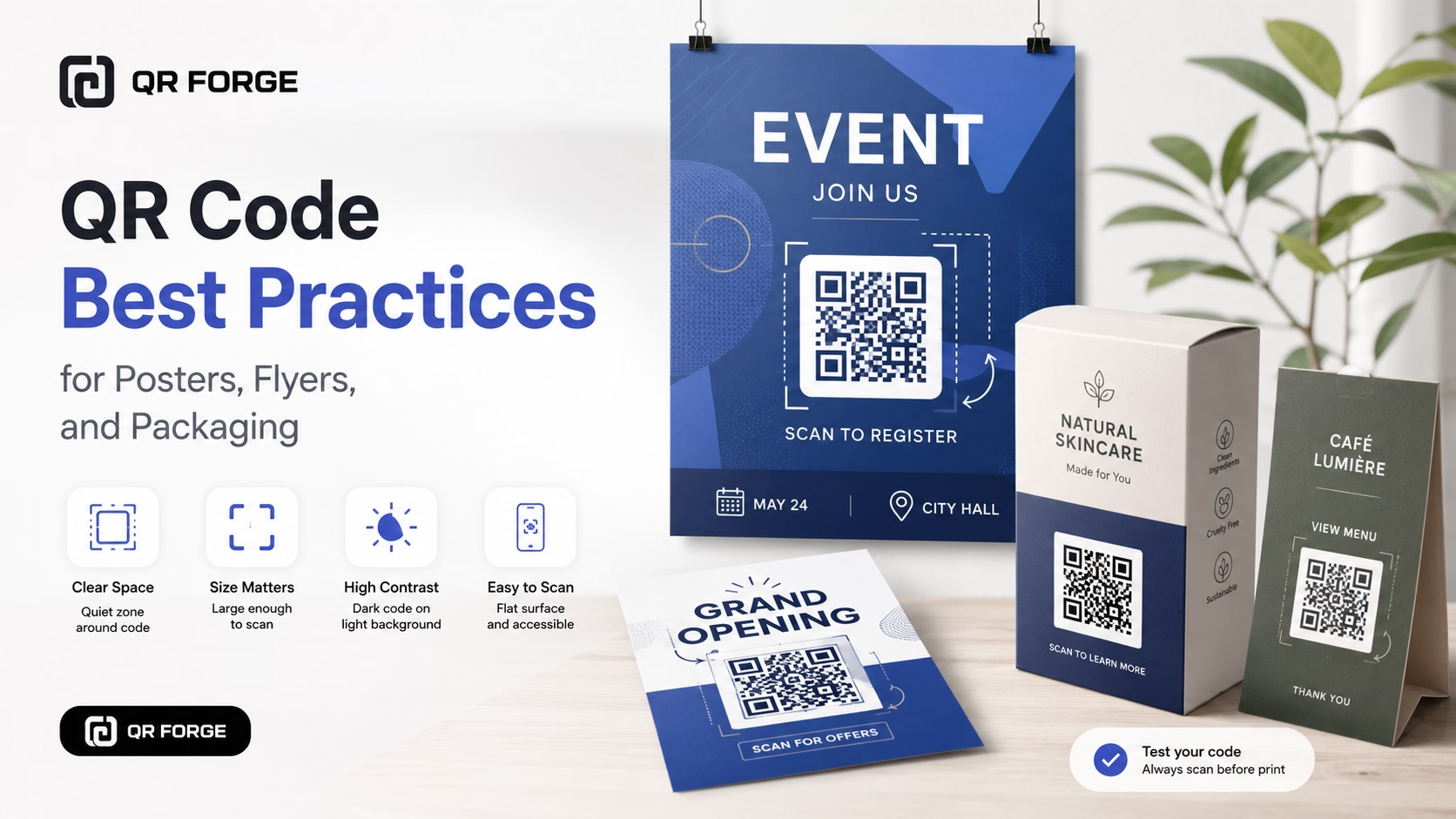
Learn practical QR code best practices for posters, flyers, packaging, menus, and printed marketing materials, including size, contrast, placement, testing, and calls to action.
QR Forge encodes the entered contact fields as vCard 3.0 text (BEGIN:VCARD … END:VCARD). This form supports first and last name, organization, one phone number, email, URL, and address; it does not add job titles, photos, or multiple phone numbers. Compatible scanning apps may offer a contact-save action, which the user must confirm.
Fill in your contact details
Enter at least one supported contact field: name, organization, phone, email, website, or address.
Brand your QR code
Customize colors to match your business identity. Add your headshot or company logo to the center.
Print on your business card
Place the QR on business cards, name badges, email signatures, or LinkedIn profiles. Ask recipients to test whether their scanner offers a contact-save action.
Business Cards
Pair your printed business card with a QR. Compatible scanning apps may let people review and save the encoded contact details.
Conference Badges
Event attendees scan each other's badges to exchange contacts without fumbling through wallets or apps.
Sales & Account Managers
Leave behind a QR code tent card on your prospect's desk — they scan anytime they need to reach you.
Email Signatures
Embed a vCard QR in your email signature so mobile recipients can scan the supported contact details.
Healthcare Professionals
Doctors and therapists share clinic contact details, referral lines, and office addresses without printing new cards for every role change.
Freelancers & Creatives
Portfolio pages and printed lookbooks include a vCard QR so clients can save your details while admiring your work.
A phone QR encodes a call action for one number. A vCard QR encodes supported contact details as vCard 3.0 text; compatible scanners may offer to add those details to contacts.
Enter at least one supported contact detail. Name, organization, one phone number, email, website, and address can be included; the rest are optional.
Many current scanning apps can recognize vCard data, but the available preview or save action varies by device, operating-system version, and scanner app. Test the code on the devices you expect people to use.
No — static vCard QRs embed the data directly. If your details change, you'll need to generate a new QR code. For updateable contacts, use a URL QR pointing to a digital business card page.
QR capacity depends on the amount and character set of the encoded data and the selected error-correction level. Keep contact details concise and test the finished code, especially when adding a logo.
This form does not embed a photo in the vCard data. You can add a visual logo to the QR design using the generator's logo controls; test the result after adding it.
Generate a vCard 3.0 QR code free. Scanner support and save options vary by device and app.