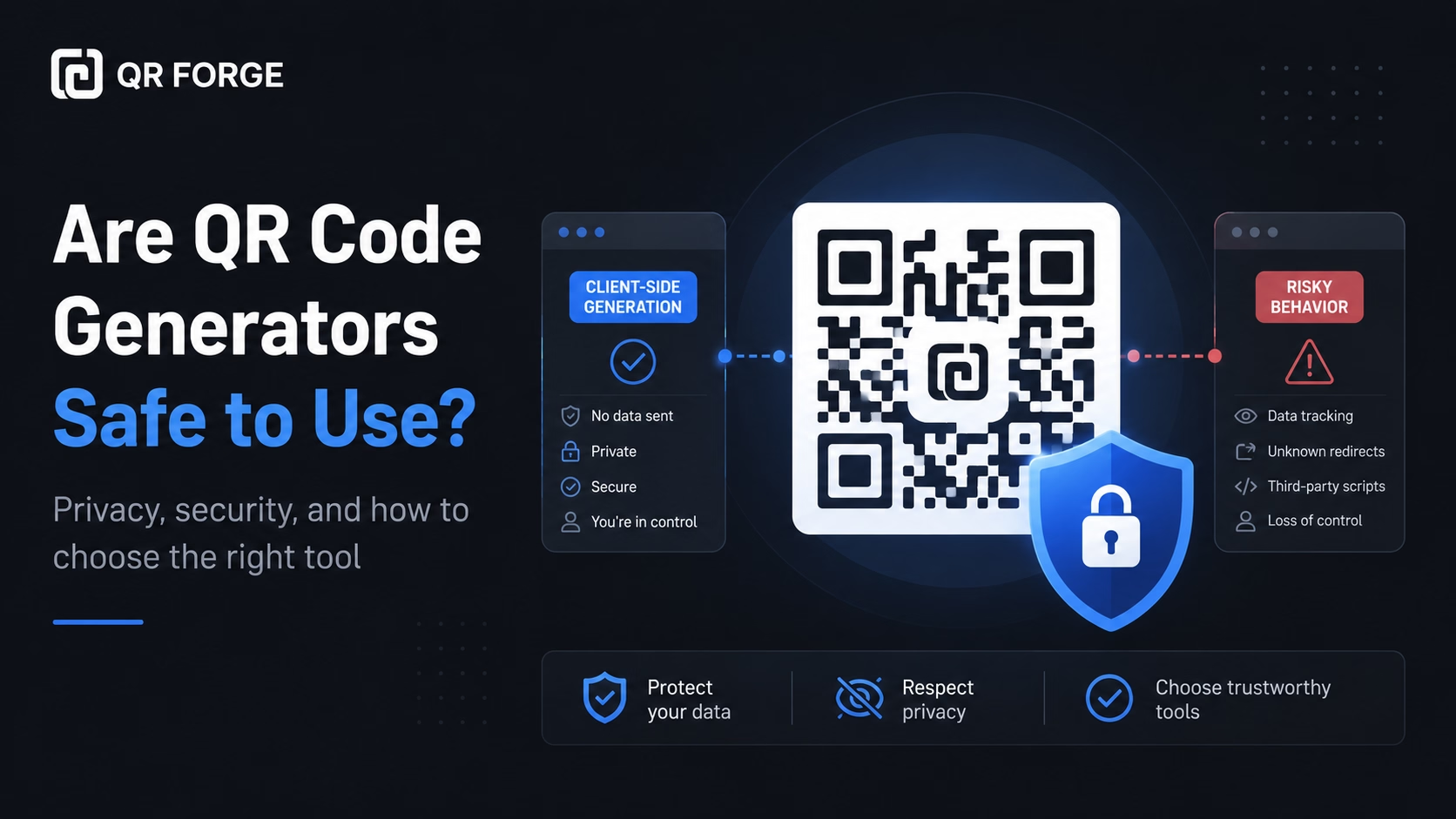
Are QR Code Generators Safe to Use?
Learn whether QR code generators are safe, what data they may collect, how static and dynamic QR codes differ, and how to choose a privacy-friendly QR tool.
Share a public wallet address as text in a QR code.
Wallet addresses can be long and network-specific. This page uses QR Forge's Text generator to encode the text you enter; it does not verify an address, network, amount, or payment request. Always compare the address and network in your wallet before sharing or sending funds.
Plain text
Style Presets
Dot Style
Corner Square
Corner Dot
Colors
Gradient
High contrast
21.0:1 contrast detected. Test the finished QR code in its intended lighting and on target devices.
Your QR code will appear here
Fill in the details to generate your QR code.
No account needed · downloads are instant
Enter QR details before copying or downloading.
Practical steps for creating QR codes people can use right away.
Learn whether QR code generators are safe, what data they may collect, how static and dynamic QR codes differ, and how to choose a privacy-friendly QR tool.
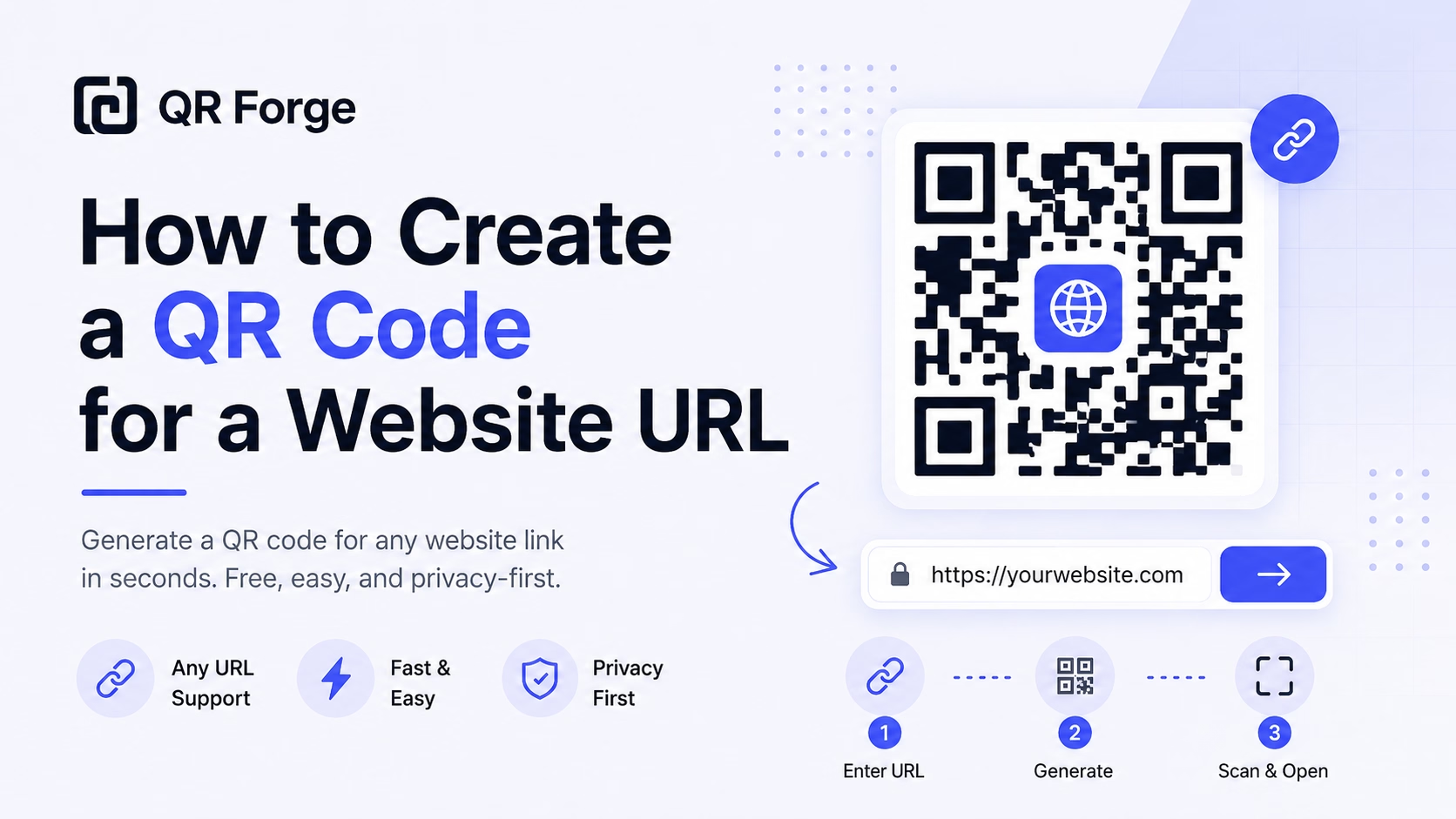
Learn how to create a QR code for any website URL, test it properly, and use it on posters, business cards, menus, packaging, and digital materials.
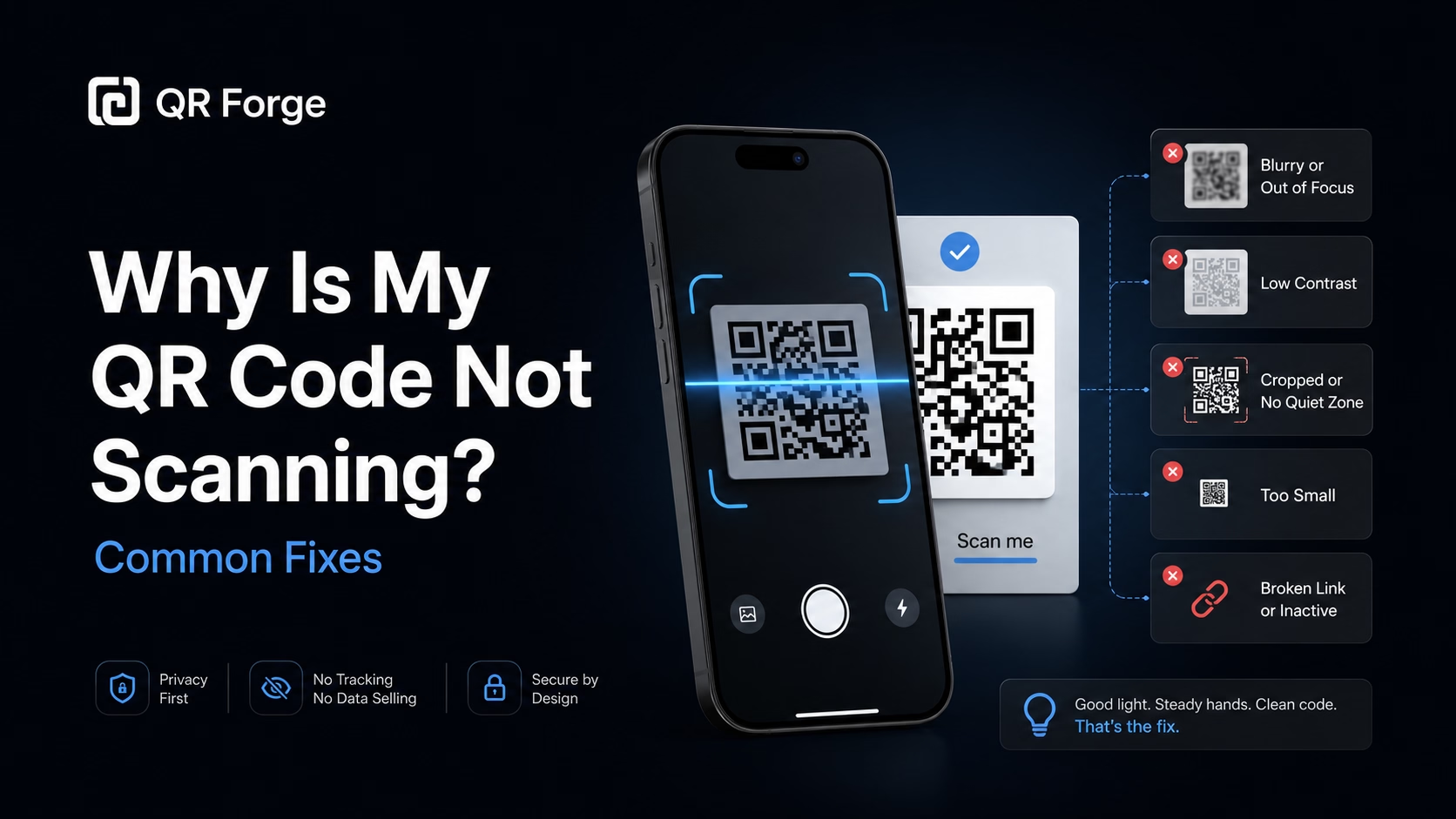
Learn why a QR code may not scan and how to fix common problems with size, contrast, quiet zone, print quality, lighting, distance, and broken links.
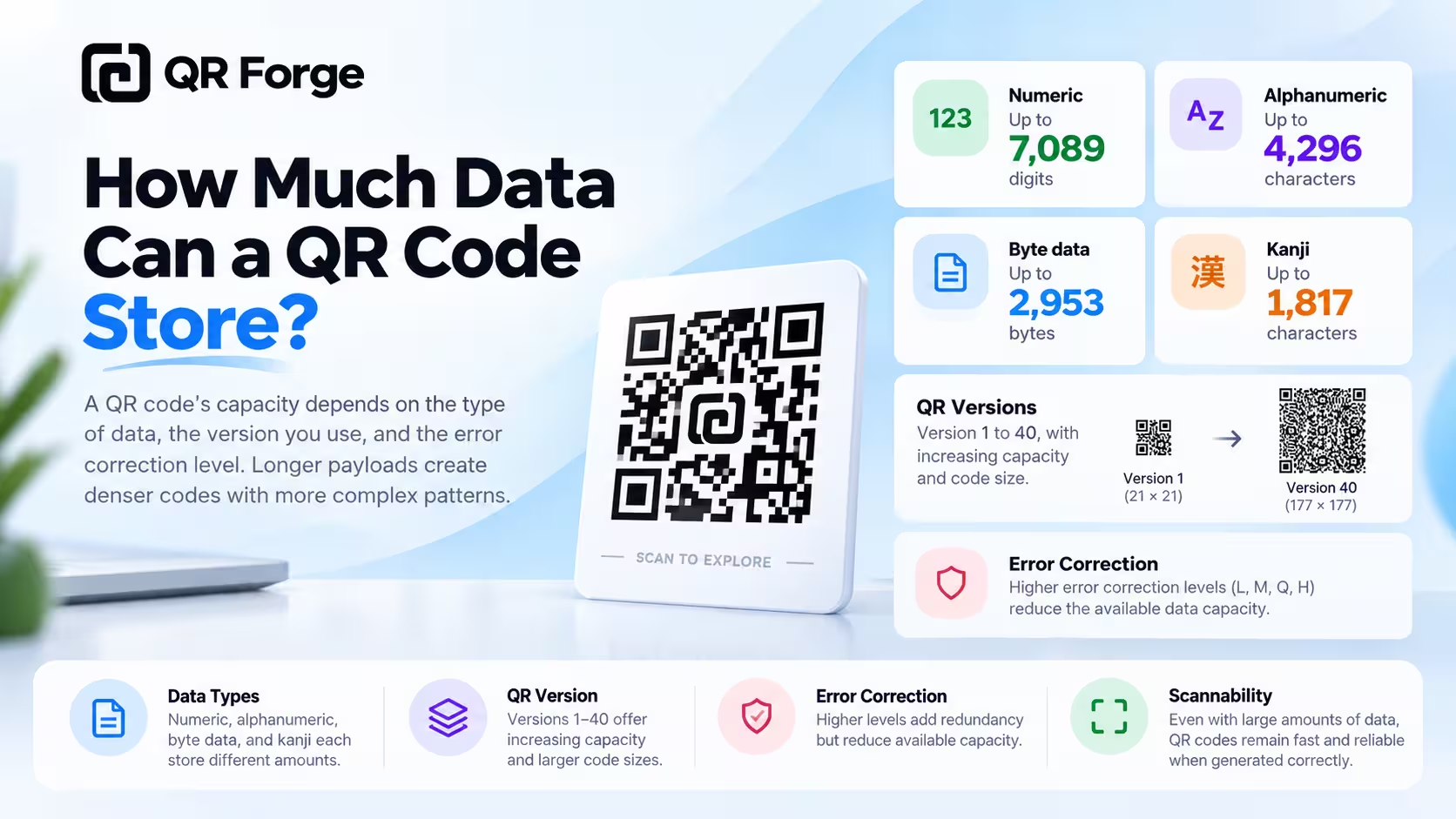
Learn how much data a QR code can store, what affects QR code capacity, and how numbers, text, URLs, version, and error correction change the data limit.
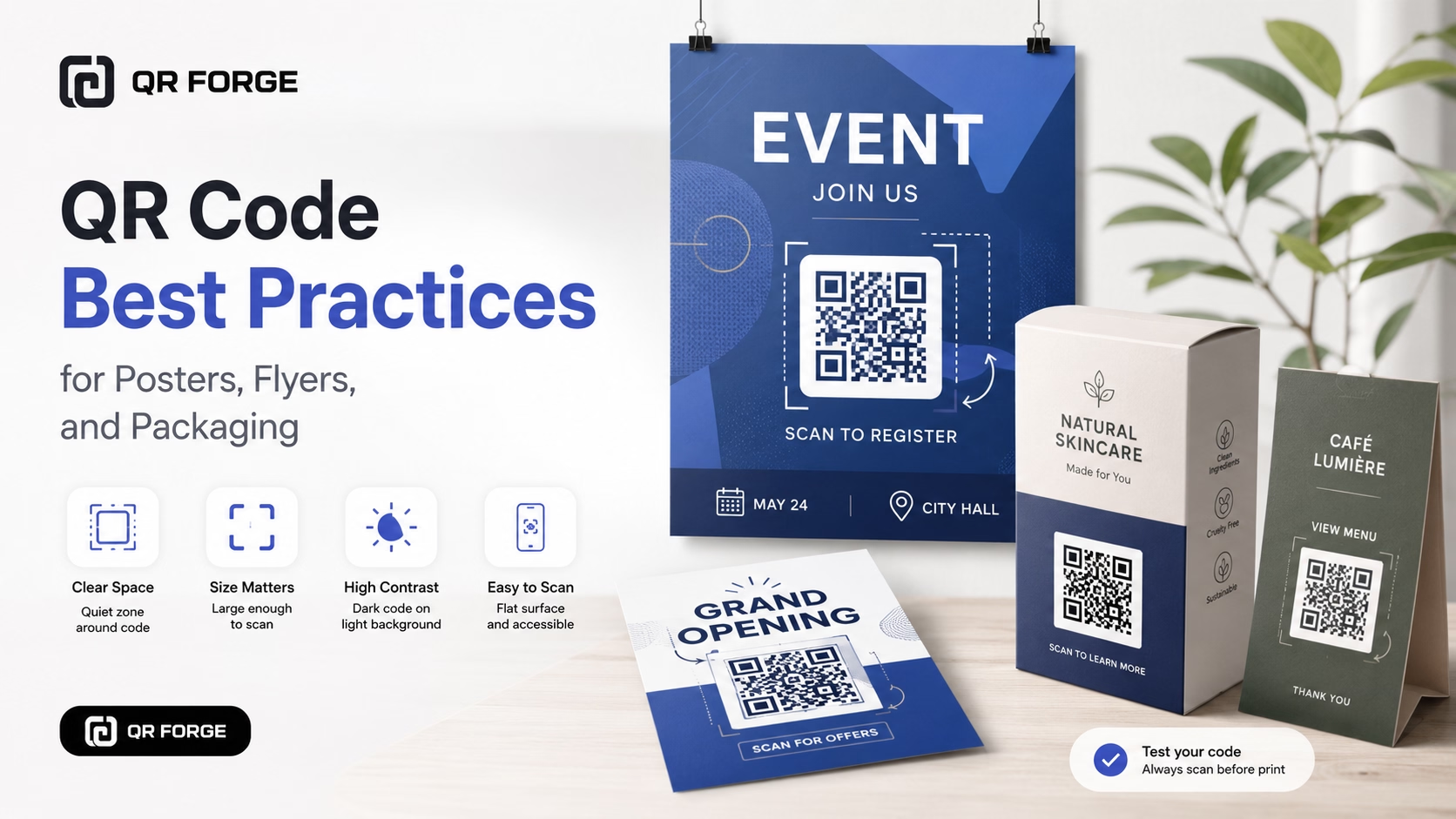
Learn practical QR code best practices for posters, flyers, packaging, menus, and printed marketing materials, including size, contrast, placement, testing, and calls to action.
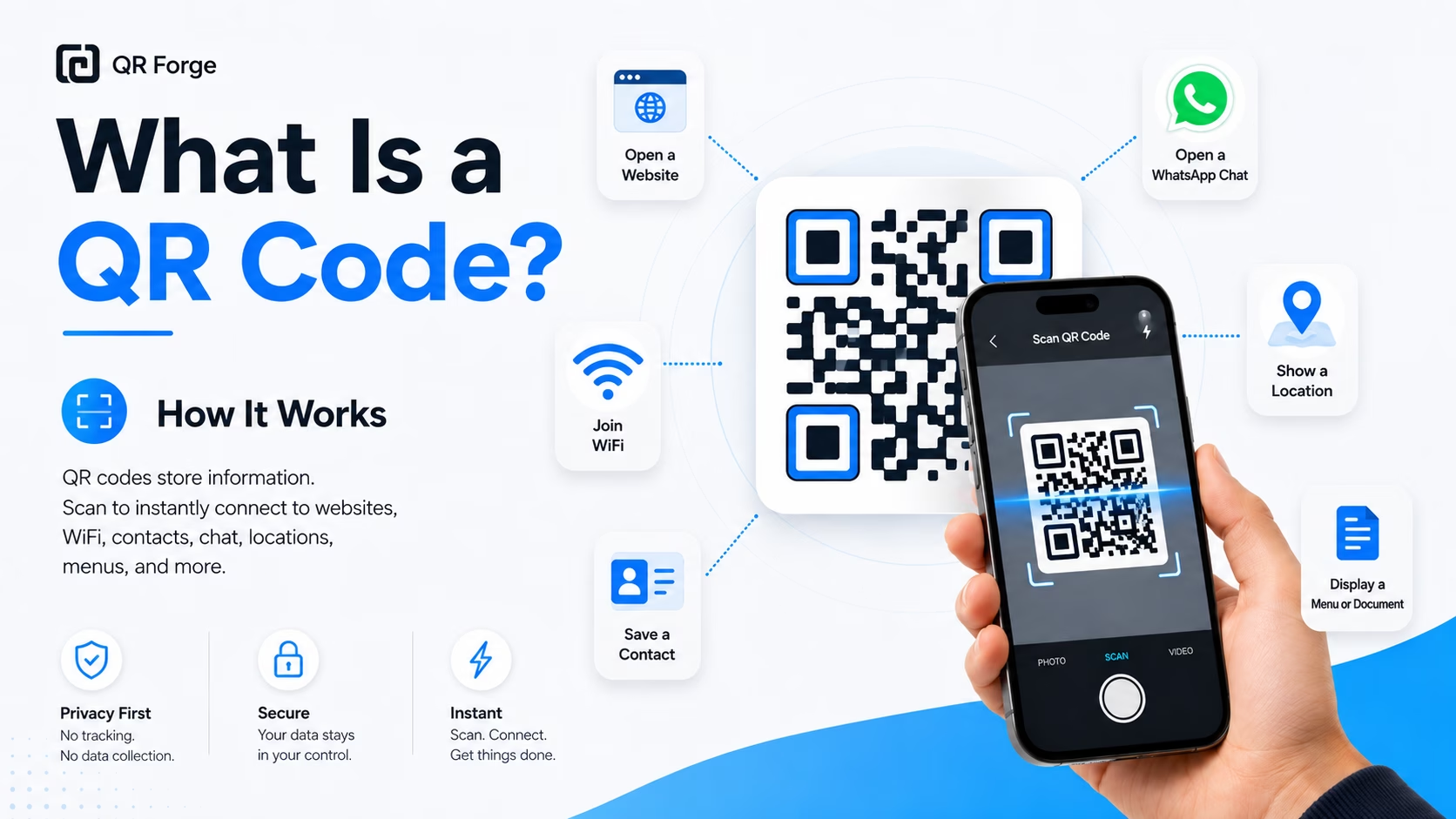
Learn what a QR code is, how it works, what information it can store, and why QR codes are useful for websites, WiFi, contact sharing, menus, and more.
A wallet-address QR code can encode the address as plain text so it can be scanned instead of retyped. QR Forge does not create or validate cryptocurrency payment URIs, check addresses, or confirm network compatibility. Wallets differ in what they recognize, so verify the decoded text and network in the receiving wallet before using it.
Copy your wallet address
Open your wallet app, go to Receive, and copy your full public address. Never encode a private key in a QR code.
Paste and style your QR
Paste the address into the text field above. Style the QR with orange for Bitcoin, teal for Ethereum, or your preferred palette.
Share with wallet instructions
Display the QR beside the cryptocurrency and network details. The QR contains only the text entered here; users should verify the address and confirm any transaction in their wallet.
Sharing a Receiving Address
Creators can display a QR containing a public address. Supporters must verify the address and network in their wallet and confirm any transaction there.
Sharing a Public Address
A business can display a QR containing a public address. Customers must verify the address and network in their wallet and review the payment before confirming it.
Website Donation Pages
A donation page can display a public address as text in a QR. Contributors should verify the address, network, and wallet compatibility before sending.
Freelance Invoices
A freelancer can add a QR containing a public address to an invoice. The recipient should verify payment details in their wallet before confirming a transaction.
Educational Demonstrations
Blockchain educators display QR codes during workshops to demonstrate live transactions to students in real time.
Sharing Deposit Addresses
A QR can display an address as text for a compatible wallet to read. Verify that address and network in the receiving service before using it.
A public receiving address is generally intended to be shared, but transactions associated with it may be publicly visible depending on the network. Never encode a private key or seed phrase. Confirm the address and network using your wallet's official instructions.
QR Forge encodes text and does not construct or validate payment requests. If you need an amount or payment URI, use the format documented by your wallet and network, then test it with a compatible wallet before sharing.
Support and URI formats vary by cryptocurrency and wallet. QR Forge does not validate those formats; check the official wallet and network documentation for the format you intend to use.
No universal wallet compatibility is guaranteed. QR Forge encodes the entered text; the scanner or wallet determines whether it recognizes that text as an address or payment request.
Use the address and network specified by the receiving wallet. Verify both before sharing or sending; QR Forge cannot detect a mismatch or reverse a transaction.
Higher error correction can help recover some damaged data, but does not guarantee scanning. Use a clear, high-contrast print, avoid covering modules, and test the finished code.
Generate a plain-text QR code for an address. Wallet compatibility is not validated; verify details before use.