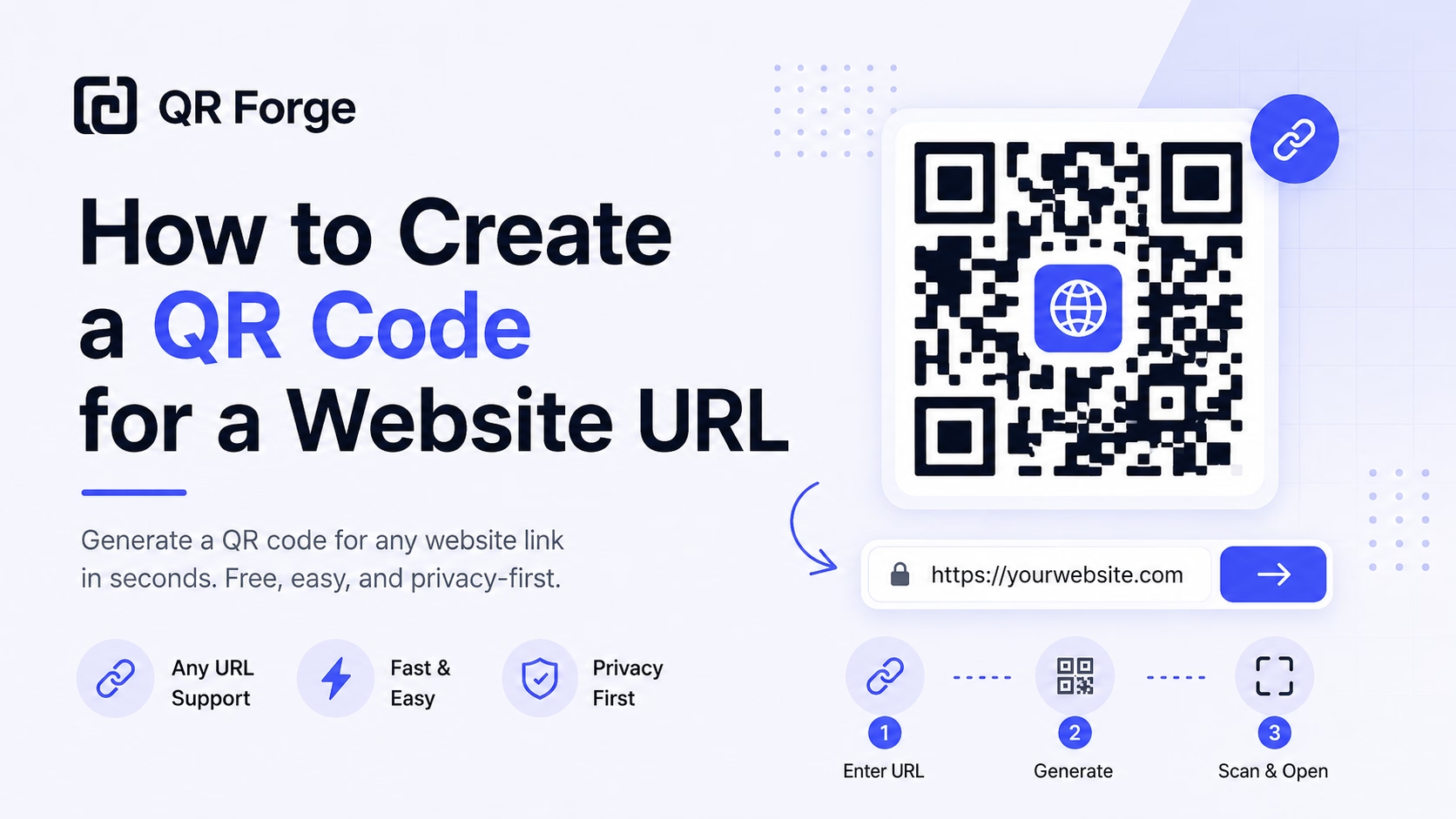
How to Create a QR Code for a Website URL
Learn how to create a QR code for any website URL, test it properly, and use it on posters, business cards, menus, packaging, and digital materials.
Bridge print and digital — turn any link into a scannable code.
A URL QR code is the most versatile QR type: point it at any website, landing page, video, app store listing, PDF, or social media profile. One scan opens the destination in the user's browser — making every piece of print media interactive.
Website link
https:// will be added automatically
Style Presets
Dot Style
Corner Square
Corner Dot
Colors
Gradient
High contrast
21.0:1 contrast detected. Test the finished QR code in its intended lighting and on target devices.
Check the details you entered
Correct the highlighted details to preview and download your QR code.
Common issues: empty URL, malformed email, coordinates out of range
Complete or correct the QR details before copying or downloading.
Practical steps for creating QR codes people can use right away.
Learn how to create a QR code for any website URL, test it properly, and use it on posters, business cards, menus, packaging, and digital materials.
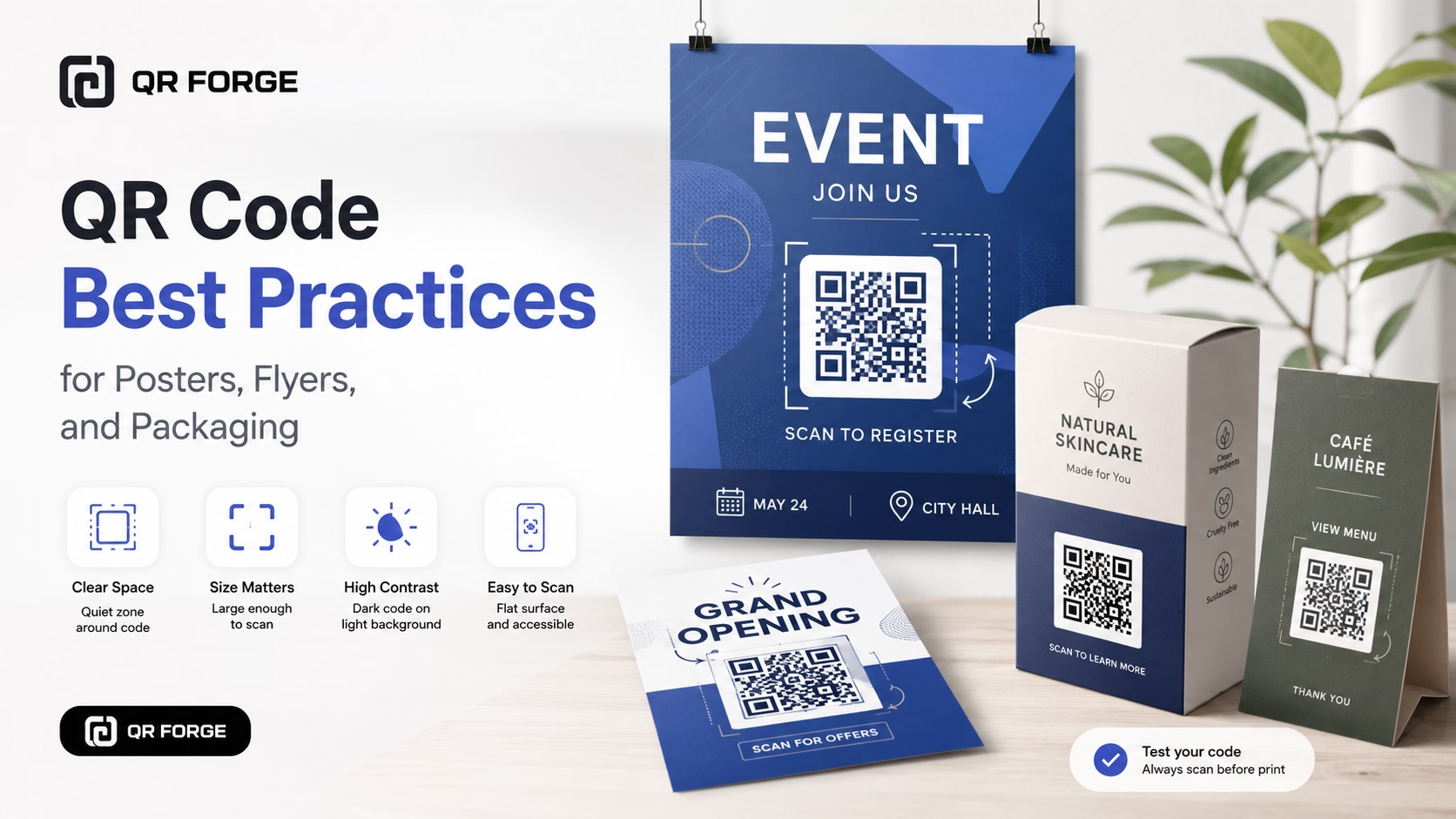
Learn practical QR code best practices for posters, flyers, packaging, menus, and printed marketing materials, including size, contrast, placement, testing, and calls to action.
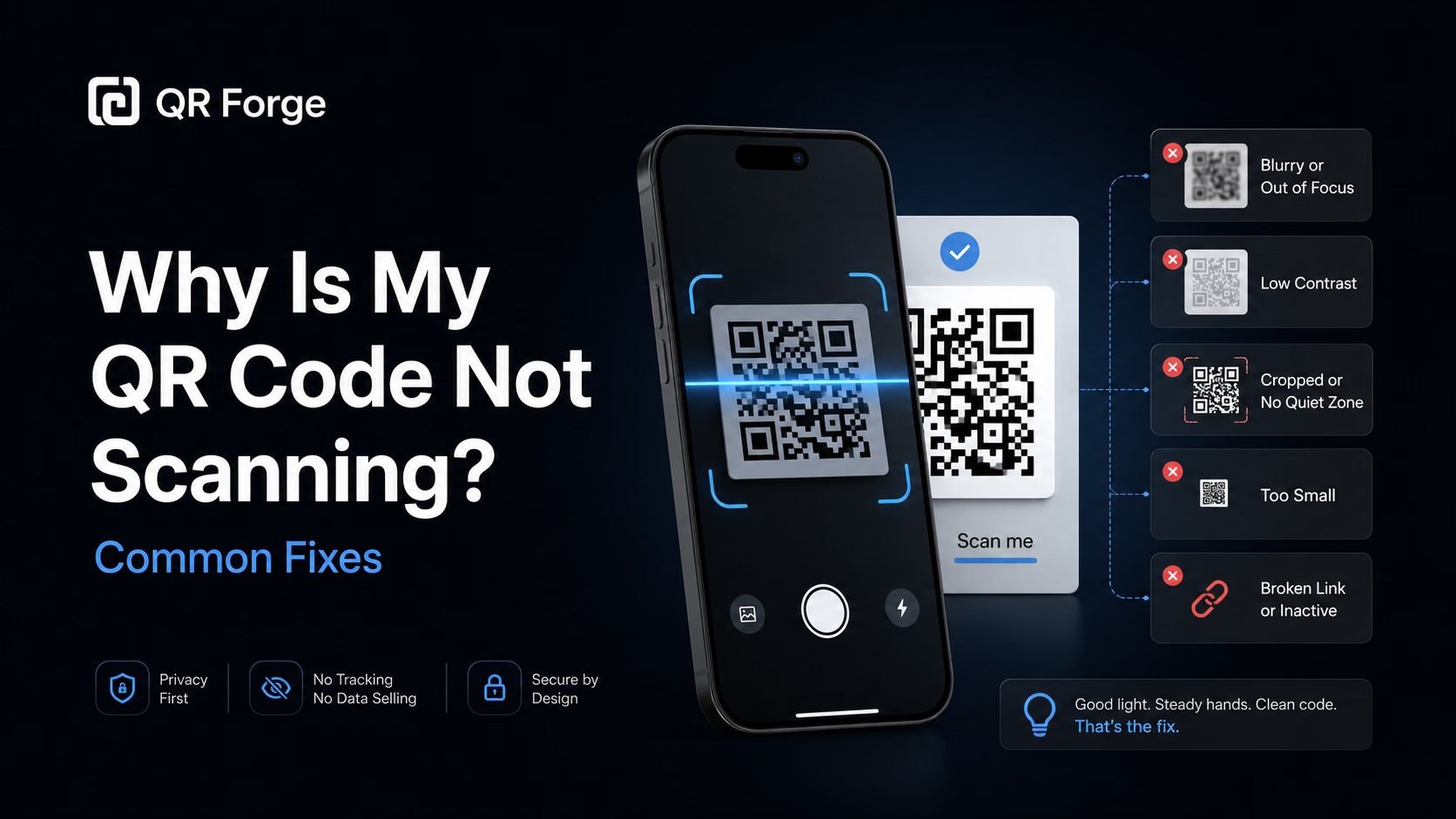
Learn why a QR code may not scan and how to fix common problems with size, contrast, quiet zone, print quality, lighting, distance, and broken links.
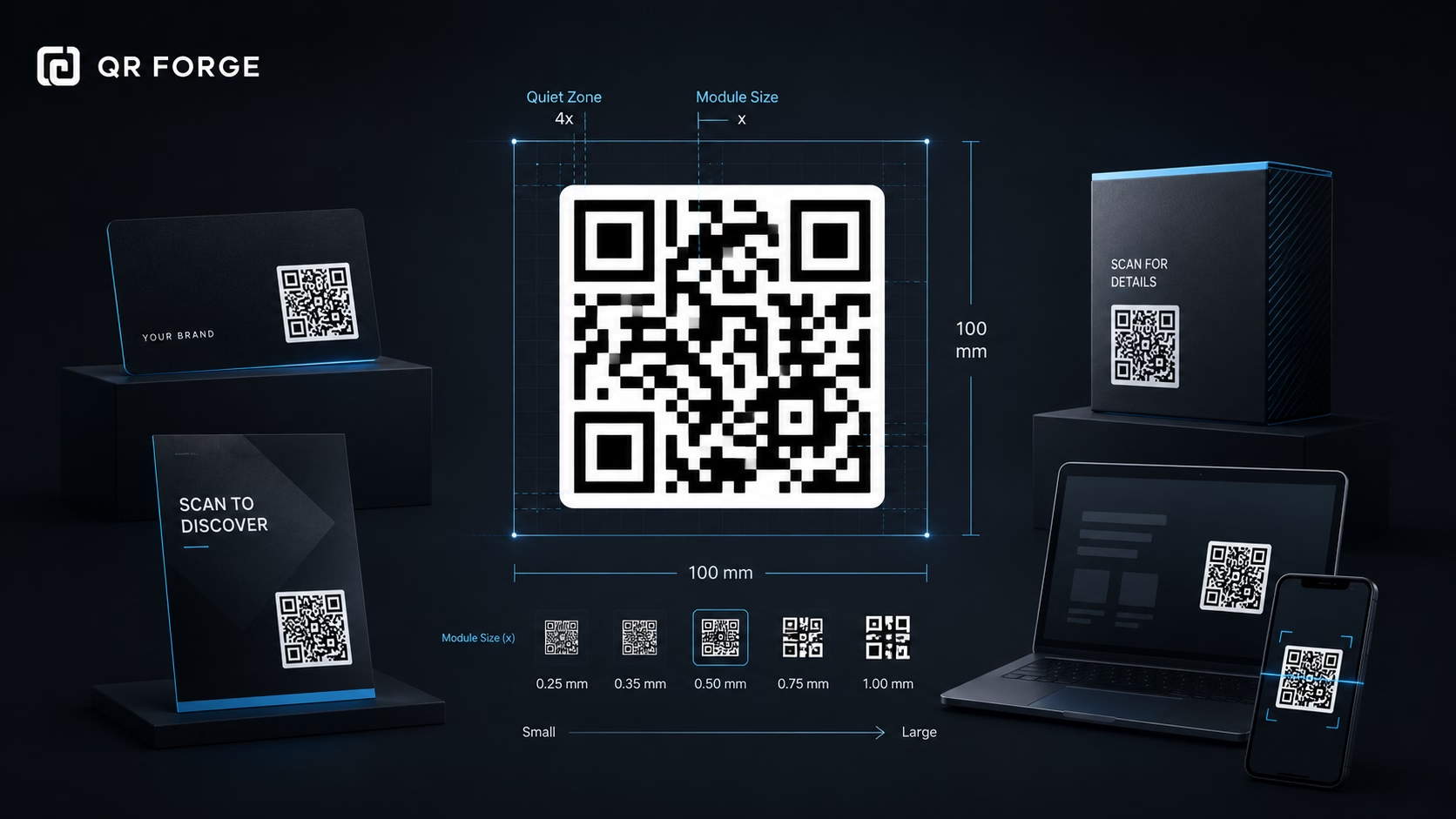
Learn the recommended QR code sizes for business cards, flyers, posters, packaging, menus, and screens so your QR codes stay easy to scan.
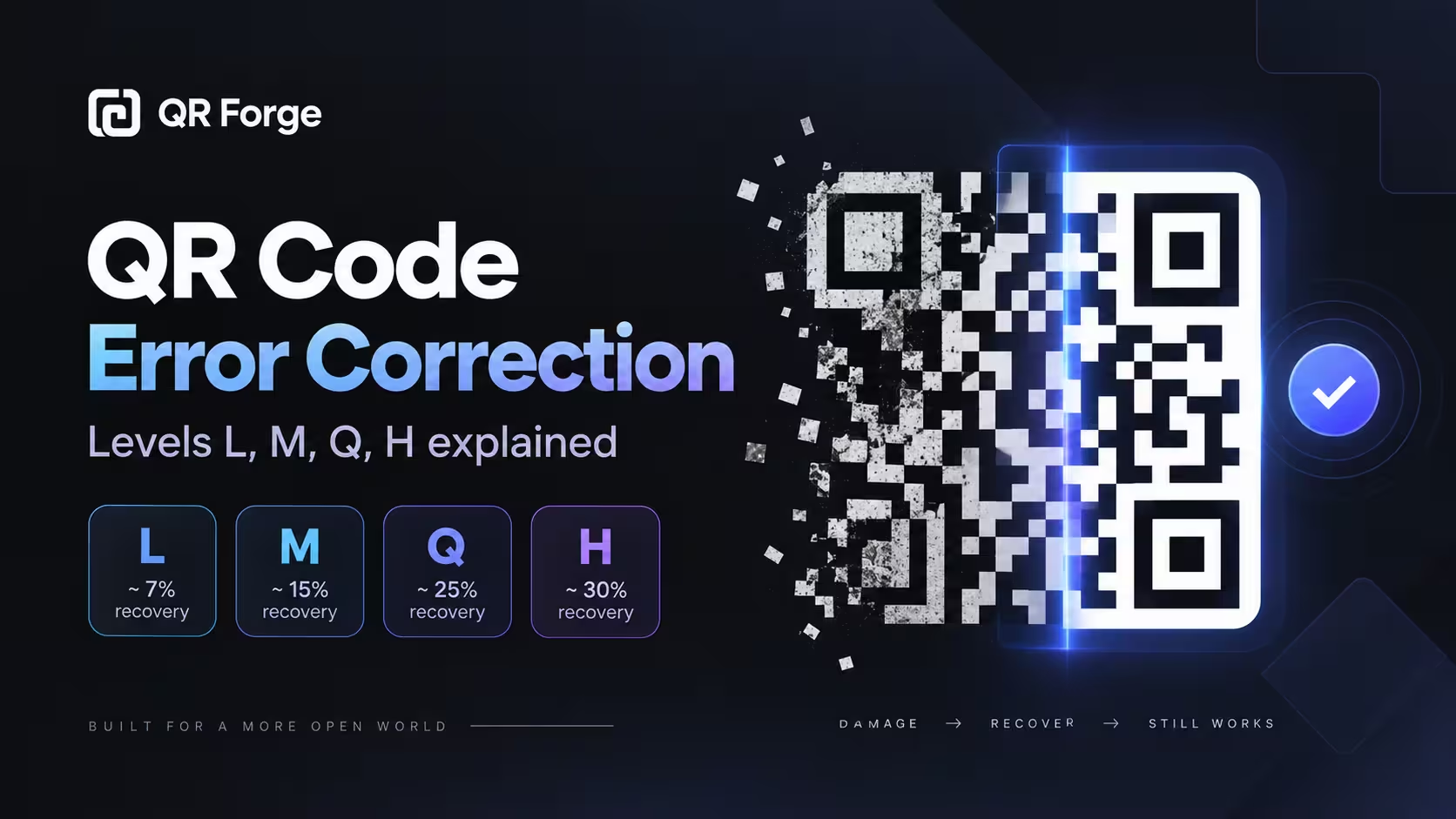
Learn how QR code error correction works, what levels L, M, Q, and H mean, and how to choose the right level for print, logos, packaging, and everyday use.
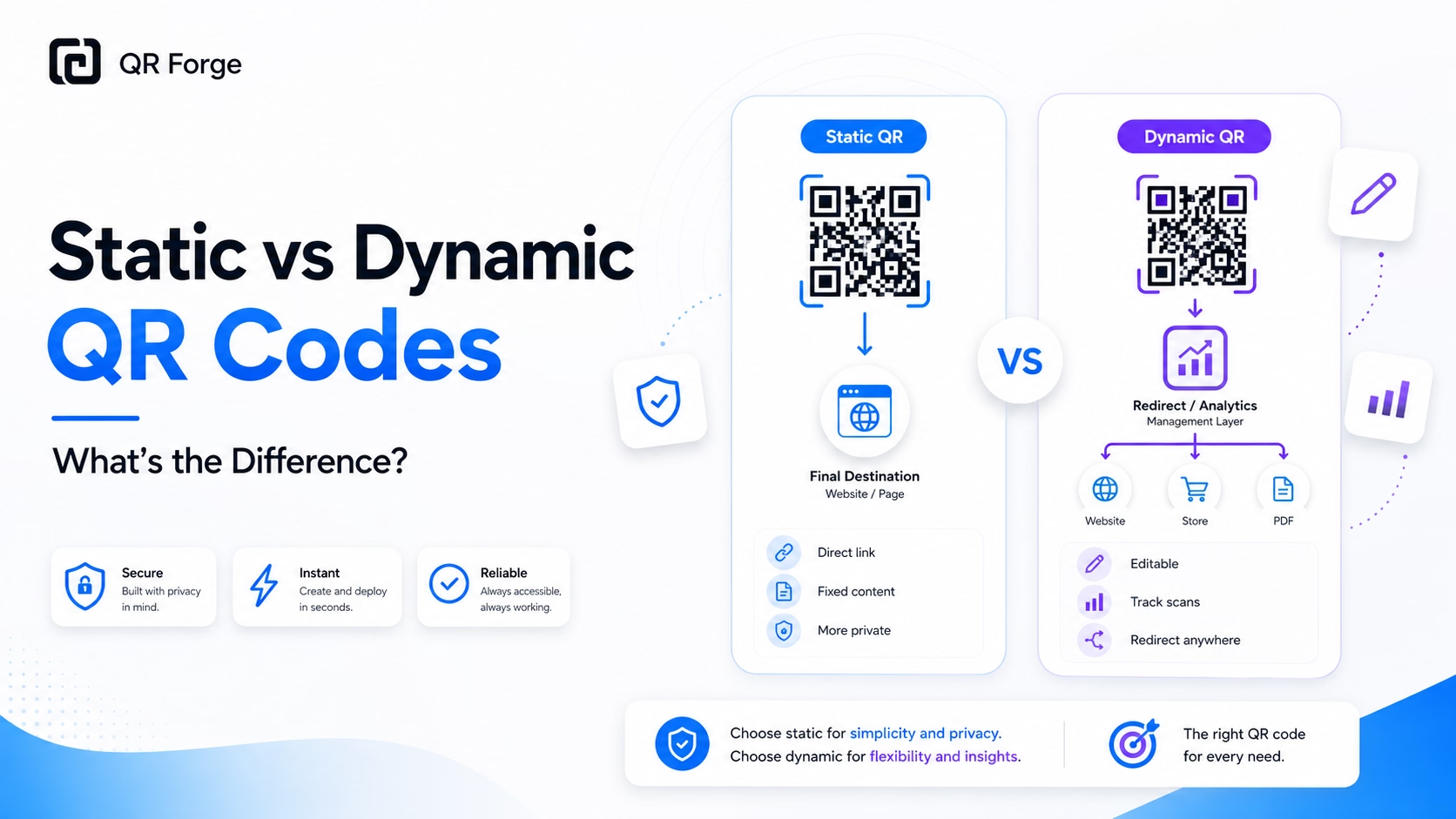
Understand the difference between static and dynamic QR codes, including editing, tracking, privacy, cost, and when each type is the better choice.
A URL QR code simply encodes a web address (e.g., https://yoursite.com/offer). When scanned, the phone's camera recognizes it as a link and opens it in the default browser. Because URLs are short and structured, they produce clean, low-density QR codes that scan reliably even at small sizes or from a distance. They're the foundation of most QR marketing campaigns.
Paste your URL
Enter any web address — landing page, product page, YouTube video, app store link, Google Drive file, or anything with a URL.
Customize the design
Choose dot style, foreground and background colors, gradient, and an optional center logo that matches your brand.
Download and deploy
Export as SVG for print or PNG for digital. Place in ads, packaging, signage, presentations — anywhere you want a clickable link.
Print Advertising
Magazines, flyers, and posters link readers directly to your campaign landing page — measurable, trackable, and interactive.
Product Packaging
Link to assembly instructions, recipe inspiration, warranty registration, or user reviews right on the box.
Video Content
Presentations, trade show booths, and webinars include a QR linking to a video demo or product tour for hands-on exploration.
Retail Shelf Tags
Shelf talkers and display cards link to product pages, comparison guides, or promotional videos for deeper engagement.
Business Cards & Letterheads
A URL QR on your business card links to your portfolio, LinkedIn profile, or booking page — more dynamic than a static address.
Events & Trade Shows
Booth signage links to your company overview, lead capture form, or digital brochure — no paper handouts needed.
HTTP and HTTPS web URLs are supported. If you omit a scheme, QR Forge adds https://, then checks whether the URL can be parsed. This is syntax validation only; QR Forge does not check destination safety, reputation, or availability. Query strings and URL-shortened links can be included.
Only if you need click tracking or the ability to change the destination later. Shortened URLs add a redirect hop — for pure performance, link directly. For analytics, UTM parameters in the URL are better than black-box shorteners.
Yes — paste the shareable link. Make sure the file is set to 'Anyone with the link can view' before encoding it.
Yes — static QR codes are permanent. If the destination URL changes, you need a new QR code. To avoid reprinting, point to a URL you control that can redirect.
At minimum 2×2 cm (0.8 inches) for a simple URL at standard scanning distance. For small labels, use a short URL, generous margin, and high-contrast colors.
The QR itself can't enforce passwords, but you can link to a password-protected page. Anyone who scans gets the URL but still needs to authenticate on the destination site.
Generate a branded URL QR code free — no account or watermarks.