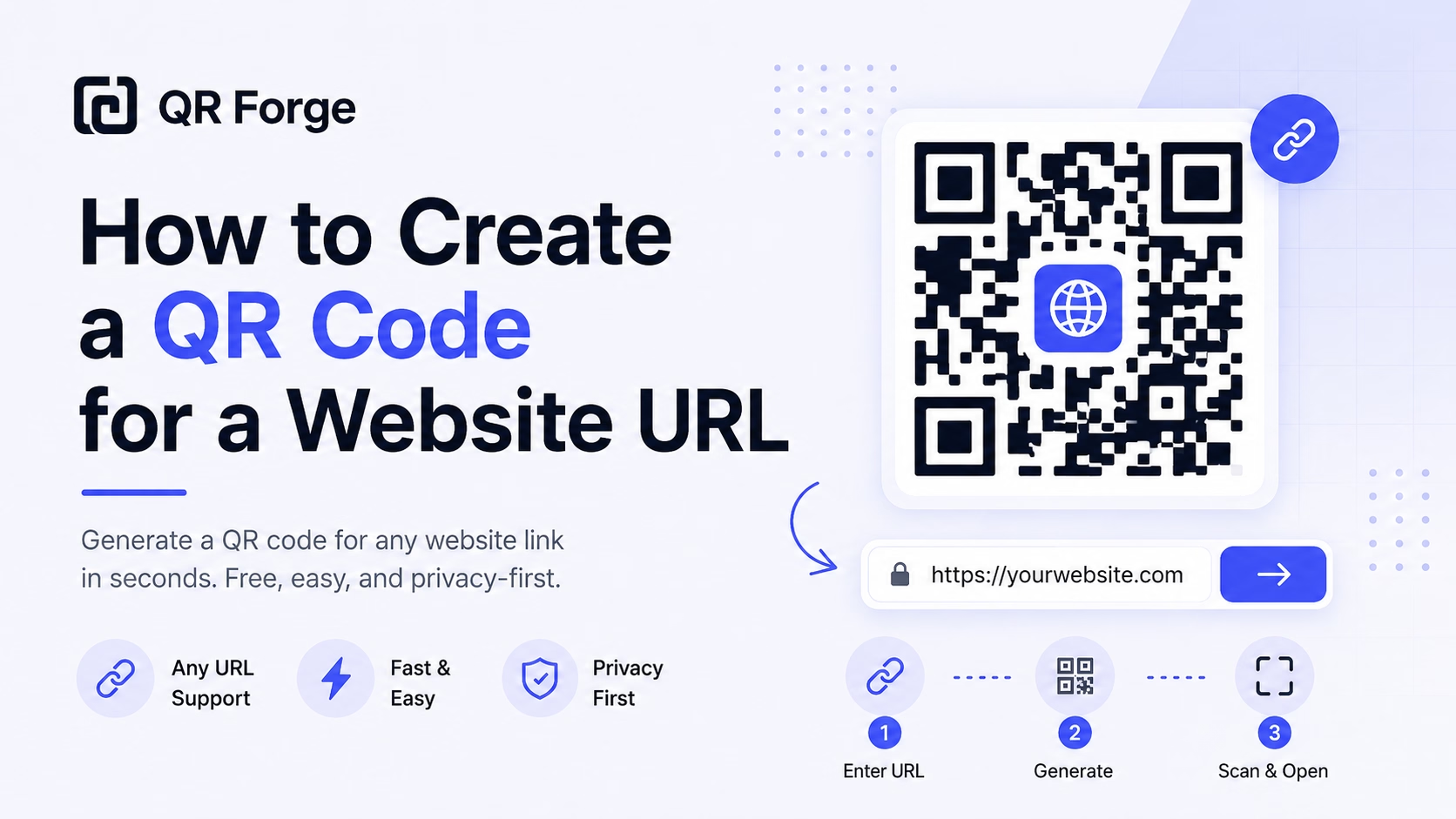
How to Create a QR Code for a Website URL
Learn how to create a QR code for any website URL, test it properly, and use it on posters, business cards, menus, packaging, and digital materials.
Generate beautiful, customizable QR codes instantly. Choose from 9 content types, custom colors, gradients, logos, and export in PNG, SVG, JPEG or WEBP.
Instant generation
No waiting, no processing
Full customization
Colors, styles, logos
Privacy first
Generated in your browser. Saved locally.
Full generator. Full features. Right here.
Website link
https:// will be added automatically
Style Presets
Dot Style
Corner Square
Corner Dot
Colors
Gradient
High contrast
21.0:1 contrast detected. Test the finished QR code in its intended lighting and on target devices.
Encoding: https://getqrforge.site
No learning curve. No account setup. From idea to finished QR code in under a minute.
Choose a content type — URL, WiFi, contact card, WhatsApp, location, and more. Enter your details and the QR code generates instantly.
Pick a preset or build your own style. Adjust dot shapes, colors, gradients, and upload a center logo. The preview updates live.
Export your QR code as PNG, SVG, JPEG, or WEBP at up to 2048 px. No watermark. No account. Ready to print or publish immediately.
Each tool is purpose-built with the right fields, format, and guidance.
Most QR generators make you sign up, add watermarks, or hide basic features behind a paywall. QR Forge doesn't. Core QR creation is free, requires no account, and keeps QR payload generation in your browser.
Open the tool and start creating. No email, no password, no onboarding flow.
QR codes are generated in your browser and are not uploaded to a QR Forge application server. Saved designs can retain their payload in this browser's storage; analytics and advertising are separate services.
The generator loads fast and responds in real time. No processing delays, no queues.
Colors, gradients, dot styles, logos, and error correction — not just a color picker.
Download clean PNG, SVG, JPEG, or WEBP files. What you design is what you get.
Responsive controls are designed for mobile and desktop. Available behavior can still vary with the browser and device.
Professional-grade features, zero complexity. No account required.
URL, text, email, phone, SMS, WhatsApp, WiFi, vCard, and GPS location — all with correct payload formatting.
6 dot styles, 3 eye styles, foreground/background colors, linear & radial gradients with direction control.
Upload a logo and choose the error-correction level yourself. A logo can reduce scan reliability, so test the finished code.
Download PNG, JPEG, or WEBP at 512, 1024, or 2048 px, or choose scalable SVG. No watermarks.
Adjust QR size from 150px to 600px, set margin padding, and select error correction level (L/M/Q/H).
Live real-time rendering — see your changes instantly as you type or adjust any setting.
Let guests join your network by scanning. Supports WPA2, WEP, and open networks with hidden SSID option.
Adds https:// when no scheme is entered and accepts HTTP or HTTPS URLs with valid syntax. It does not check destination safety or availability.
QR content is generated locally and is not uploaded to a QR Forge server. Saved designs can remain in your browser storage; analytics and advertising are separate services.
Whether you need one QR code or a hundred, for print or digital, for a client or yourself — QR Forge handles it without getting in the way.
Replace printed menus with a scannable QR on every table. Update your menu any time without reprinting a single card.
Link fans to your latest content, merch store, or social profile from posters, packaging, and stage backdrops.
Add a vCard 3.0 QR to your business card. Compatible scanning apps may offer to save the supported contact details.
Share guest WiFi credentials without writing passwords on whiteboards. One QR, one scan, connected.
Direct attendees to schedules, RSVP forms, livestreams, and maps from a single badge or poster QR.
Add QR codes to packaging, print ads, and trade show materials that link to landing pages or campaigns.
Practical steps for creating QR codes people can use right away.
Learn how to create a QR code for any website URL, test it properly, and use it on posters, business cards, menus, packaging, and digital materials.
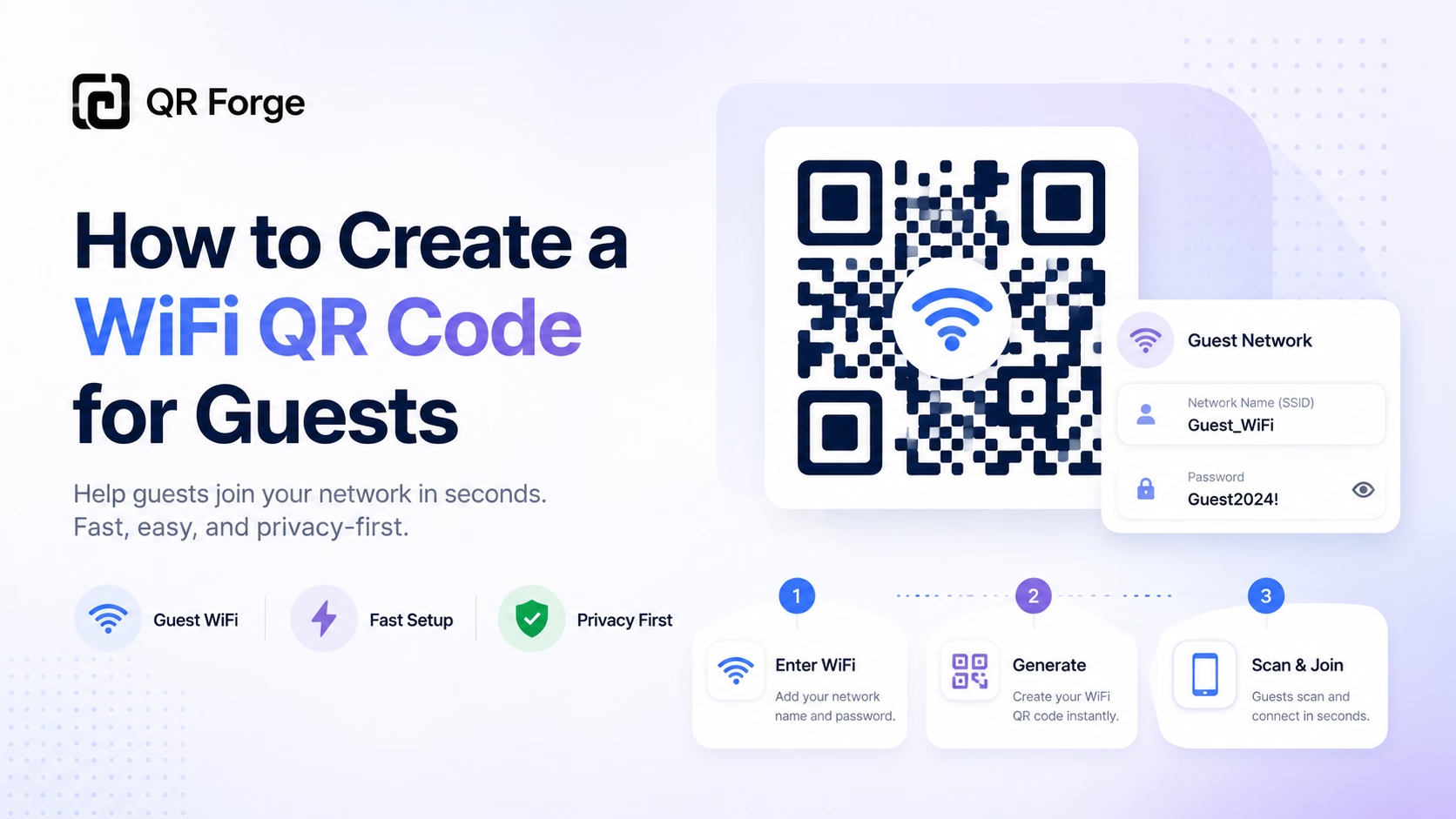
Create a WiFi QR code so guests can connect to your network without typing the password manually. Useful for homes, cafes, hotels, offices, and events.
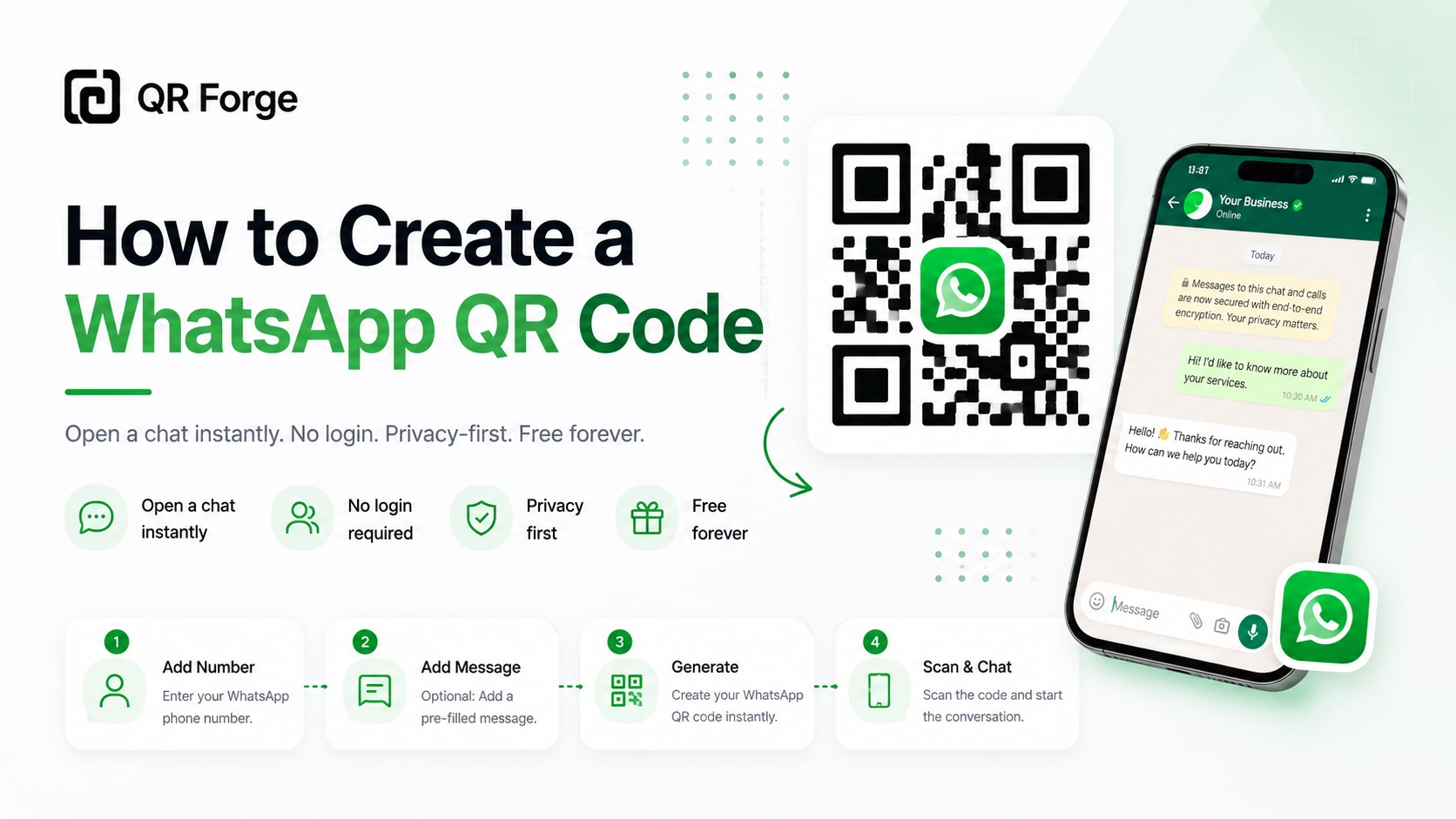
Learn how to create a WhatsApp QR code for a click-to-chat link, with tips for businesses, customer support, posters, packaging, and social media.
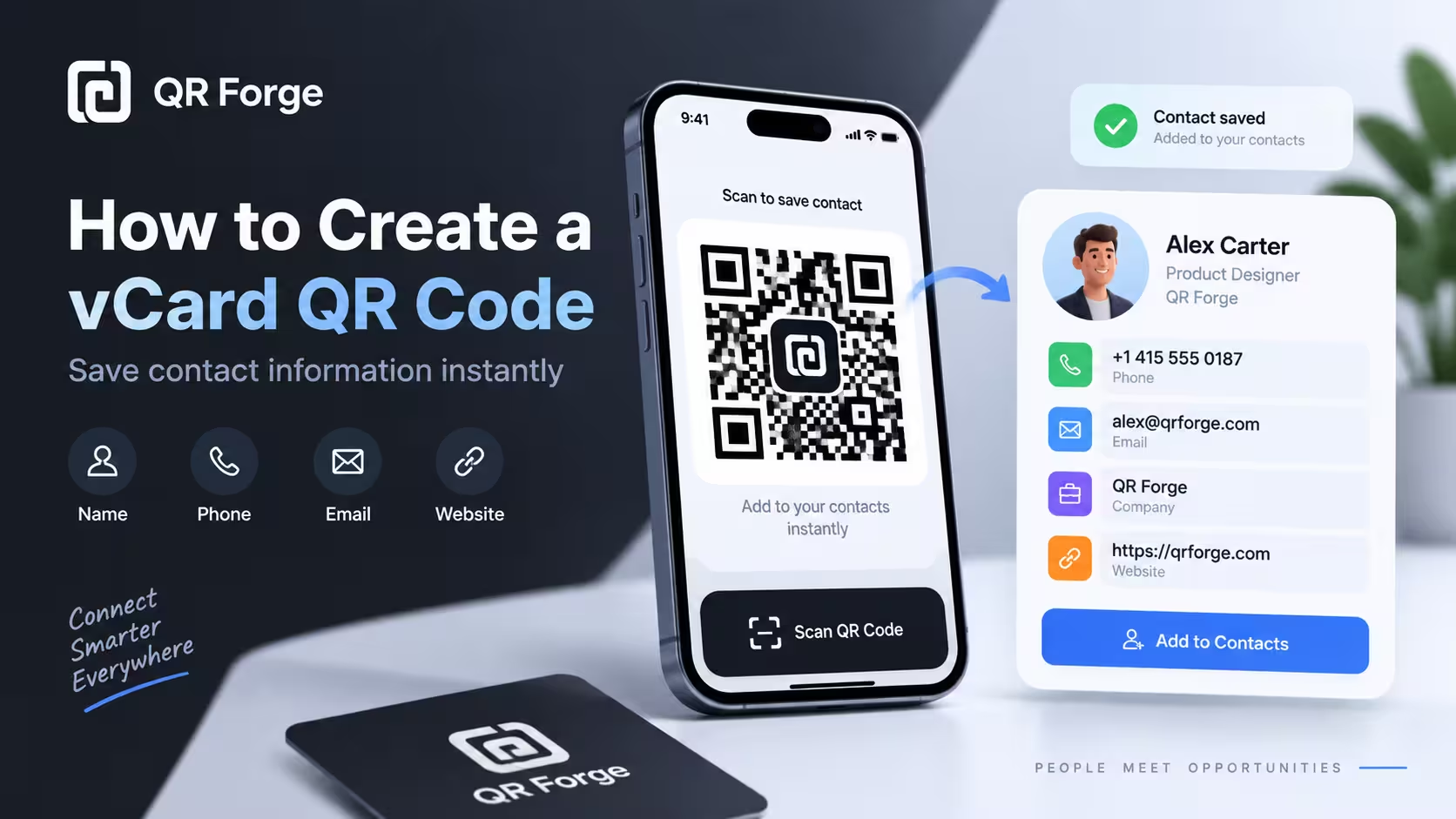
Learn to create a vCard 3.0 QR code with QR Forge's supported contact fields and test whether compatible devices offer a contact-save option.
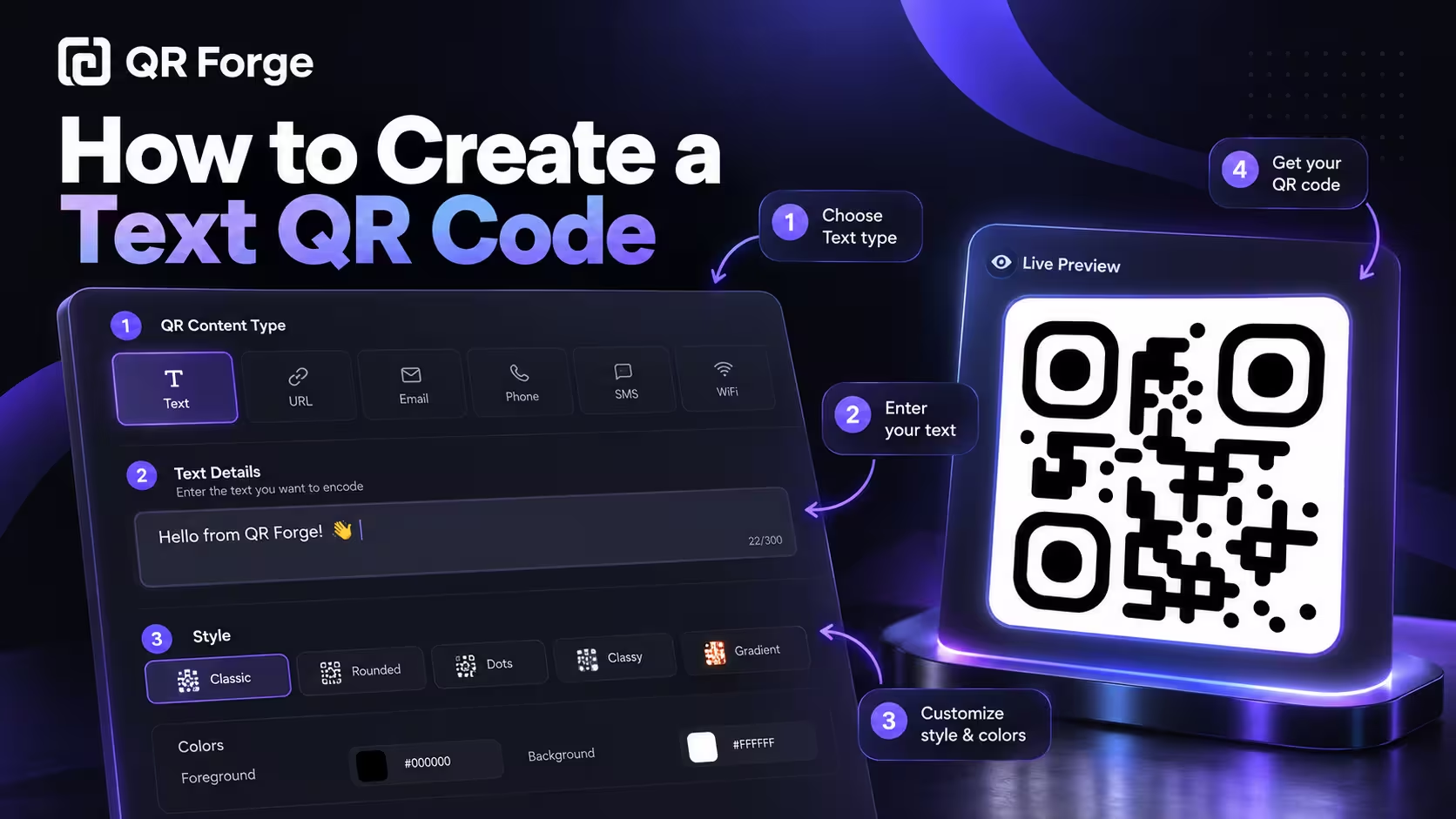
Learn how to create a text QR code for notes, instructions, reference numbers, labels, and offline information that can be read without opening a website.
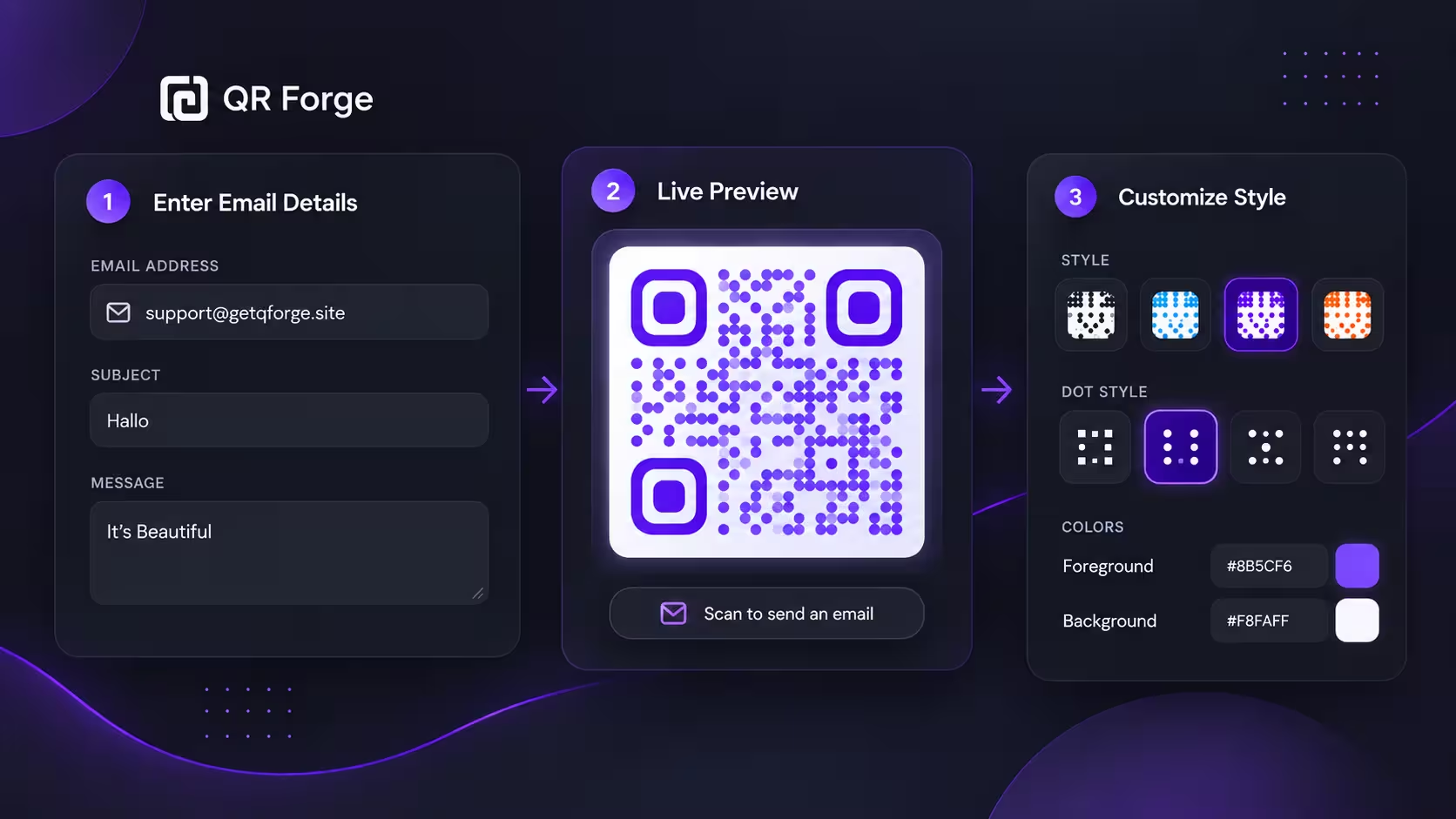
Learn how to create an email QR code that opens a new email draft, plus practical tips for subjects, messages, privacy, testing, and print use.
Everything you need to know about QR Forge
Yes, completely free. No hidden fees, no watermarks, no account required. All features are available without any limitations.
QR content is generated in your browser and is not uploaded to a QR Forge application server. If you choose to save a design, its payload is stored in this browser's local storage. Analytics and advertising services may separately process website usage or ad information when enabled.
SVG is best for print (infinitely scalable). PNG is great for digital use. JPEG or WEBP for smaller file sizes when quality isn't critical.
Yes. Upload an image as a center logo. The generator may show a reminder to consider H-level error correction, but it does not change that setting automatically. A logo can affect scanning, so test the finished code.
QR Forge does not impose a daily generation quota or require an account for normal use. Generation still depends on your device and browser; batch processing has its own per-file limit.
QR codes generated here are static — they encode data directly and never expire. As long as the destination URL is active, the code works forever.
For digital use, choose a size that stays clear at its display size. Raster exports are available at 512, 1024, or 2048 px; SVG can be scaled without a fixed pixel resolution. Leave a clear margin and test the printed result on your target devices.
Absolutely. QR codes you generate are yours to use however you like — personal or commercial, with no attribution required.
Create QR codes for links, Wi-Fi, contact details, and more with QR Forge.
Create your QR code