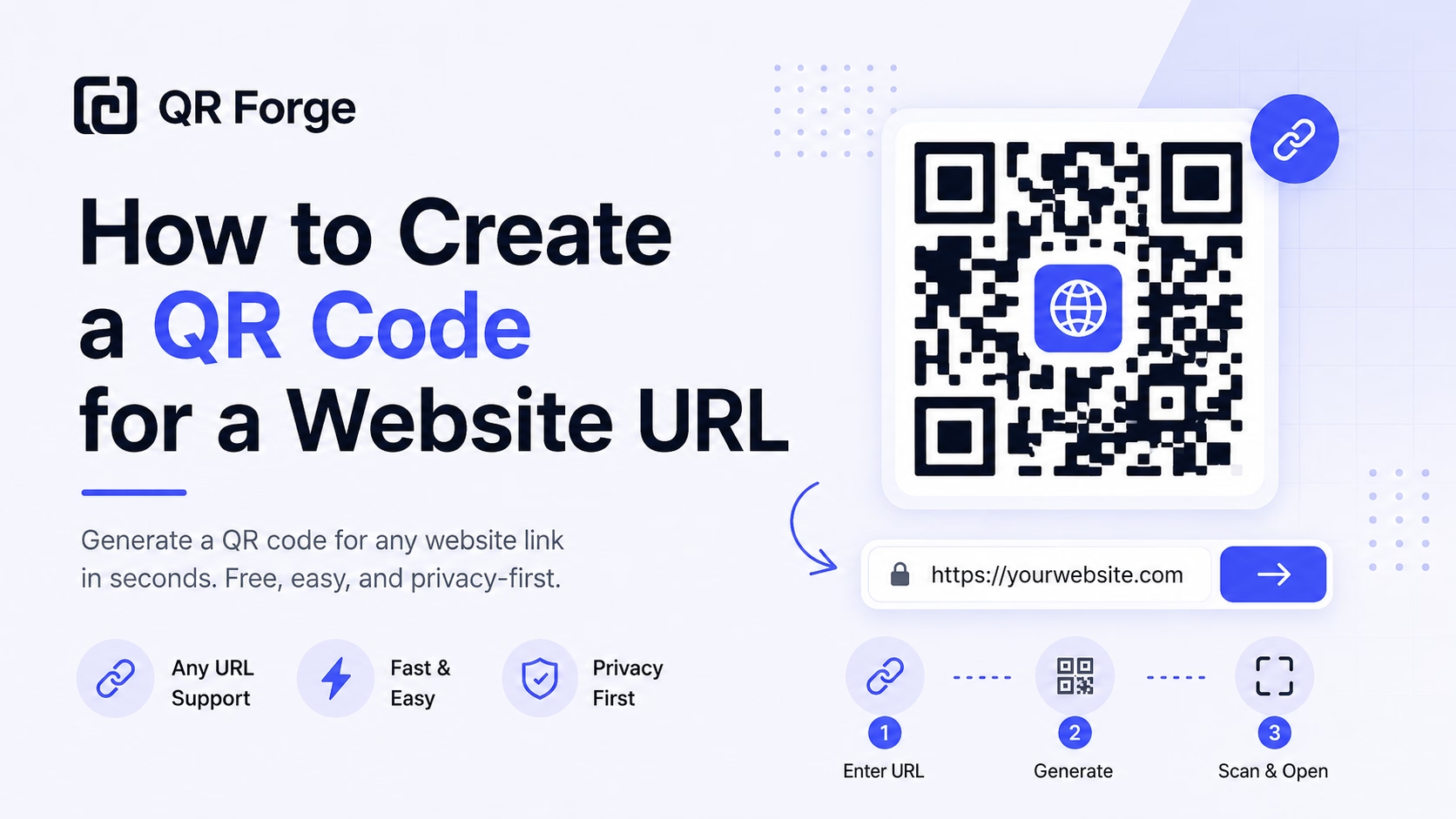
How to Create a QR Code for a Website URL
Learn how to create a QR code for any website URL, test it properly, and use it on posters, business cards, menus, packaging, and digital materials.
From invite to check-in — make every event touchpoint scannable.
An event QR code connects physical invitations, posters, and badges directly to your event's digital hub: ticket purchase pages, RSVP forms, schedules, maps, livestream links, or anything attendees need before, during, or after your event. No more squinting at URLs or fumbling with long web addresses.
Website link
https:// will be added automatically
Style Presets
Dot Style
Corner Square
Corner Dot
Colors
Gradient
High contrast
21.0:1 contrast detected. Test the finished QR code in its intended lighting and on target devices.
Check the details you entered
Correct the highlighted details to preview and download your QR code.
Common issues: empty URL, malformed email, coordinates out of range
Complete or correct the QR details before copying or downloading.
Practical steps for creating QR codes people can use right away.
Learn how to create a QR code for any website URL, test it properly, and use it on posters, business cards, menus, packaging, and digital materials.
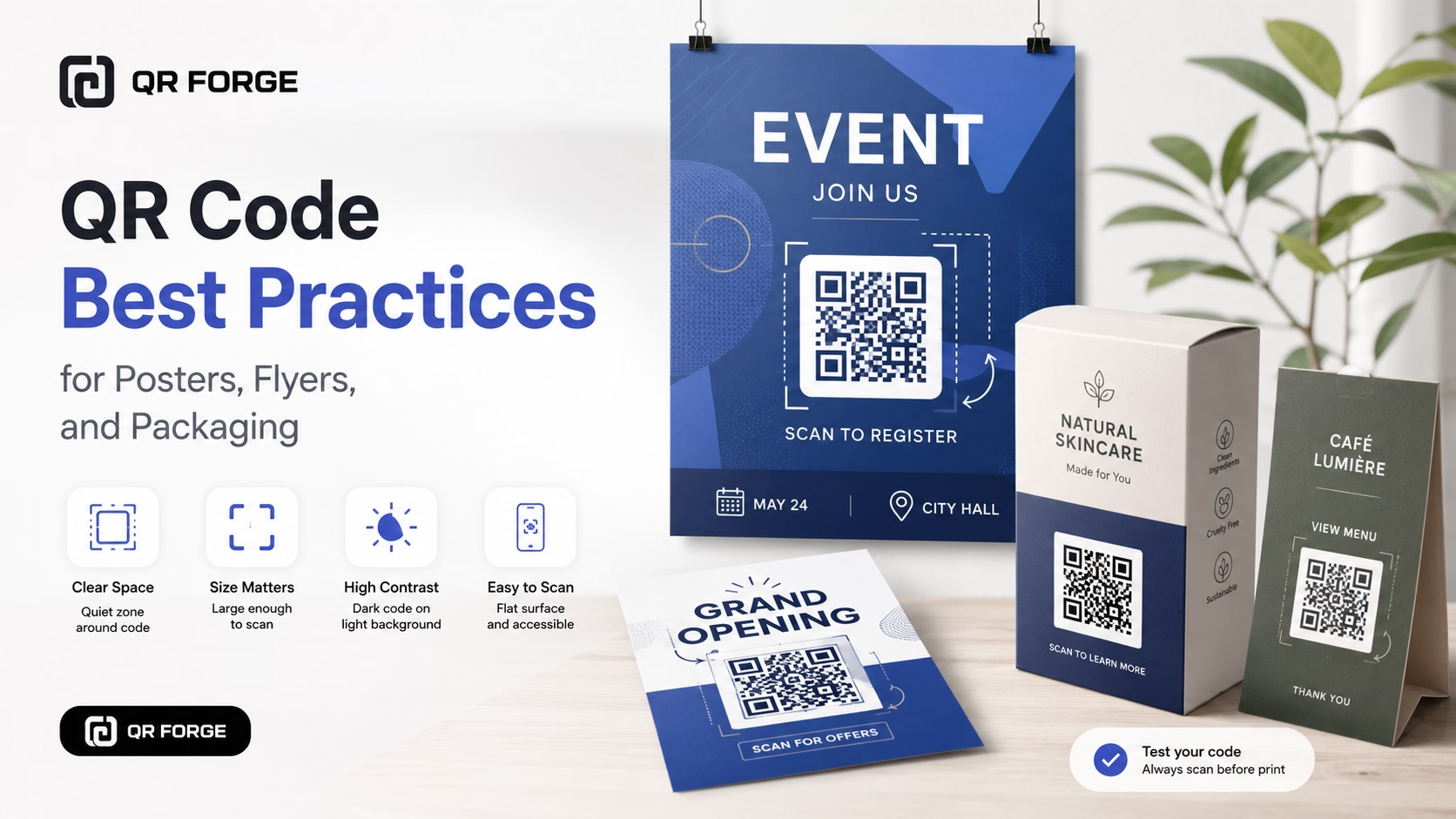
Learn practical QR code best practices for posters, flyers, packaging, menus, and printed marketing materials, including size, contrast, placement, testing, and calls to action.
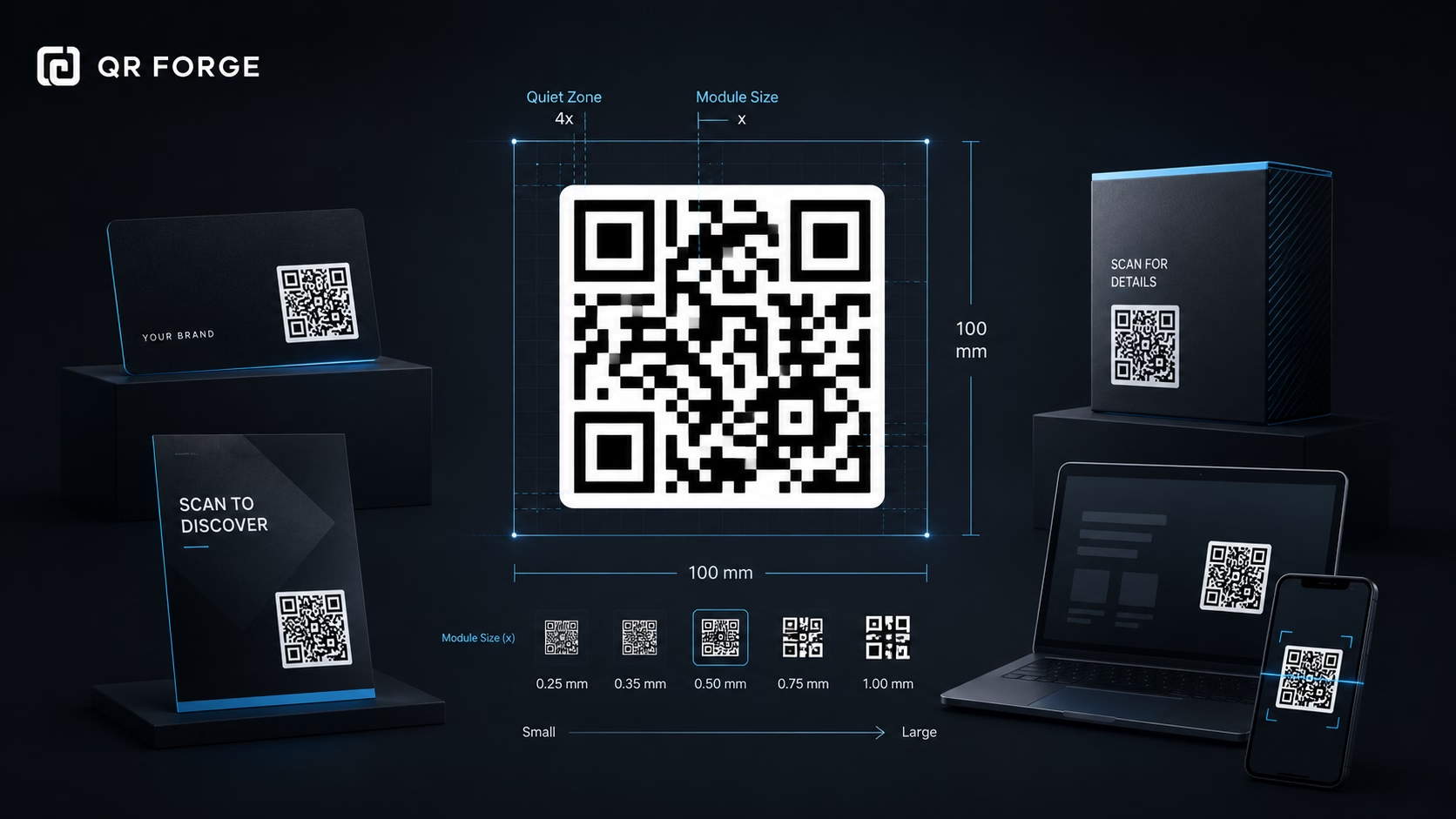
Learn the recommended QR code sizes for business cards, flyers, posters, packaging, menus, and screens so your QR codes stay easy to scan.
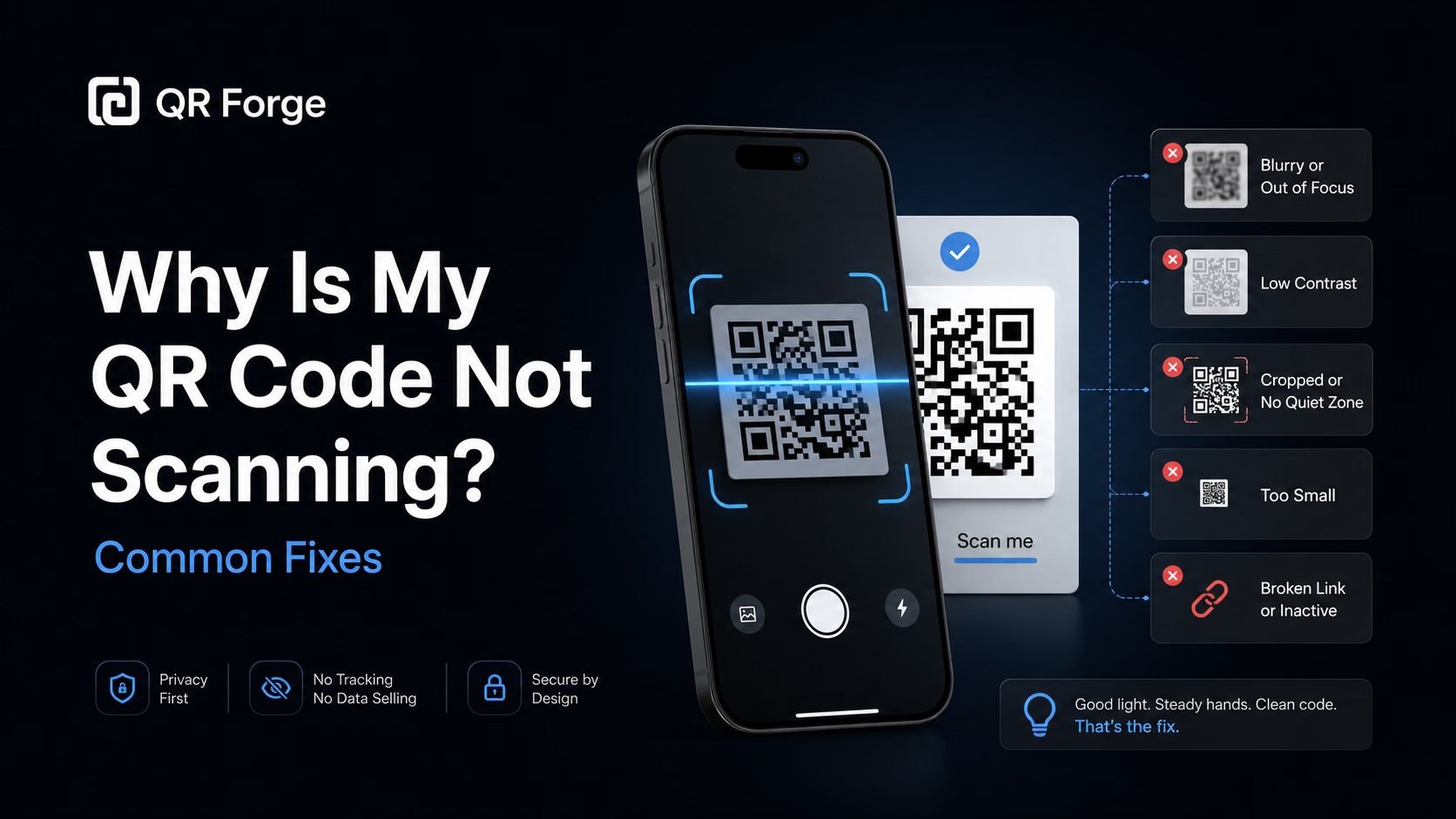
Learn why a QR code may not scan and how to fix common problems with size, contrast, quiet zone, print quality, lighting, distance, and broken links.
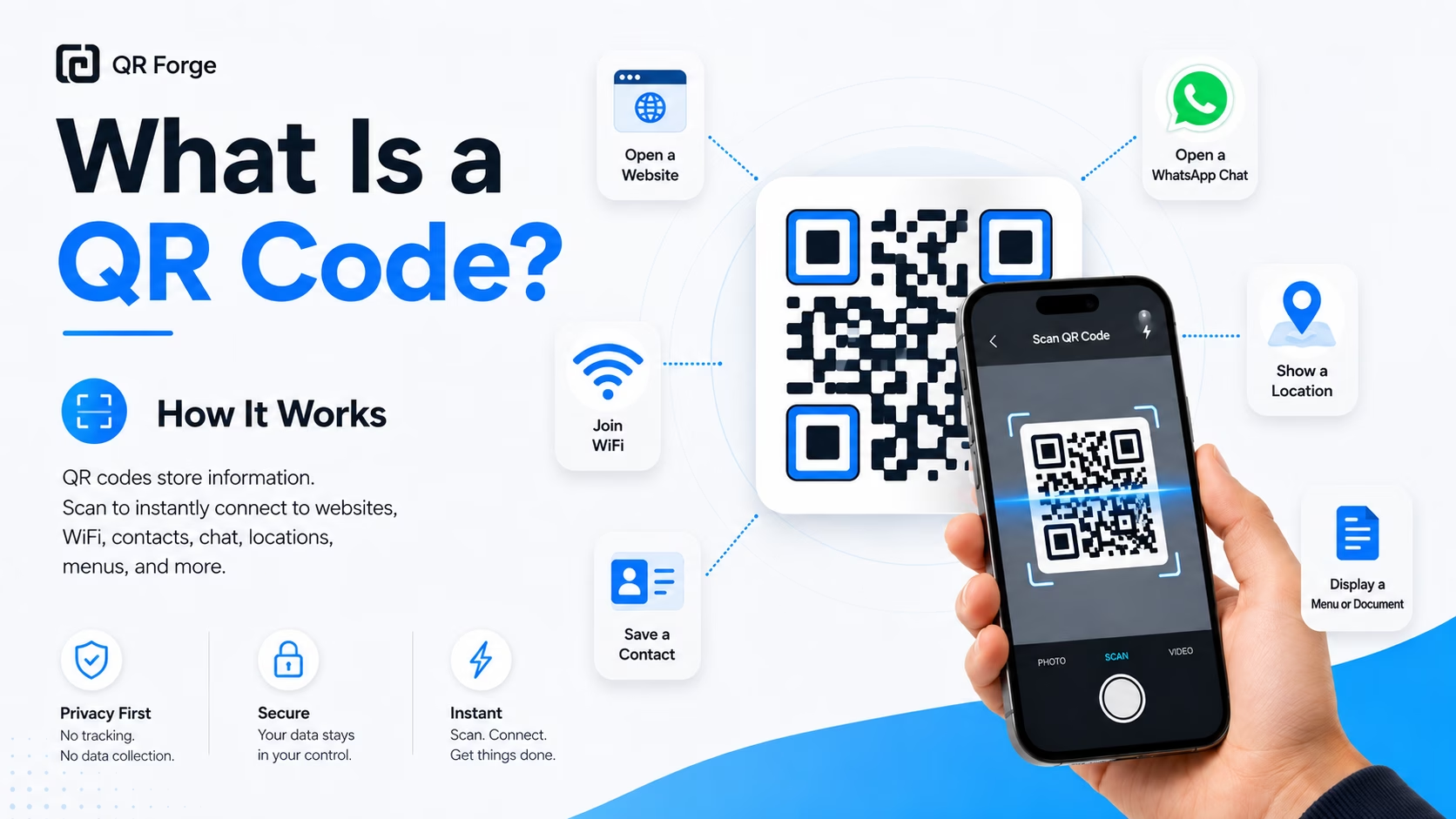
Learn what a QR code is, how it works, what information it can store, and why QR codes are useful for websites, WiFi, contact sharing, menus, and more.
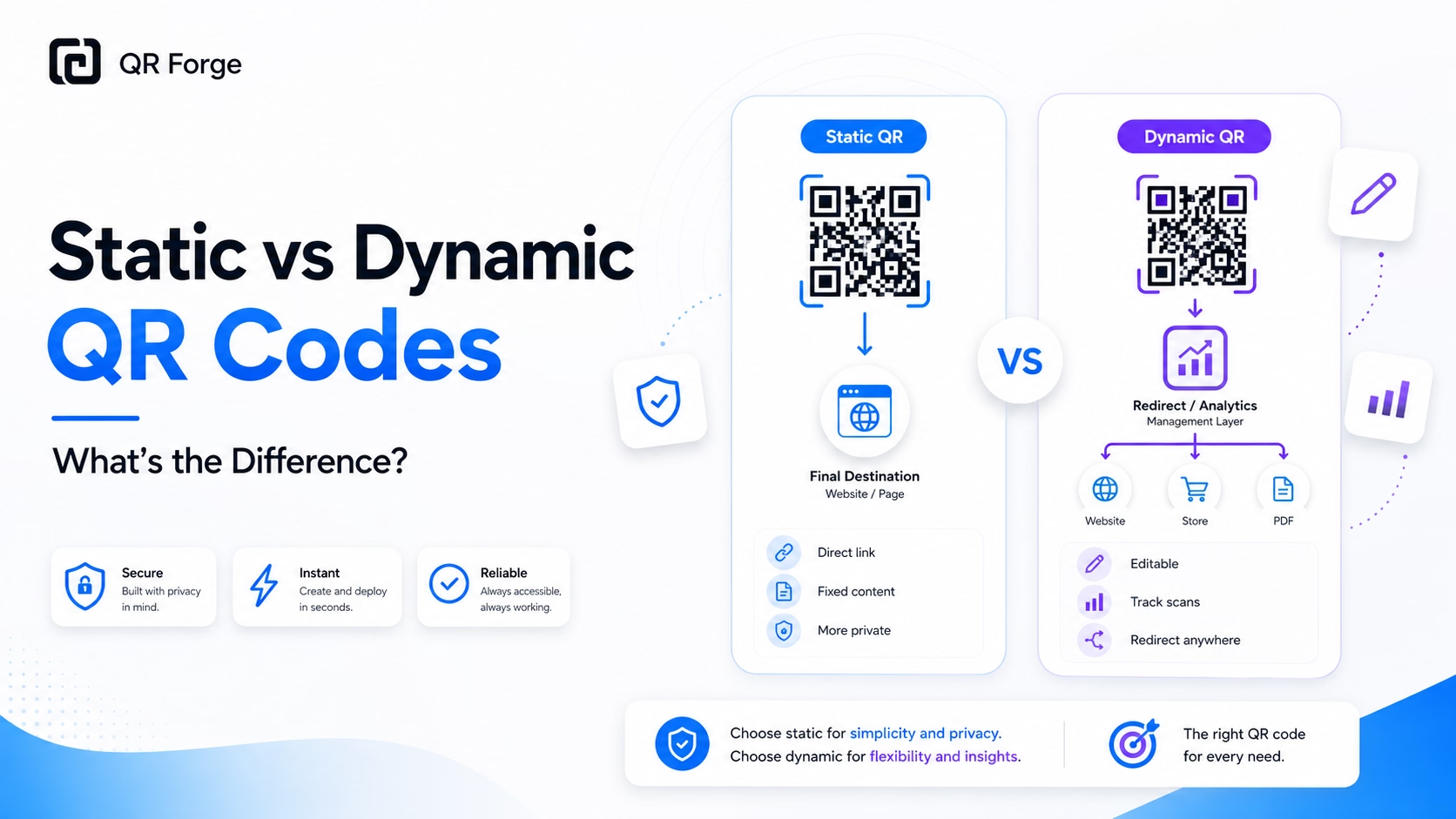
Understand the difference between static and dynamic QR codes, including editing, tracking, privacy, cost, and when each type is the better choice.
An event QR code is a URL QR code whose destination is your event's online presence — an Eventbrite listing, a Google Form RSVP, a conference schedule page, a Zoom join link, or your own custom event site. It bridges your physical event materials (invitations, programs, signage, lanyards) with every piece of digital information attendees might need, without cluttering the design with long, ugly URLs.
Choose your event destination
Paste an HTTP or HTTPS link to your ticketing page, RSVP form, event schedule, or livestream. The QR Forge URL validator checks URL syntax, not whether the destination is safe or available.
Brand to your event theme
Match QR colors to your event's visual identity. Add your event logo or sponsor logo to the center for a polished, professional look.
Embed across all event materials
Invitations, save-the-dates, posters, venue signage, name badges, programs, and social media graphics — one consistent QR across everything.
Conferences & Summits
Badge lanyards include a QR linking to the session schedule and speaker bios — attendees always know what's happening and where.
Weddings & Private Events
Invitation envelopes include a QR to the RSVP form and venue map — guests respond digitally without mailing back a card.
Graduation Ceremonies
Programs and ceremony signage link to the livestream URL so remote family members can watch in real time.
Charity Runs & Sports Events
Race bibs and registration confirmations include a QR linking to live results, timing leaderboards, and photo galleries.
Concerts & Festivals
Ticket stubs and wristbands link to stage schedules, artist lineups, and post-event photo albums.
Corporate & Networking Events
Name badges link to attendee LinkedIn profiles or company pages — networking at scale without business card exchanges.
Link to wherever you most want attendees to go: your ticketing page before the event, the venue map or schedule during the event, and a photo gallery or replay link after. Consider using a redirect URL you control so you can update the destination as the event progresses.
Yes — if the destination URL stays the same or redirects appropriately for each phase. Using a redirect URL (like a Bitly or your own domain) lets you change where the QR points without reprinting.
Copy the join link from your calendar invite or meeting host dashboard and paste it as the URL. Scanning will open the meeting link and prompt to open the Zoom or Meet app.
Yes — generate a unique QR per tier (VIP, General Admission, etc.) pointing to different landing pages or sign-in flows. This also lets you track which tier's QR drove the most engagement.
For A5 or letter-sized invitations, a 3×3 cm (1.2 inch) QR is comfortable at arm's length scanning. For outdoor signage scanned from 2+ meters, aim for at least 10×10 cm.
For formal invitations, keep it clean with just the QR. For practical signage (venue, conference), adding a short URL below the QR helps guests who don't scan or have difficulty — belt-and-suspenders approach.
Generate your event QR code free, with no account or watermarks.