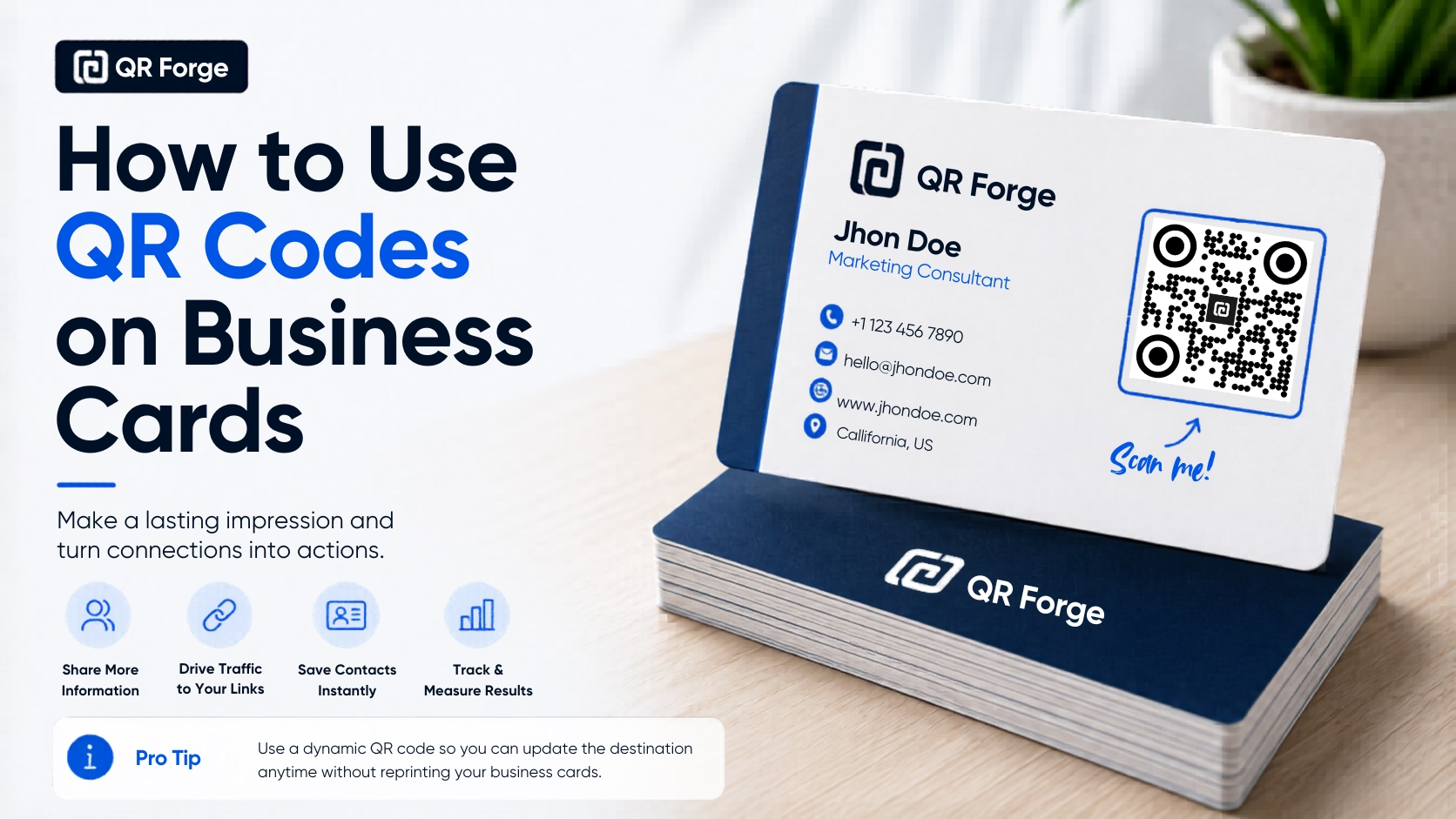
How to Use QR Codes on Business Cards
Learn how to use a QR code on a business card for websites, contact details, portfolios, social profiles, and WhatsApp, with practical design and printing tips.
Convert real-world encounters into Instagram followers instantly.
An Instagram QR code can contain a profile URL. A compatible scanner may open it in a browser or app, depending on device settings and access to the profile. Use it on packaging, event signage, or business cards.
Website link
https:// will be added automatically
Style Presets
Dot Style
Corner Square
Corner Dot
Colors
Gradient
High contrast
21.0:1 contrast detected. Test the finished QR code in its intended lighting and on target devices.
Encoding: https://instagram.com/
Practical steps for creating QR codes people can use right away.
Learn how to use a QR code on a business card for websites, contact details, portfolios, social profiles, and WhatsApp, with practical design and printing tips.
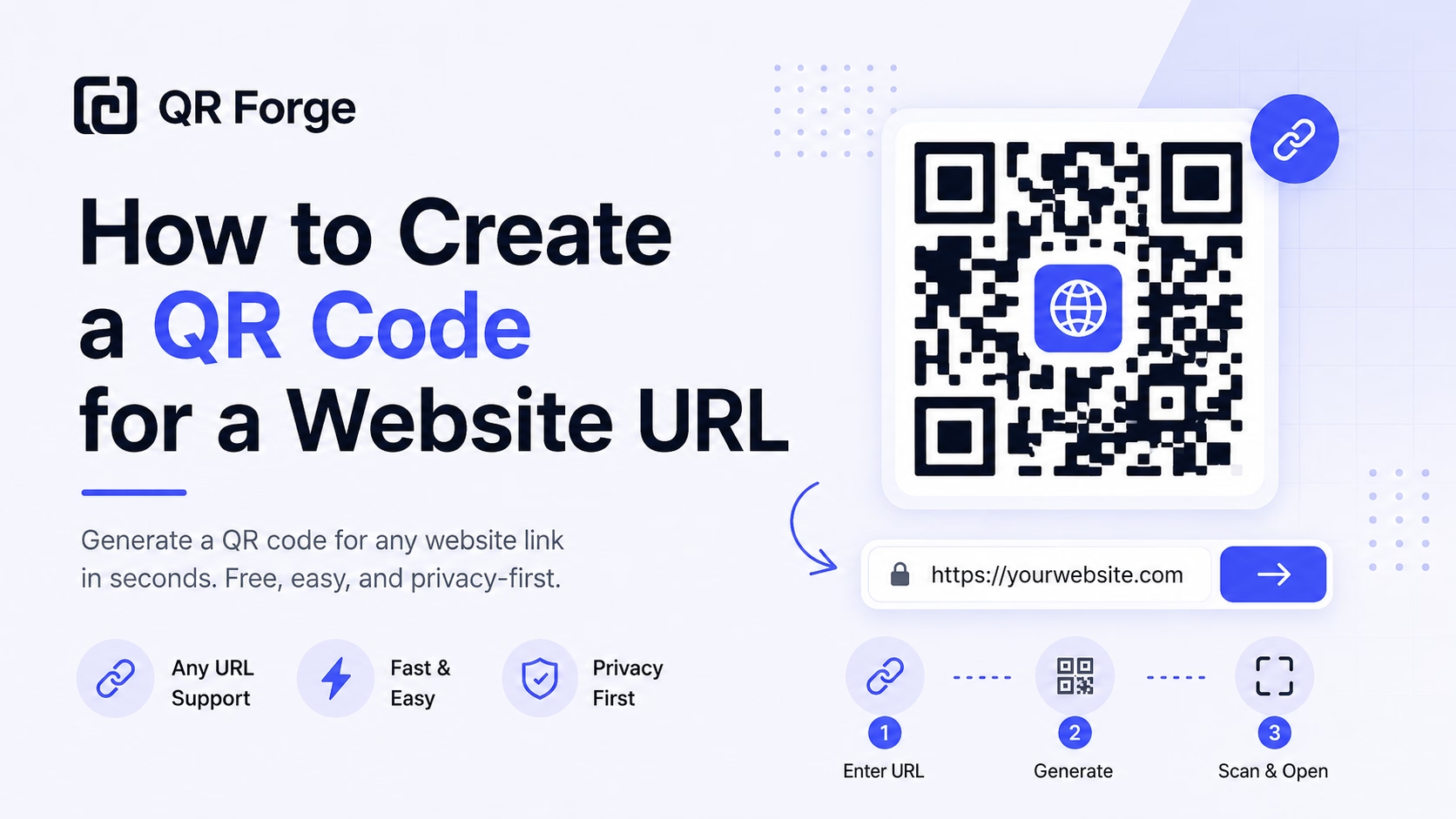
Learn how to create a QR code for any website URL, test it properly, and use it on posters, business cards, menus, packaging, and digital materials.
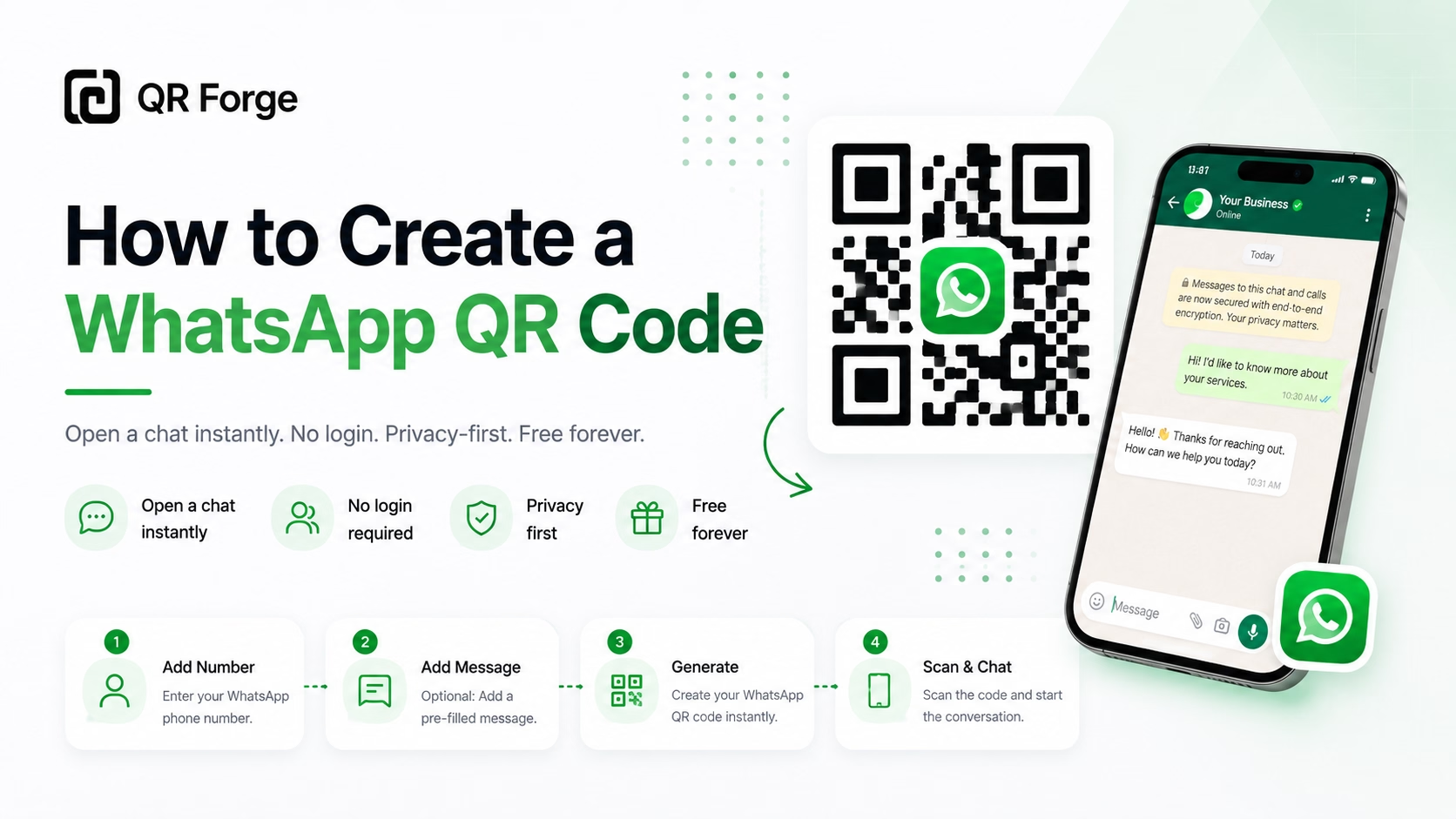
Learn how to create a WhatsApp QR code for a click-to-chat link, with tips for businesses, customer support, posters, packaging, and social media.
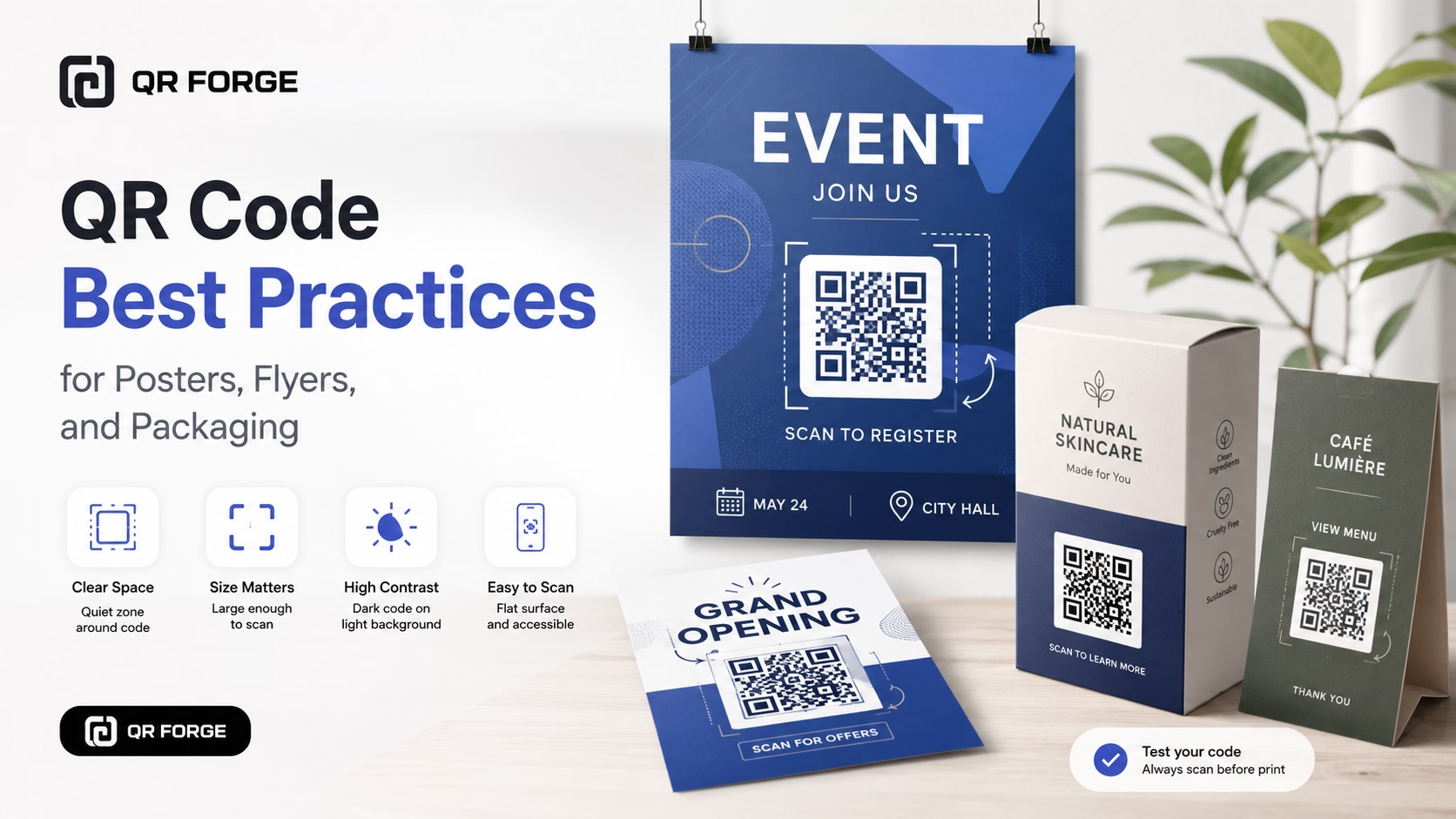
Learn practical QR code best practices for posters, flyers, packaging, menus, and printed marketing materials, including size, contrast, placement, testing, and calls to action.
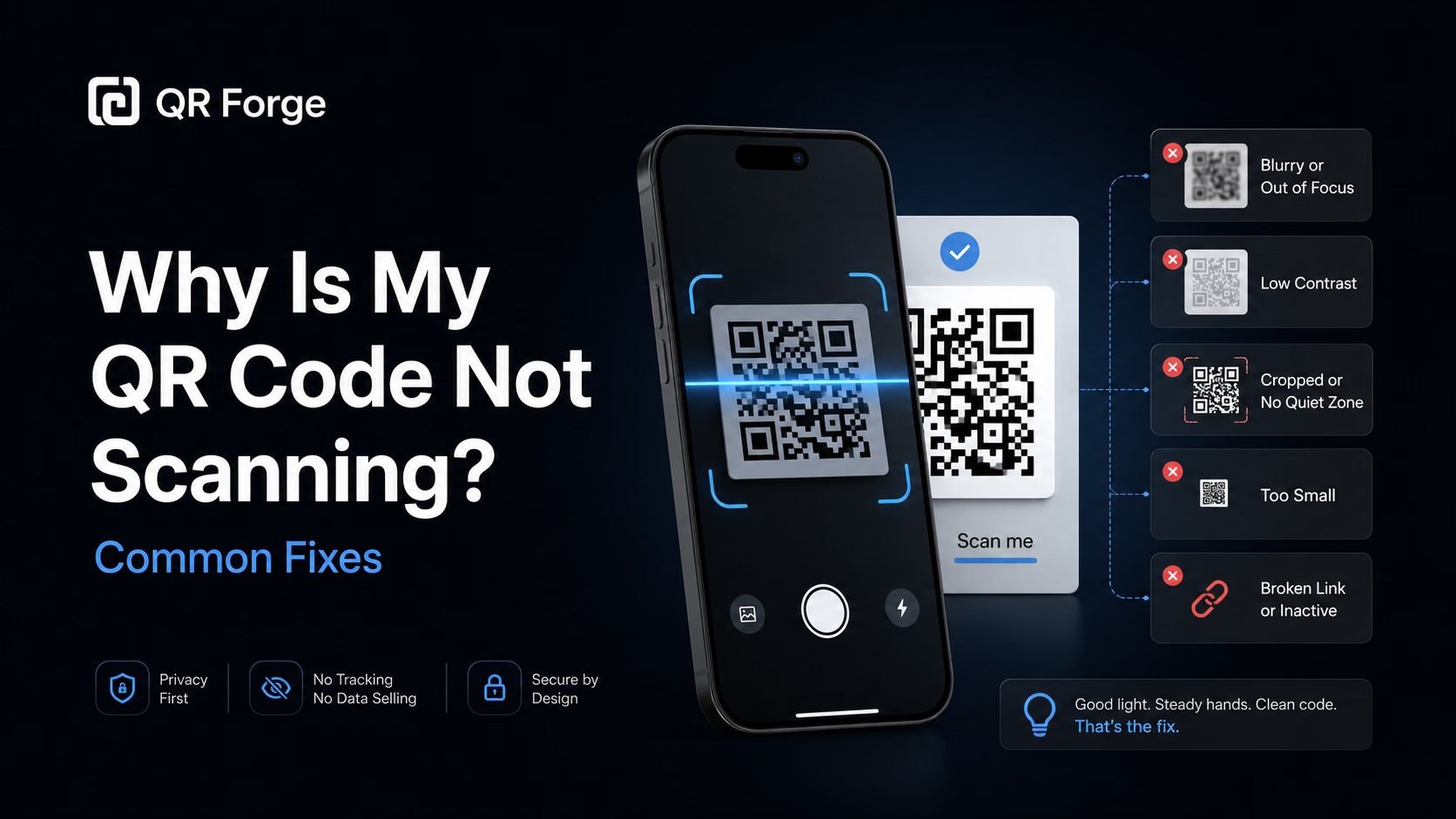
Learn why a QR code may not scan and how to fix common problems with size, contrast, quiet zone, print quality, lighting, distance, and broken links.
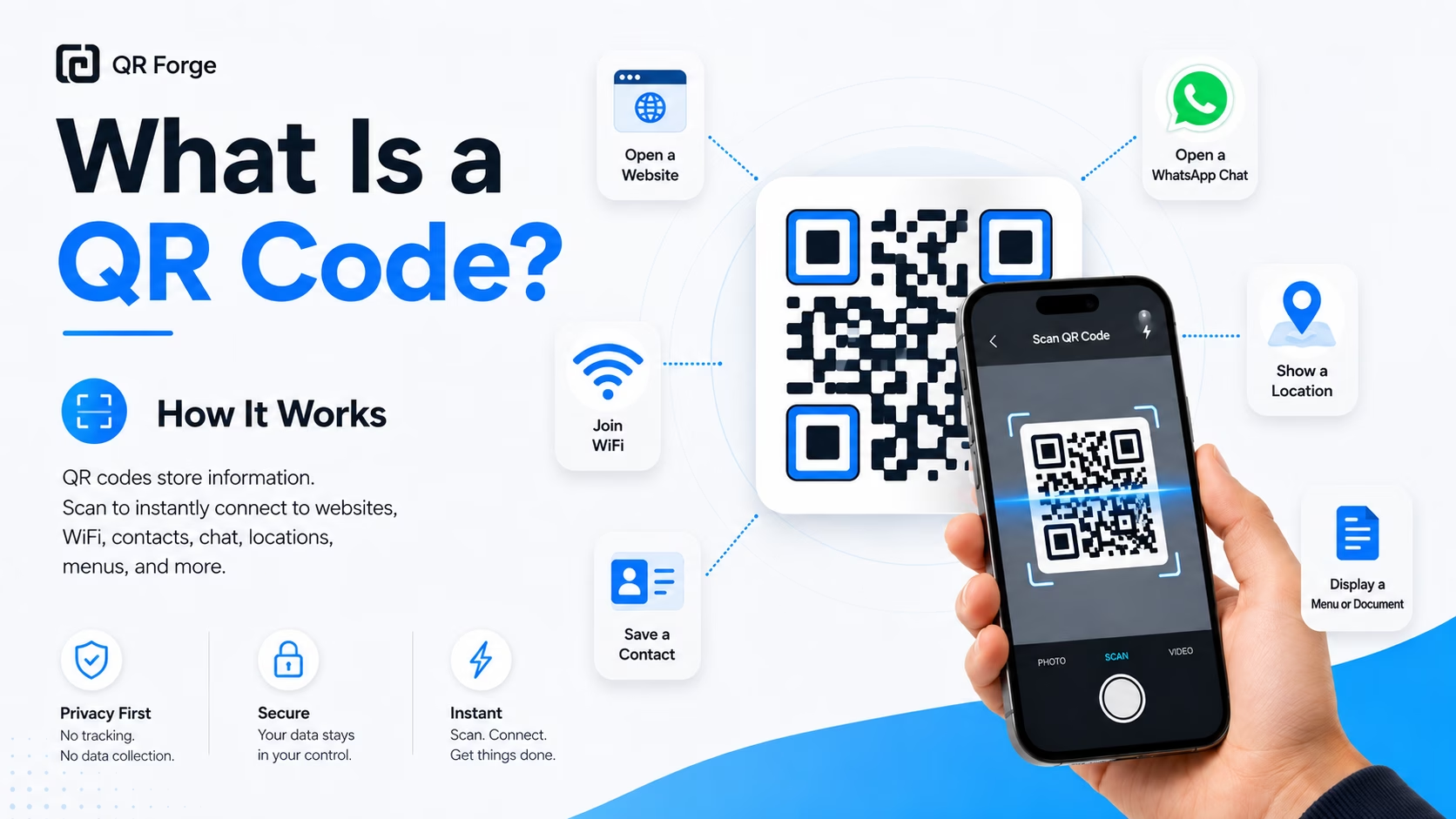
Learn what a QR code is, how it works, what information it can store, and why QR codes are useful for websites, WiFi, contact sharing, menus, and more.
An Instagram QR code encodes a URL such as instagram.com/yourusername. A compatible scanner may offer to open the link; access and app behavior vary by device, browser, and profile settings. Test the final code before printing.
Enter your Instagram URL
Type your full profile URL: instagram.com/yourusername. Double-check spelling — a typo means scans go nowhere.
Design with Instagram's palette
Use Instagram's gradient colors (purple-orange-pink) or match your personal brand aesthetic. Add your profile photo as the center logo.
Place on everything
Product tags, packaging inserts, store windows, event handouts, business cards, printed media kits — the more surfaces, the more follows.
Product Packaging
Clothing tags, candle labels, food packaging — customers who love your product follow you for more content and new releases.
Retail Storefronts
Window decals and counter cards convert foot traffic into Instagram followers who stay connected with your brand.
Photographers & Artists
Watermark prints or portfolio pages with a QR so admirers follow your work feed rather than losing your name.
Performers & Speakers
Stage backdrops, merch tables, and event programs — audience members follow in the moment when enthusiasm is highest.
Restaurants & Food Brands
Table cards and takeout bags grow your foodie following — people who just ate your food are your most motivated followers.
Trade Shows & Markets
Booth displays include an Instagram QR so visitors who don't buy today can stay in your community and buy later.
Link to your profile for follower growth. Link to a specific post or Reel for campaign-specific engagement — for example, a contest post or a product launch video.
Use https://instagram.com/yourusername (with https://). Avoid www. as it adds unnecessary redirects. Mobile browsers will typically open the Instagram app if installed.
Yes — just paste the URL of any public Story highlight or Reel. Note that Stories expire after 24 hours, so link to Highlights or permanent Reels instead.
QR Forge does not provide scan analytics. A separate link or analytics service may report visits or clicks depending on its features and destination; those counts are not necessarily scans. Review its privacy practices and test each link.
On iOS and Android with Instagram installed, the browser often triggers an app deep link prompt. Behavior varies by browser and device settings.
Yes — personal and business accounts work identically. For business accounts, consider linking to a specific product post or the link-in-bio tool URL for a more conversion-optimized destination.
Generate your Instagram QR code free with custom colors and no watermarks.