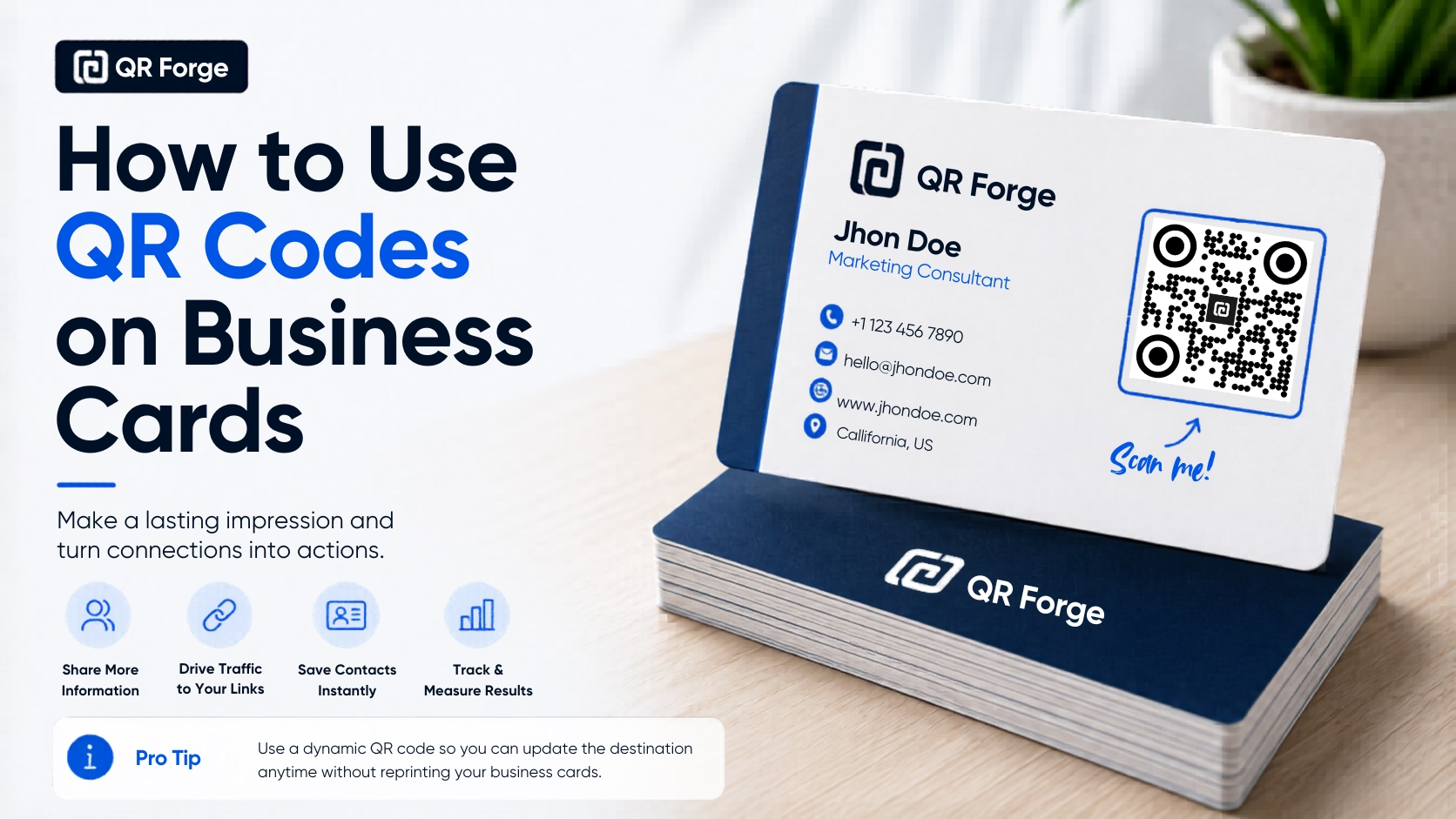
How to Use QR Codes on Business Cards
Learn how to use a QR code on a business card for websites, contact details, portfolios, social profiles, and WhatsApp, with practical design and printing tips.
Drive Facebook page likes, group joins, and event RSVPs from the real world.
A Facebook QR code can contain a link to a page, profile, group, or event. A compatible scanner may open the link in a browser or app; access depends on the destination and device.
Website link
https:// will be added automatically
Style Presets
Dot Style
Corner Square
Corner Dot
Colors
Gradient
High contrast
21.0:1 contrast detected. Test the finished QR code in its intended lighting and on target devices.
Encoding: https://facebook.com/
Practical steps for creating QR codes people can use right away.
Learn how to use a QR code on a business card for websites, contact details, portfolios, social profiles, and WhatsApp, with practical design and printing tips.
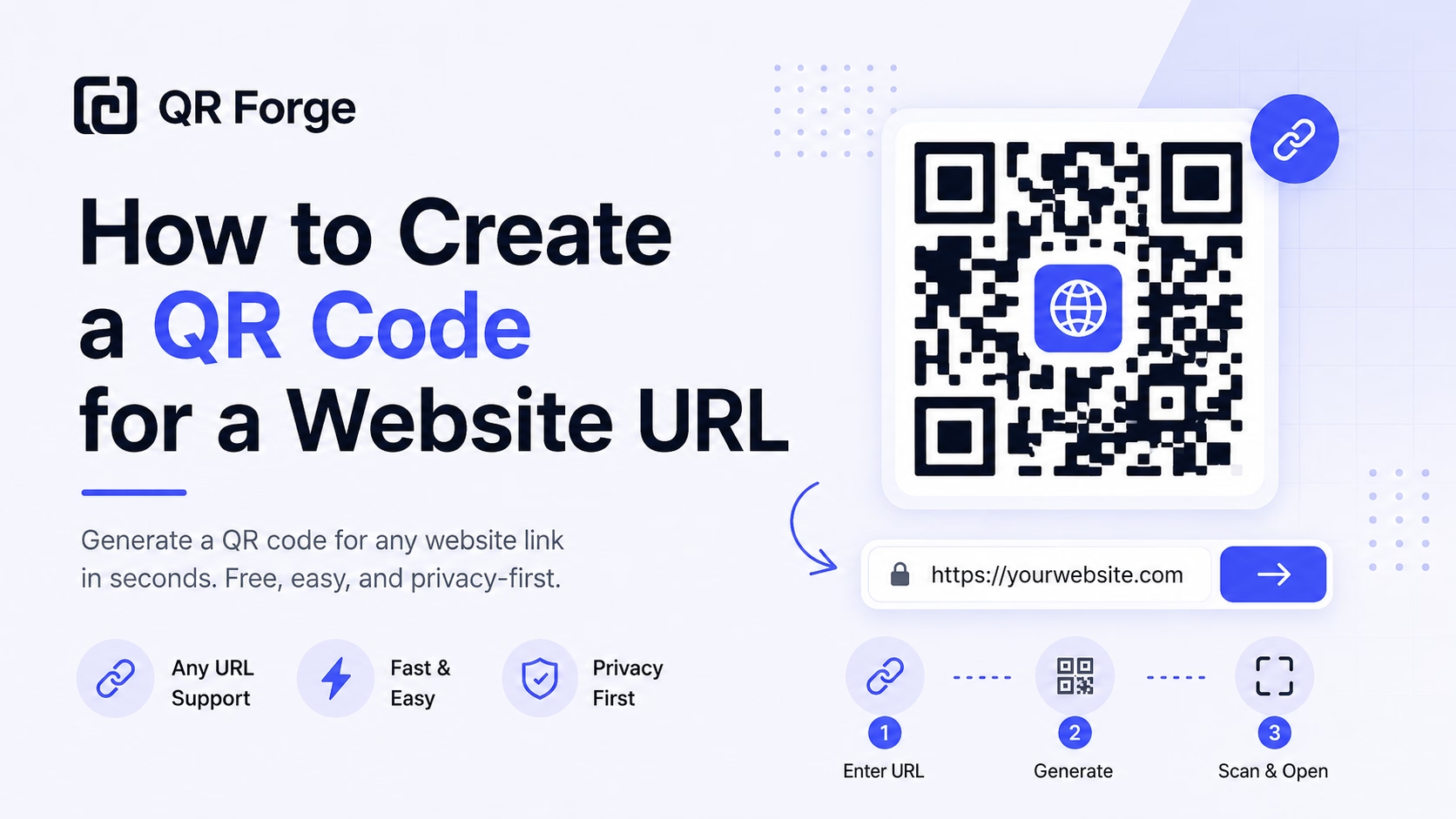
Learn how to create a QR code for any website URL, test it properly, and use it on posters, business cards, menus, packaging, and digital materials.
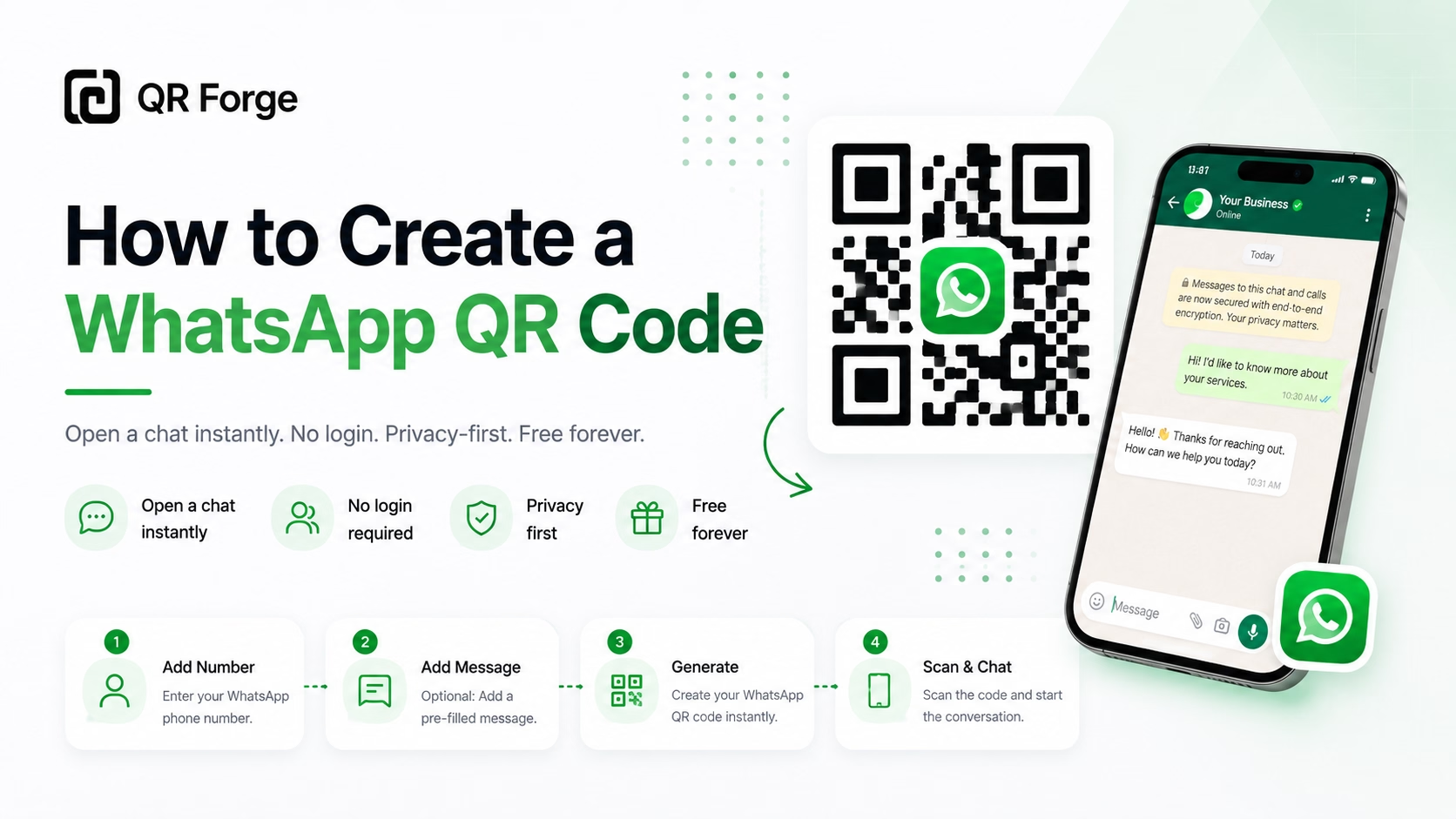
Learn how to create a WhatsApp QR code for a click-to-chat link, with tips for businesses, customer support, posters, packaging, and social media.
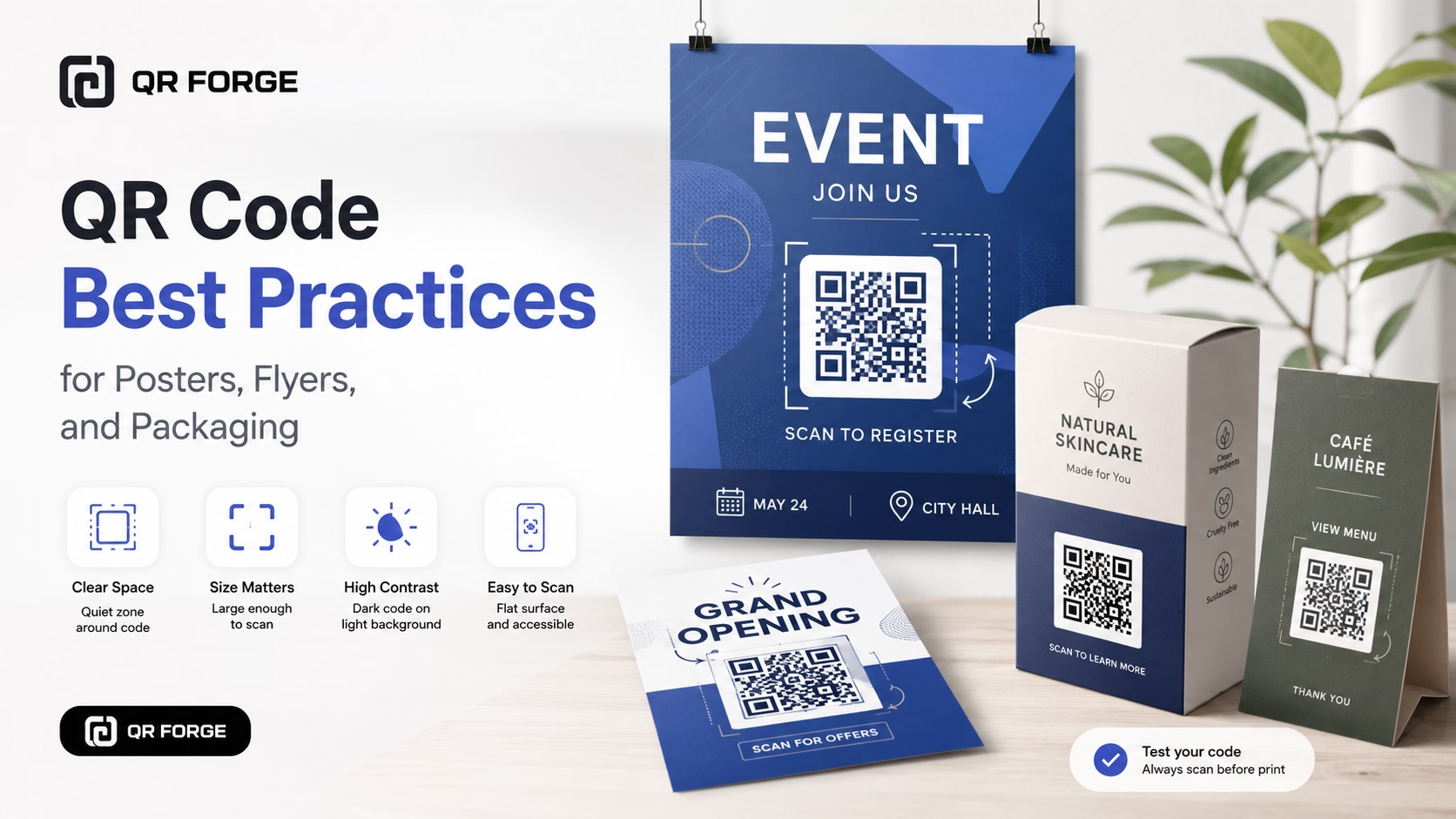
Learn practical QR code best practices for posters, flyers, packaging, menus, and printed marketing materials, including size, contrast, placement, testing, and calls to action.
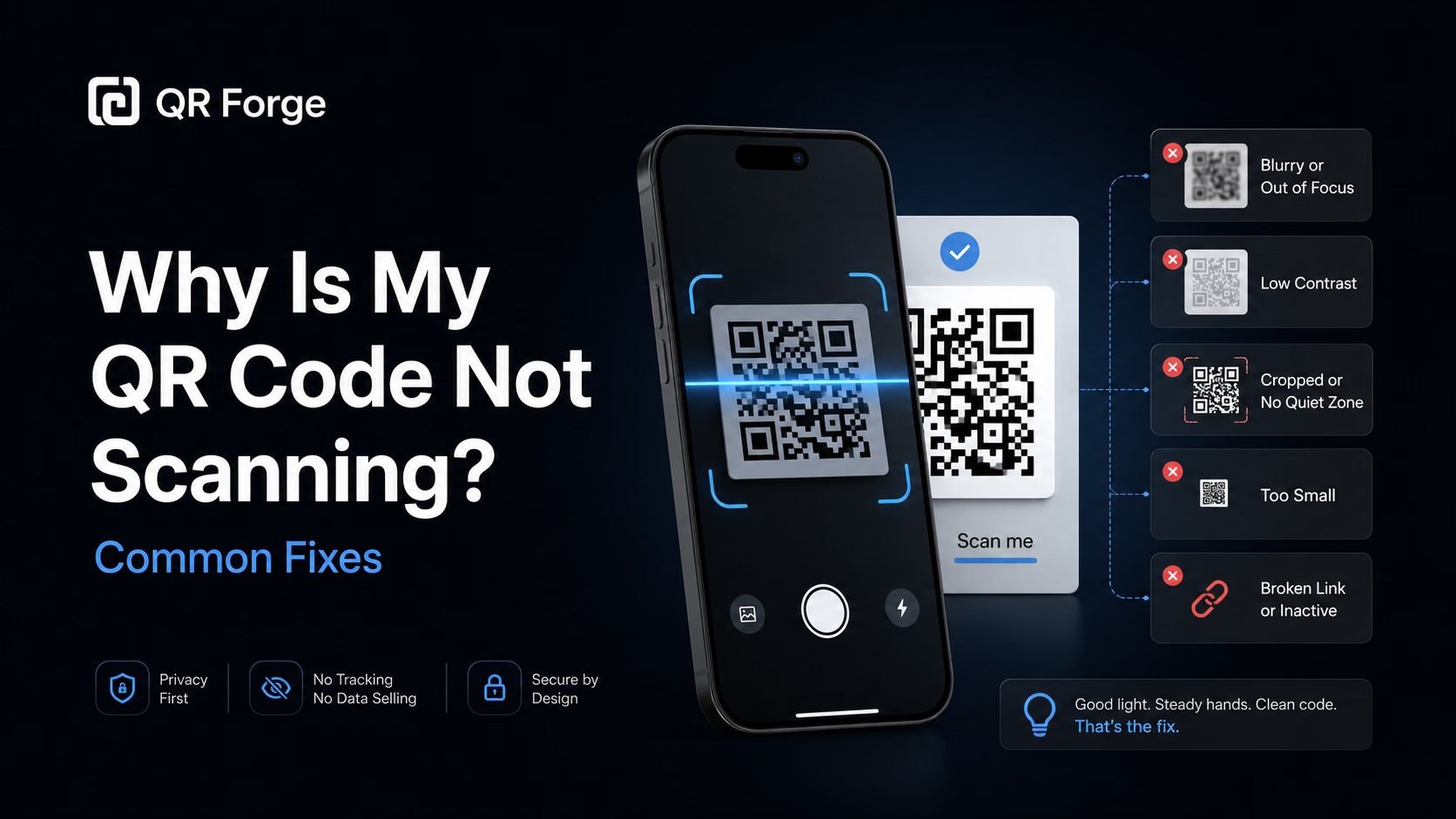
Learn why a QR code may not scan and how to fix common problems with size, contrast, quiet zone, print quality, lighting, distance, and broken links.
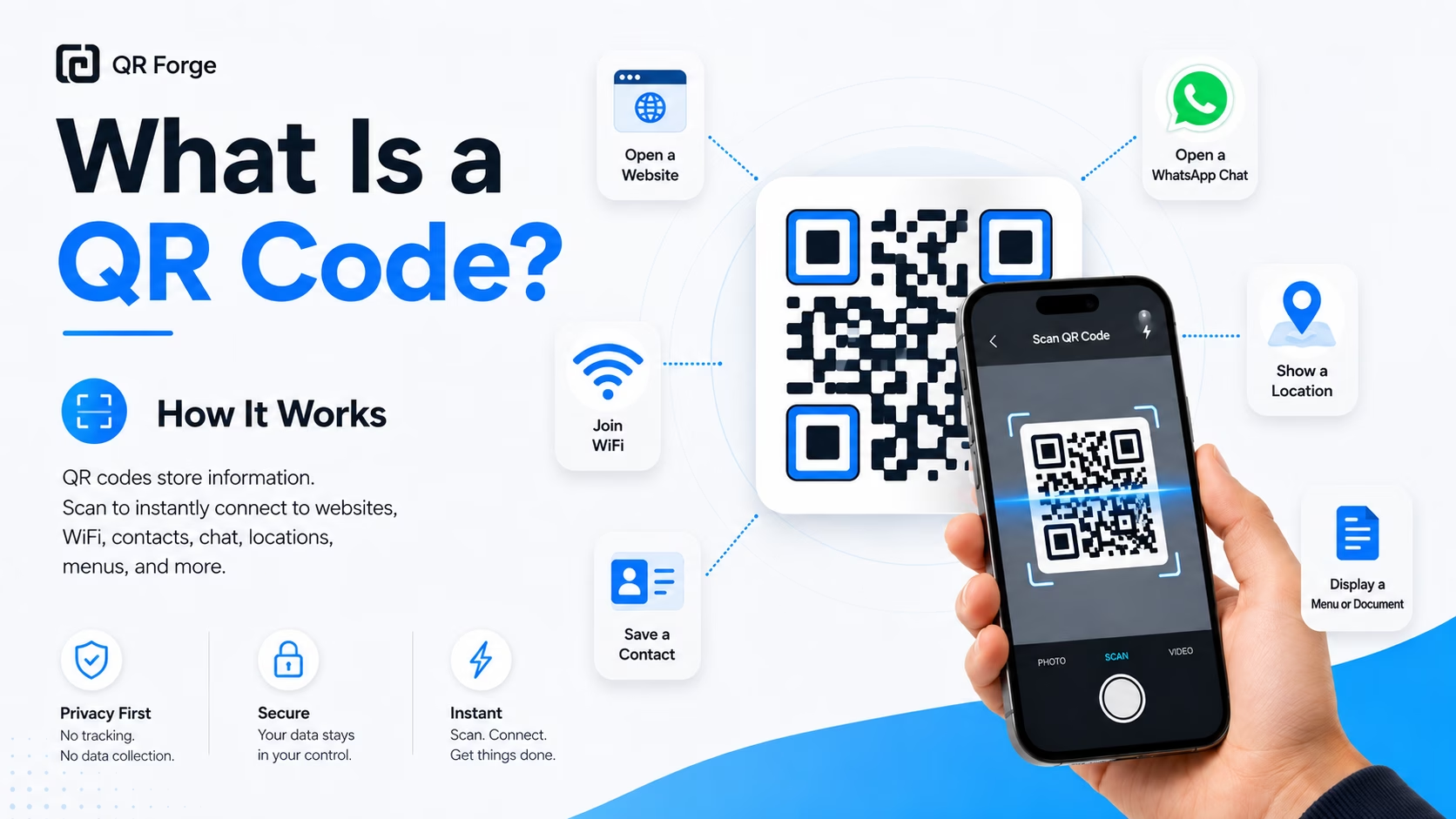
Learn what a QR code is, how it works, what information it can store, and why QR codes are useful for websites, WiFi, contact sharing, menus, and more.
A Facebook QR code encodes a facebook.com URL for a page, profile, group, or event. A compatible scanner may open it in a browser or app; the destination's access settings still apply.
Enter your Facebook URL
Paste your Facebook page, group, or event URL. Go to your page → copy the URL from the browser address bar.
Customize your QR design
Use Facebook's signature blue, or match your brand palette. Add your page's profile photo as the center logo.
Add to your marketing materials
Window stickers, business cards, flyers, receipts, community bulletin boards, event programs — wherever your audience physically is.
Local Businesses
Counter displays and window QR codes invite in-store customers to like your Facebook page for deals, updates, and events.
Community Groups
Neighborhood flyers and community boards include a QR to join your local Facebook Group — faster than searching for group names.
Events & Parties
Event invitations include a QR linking to the Facebook Event so guests can RSVP, see the guest list, and get updates.
Schools & Organizations
Parent associations, clubs, and nonprofits recruit members at physical locations with a quick scan to their Facebook page.
Service Businesses
Plumbers, electricians, and caterers leave a Facebook QR on invoices and cards — satisfied clients follow and leave reviews.
Charities & Causes
Fundraising events and charity stalls use QR codes for instant page follows and donation campaign shares.
Always link to a Facebook Page (not a personal profile) for business use. Pages are public, indexable, and have analytics. Personal profiles require friend requests and have privacy limitations.
Use https://facebook.com/yourpagename or https://facebook.com/people/Name/pageID. Avoid m.facebook.com (mobile URLs) as they redirect unnecessarily.
Yes — paste the group URL (facebook.com/groups/groupname). Access and joining depend on Facebook's settings and the visitor's account.
Copy the event URL and use it in the generator. Whether visitors can view or respond to the event depends on its access settings and their account.
The QR keeps the original URL. Whether that URL still works depends on Facebook's redirects and the page's availability. Test the old link after a change, or replace the QR if needed.
QR Forge does not provide scan analytics. A separate link or analytics service may report clicks or visits depending on its features and destination; these are not necessarily scan counts. Review its privacy practices and test the link.
Generate your Facebook QR code free — no account or watermarks.