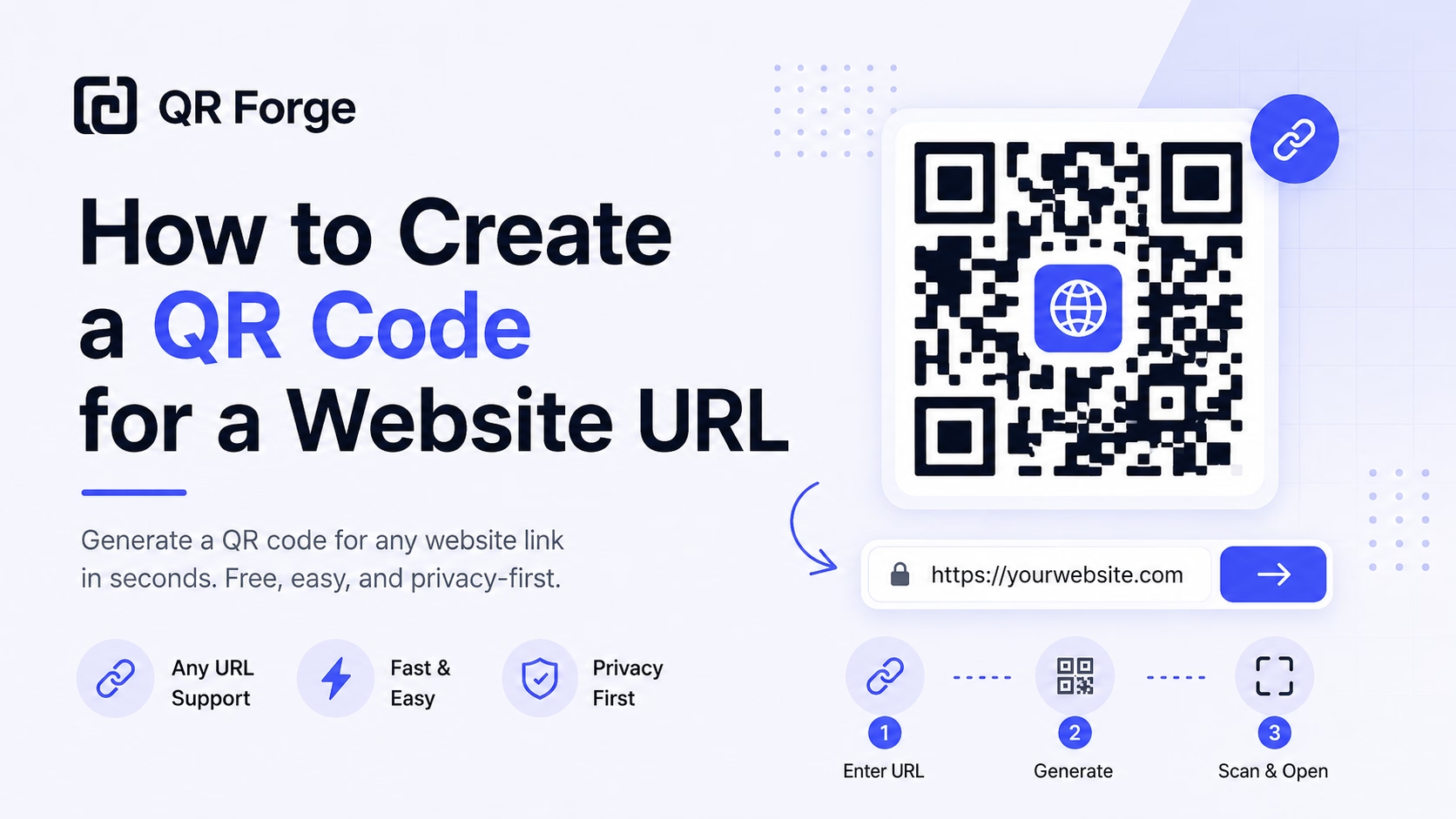
How to Create a QR Code for a Website URL
Learn how to create a QR code for any website URL, test it properly, and use it on posters, business cards, menus, packaging, and digital materials.
Link guests to your online menu from a table card or sign.
A restaurant menu QR code links a table card, placemat, or sign to a menu hosted online. Guests need a compatible QR scanner and an internet connection to open that destination. If you later update content at the same URL, the QR pattern can remain the same.
Website link
https:// will be added automatically
Style Presets
Dot Style
Corner Square
Corner Dot
Colors
Gradient
High contrast
21.0:1 contrast detected. Test the finished QR code in its intended lighting and on target devices.
Check the details you entered
Correct the highlighted details to preview and download your QR code.
Common issues: empty URL, malformed email, coordinates out of range
Complete or correct the QR details before copying or downloading.
Practical steps for creating QR codes people can use right away.
Learn how to create a QR code for any website URL, test it properly, and use it on posters, business cards, menus, packaging, and digital materials.
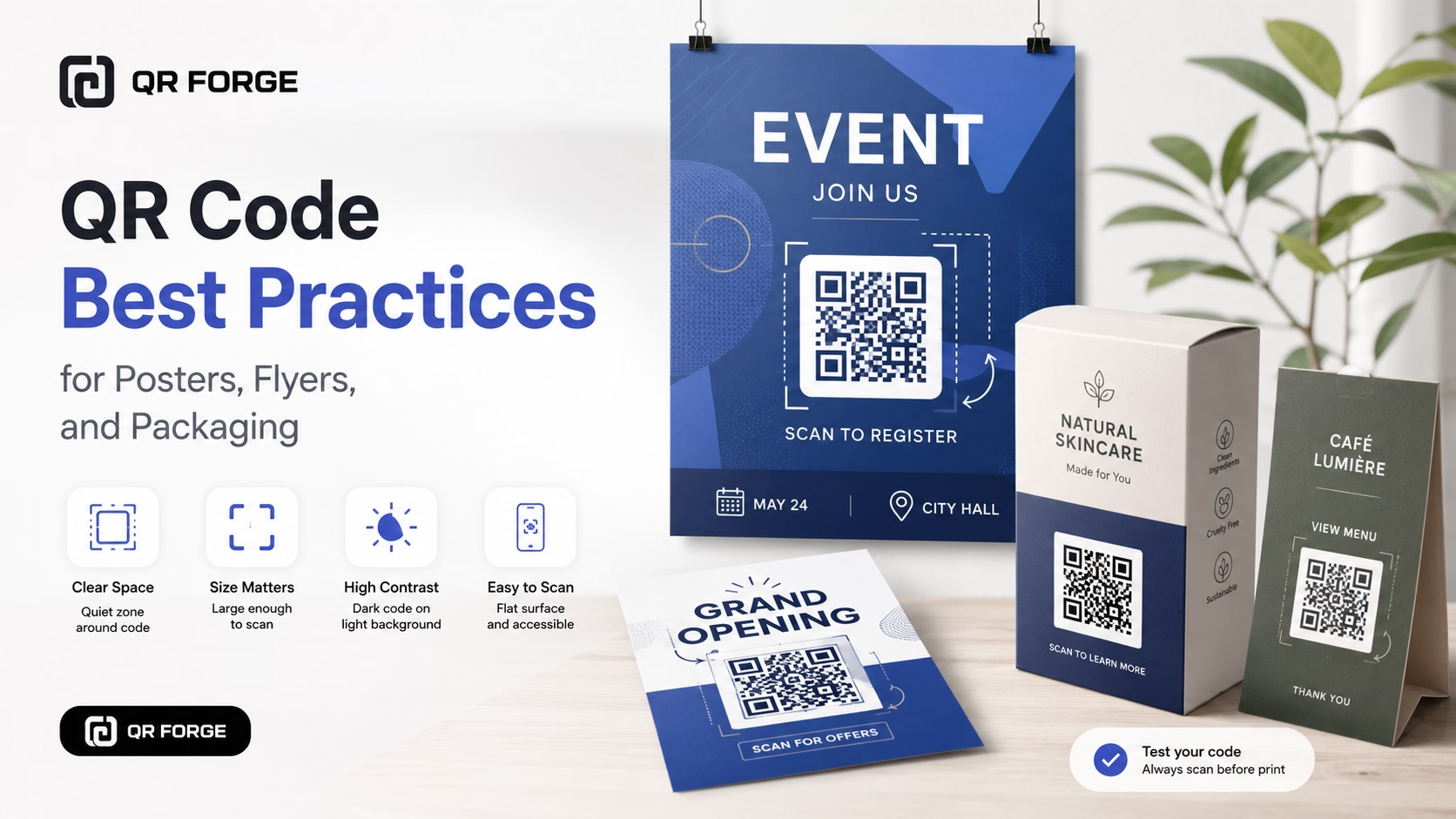
Learn practical QR code best practices for posters, flyers, packaging, menus, and printed marketing materials, including size, contrast, placement, testing, and calls to action.
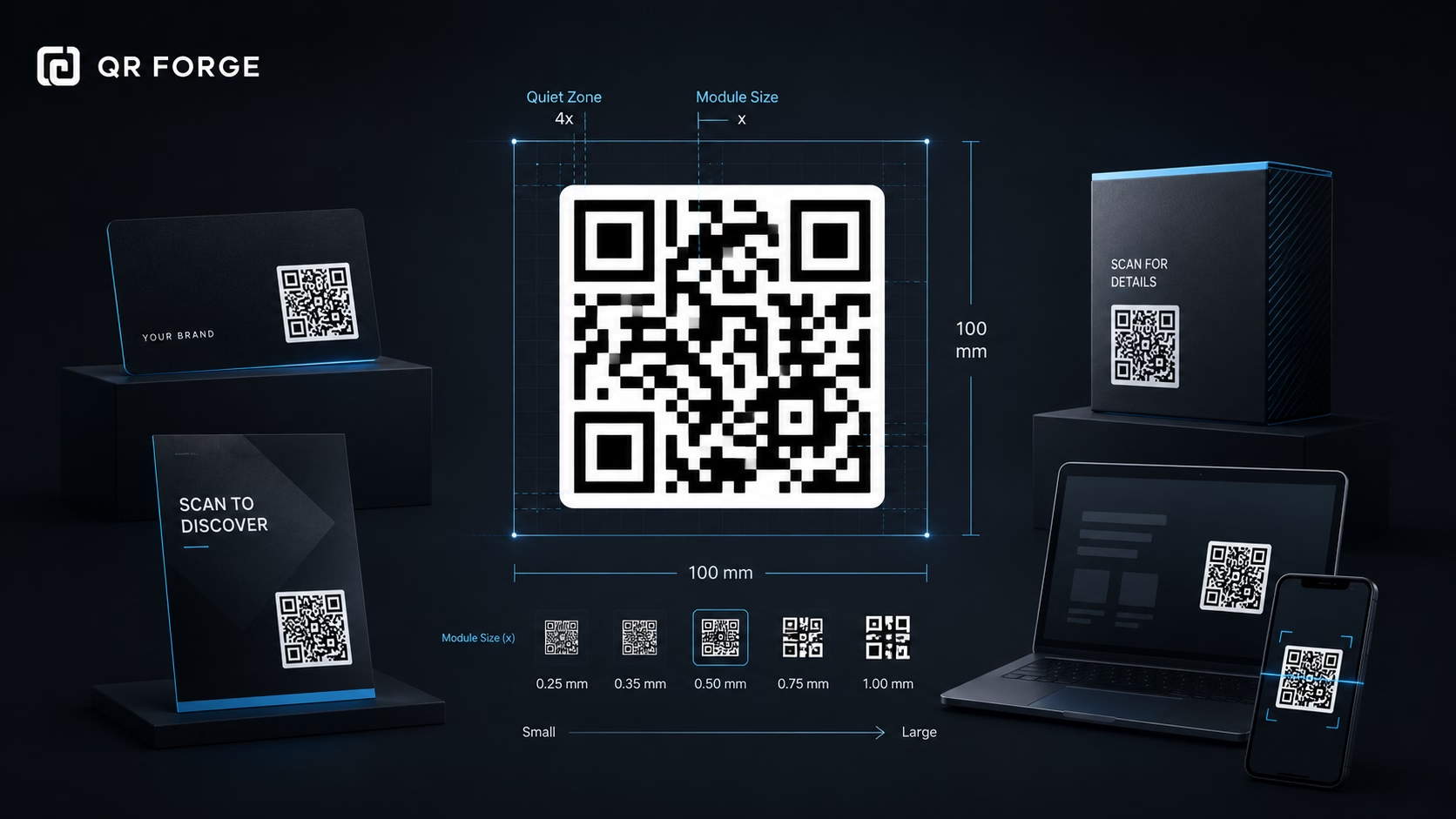
Learn the recommended QR code sizes for business cards, flyers, posters, packaging, menus, and screens so your QR codes stay easy to scan.
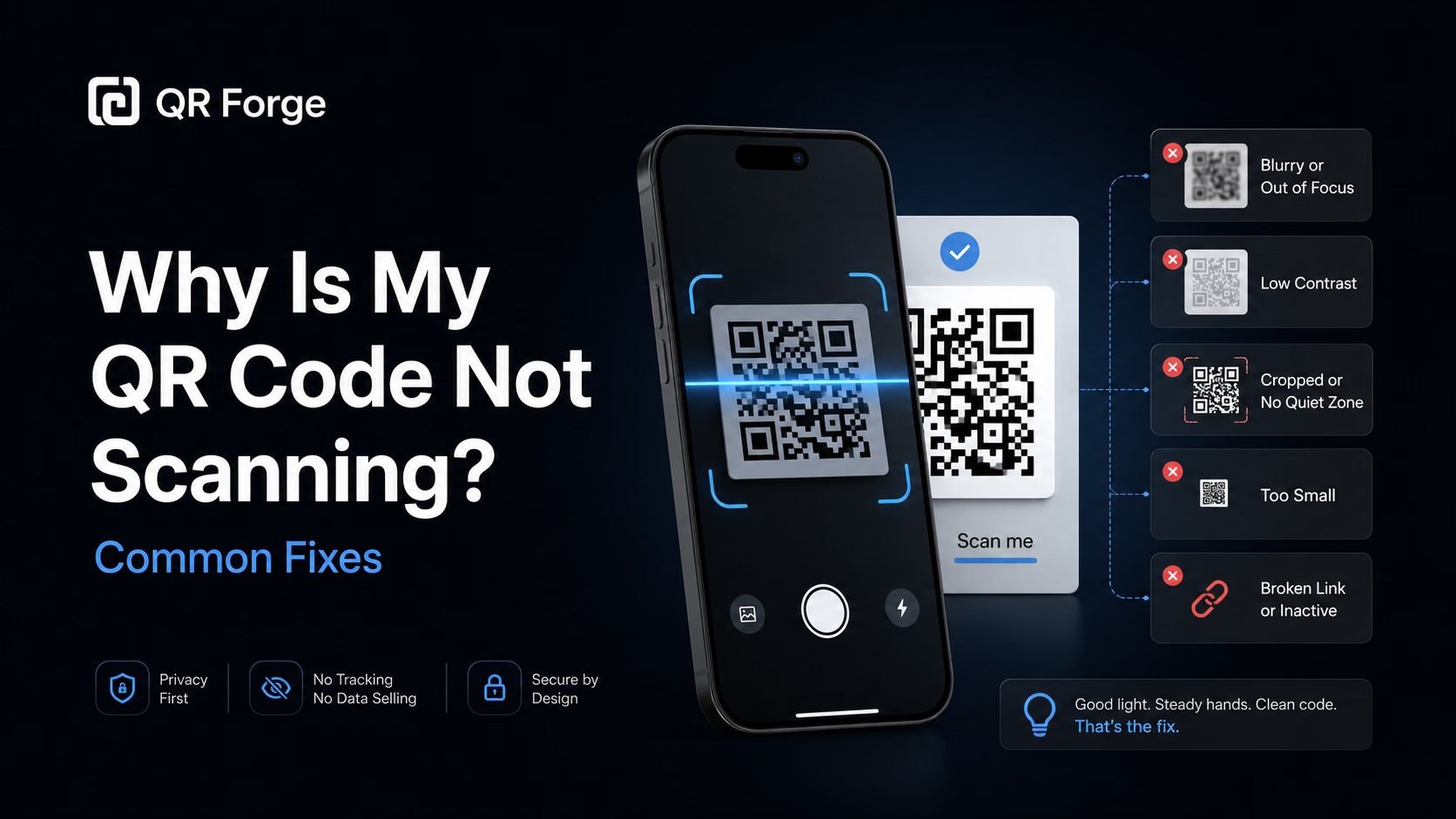
Learn why a QR code may not scan and how to fix common problems with size, contrast, quiet zone, print quality, lighting, distance, and broken links.
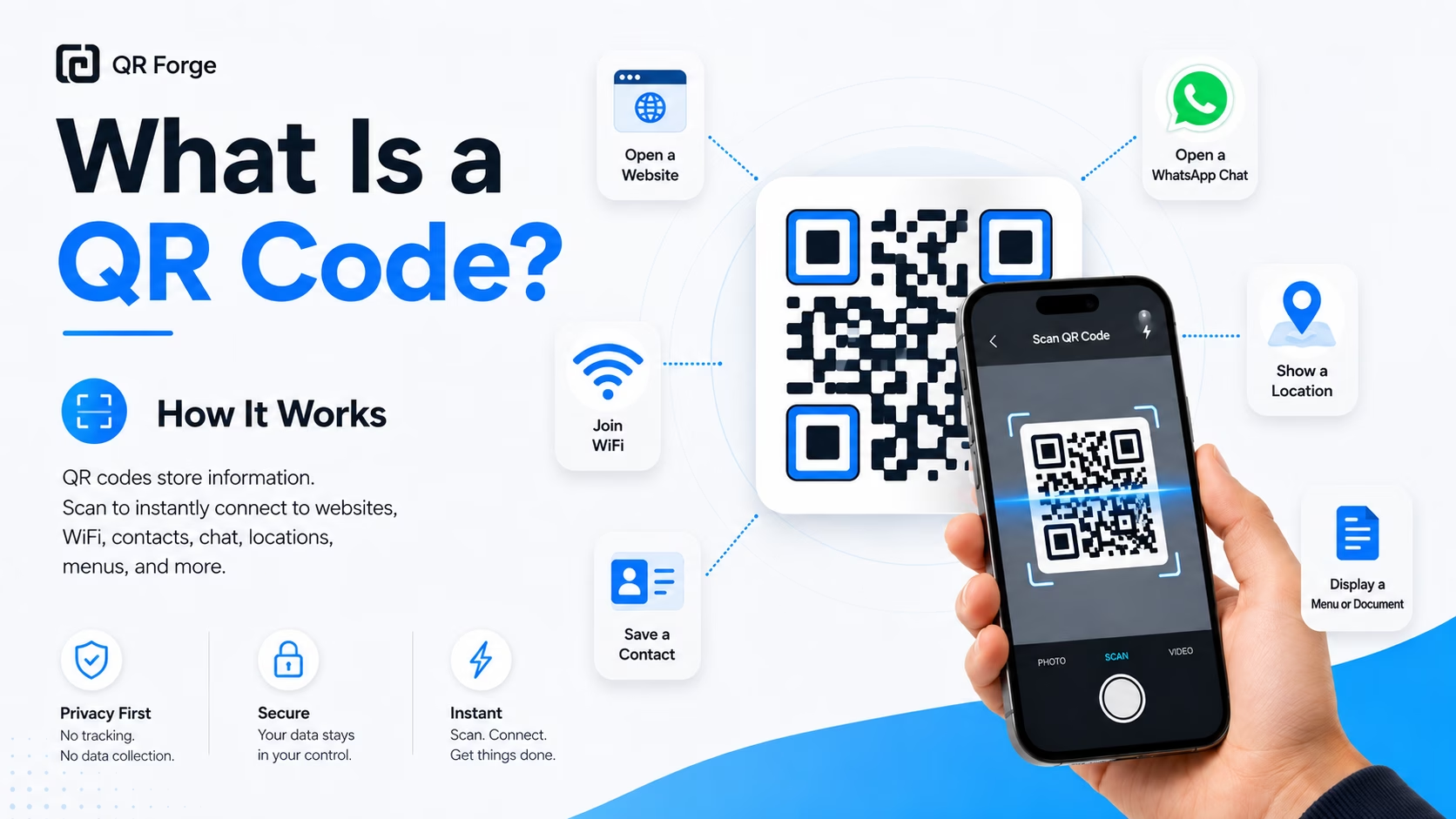
Learn what a QR code is, how it works, what information it can store, and why QR codes are useful for websites, WiFi, contact sharing, menus, and more.
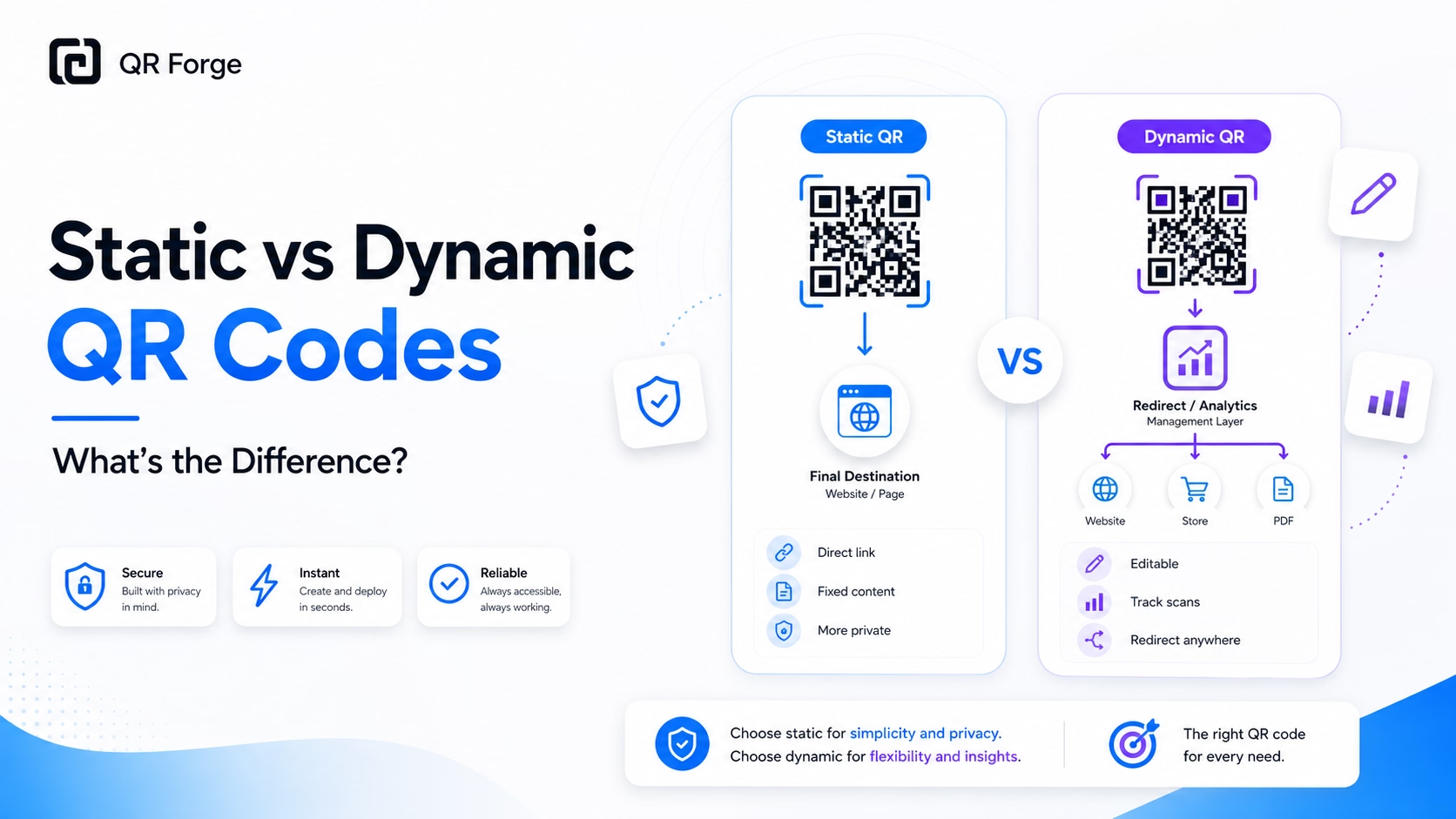
Understand the difference between static and dynamic QR codes, including editing, tracking, privacy, cost, and when each type is the better choice.
A restaurant menu QR code links to wherever your menu lives online — a PDF on Google Drive, a page on your website, a Square or Toast ordering link, a Canva-published menu, or a dedicated menu platform like MustHaveMenus or MenuDrive. The QR is placed on tables, entry doors, and takeout packaging. Guests scan to view; no printing, no laminating, no reprinting when prices or dishes change.
Host your menu online
Upload a PDF to Google Drive, publish your menu on your website, or use your POS system's online menu link. Copy the URL.
Customize the QR for your brand
Match the QR to your restaurant's color palette and add your logo to the center. A branded QR looks intentional, not generic.
Print and place at every table
Download as SVG for sharp printing at any size. Place on table tents, coasters, placemats, takeout bags, and your front window.
Dine-In Table Cards
A small tent card with your QR replaces laminated menus — no cleaning between guests, no reprinting for seasonal changes.
Takeout & Delivery Packaging
Bags and boxes include a QR linking to your full menu or online ordering page — easy reorders from home.
Bars & Taprooms
Rotating tap lists and cocktail menus change constantly — a QR on the bar means the menu is always current without a chalkboard or staff explaining it.
Food Trucks
Your truck's exterior QR lets passers-by browse the menu while waiting in line, reducing order time at the window.
Hotel Room Service
In-room QR codes on a small card replace bulky printed room service menus — always current with availability.
Pop-ups & Catering
Temporary stalls and catered events display a QR for the day's menu — no need to print quantities you can't predict.
A website menu (or ordering platform) is better for mobile — it's designed for small screens, supports photos, and can integrate ordering. A PDF works fine if your menu is simple and you need to match your print design exactly.
Keep the URL consistent and update the content at that URL. On Google Drive, editing the shared file updates it instantly. On your website, just edit the menu page. The QR code itself never needs to change.
Absolutely — link directly to your online ordering platform (Square Online, Toast, ChowNow, Uber Eats, etc.) so guests can order from their table or at home.
A 4×4 cm code can be a practical starting point for a table tent, but scanning depends on the encoded URL, print quality, contrast, and device. Test a sample at the actual distance before printing a batch.
Many current phones can recognize QR codes with a built-in camera, but support varies by device and settings. The menu destination also needs an internet connection to load.
Yes — generate two separate QR codes pointing to two different URLs. Place the food QR on tables and the drinks QR at the bar, or print both on the same tent card.
Generate your restaurant menu QR code free. Brand it, download it, print it today.