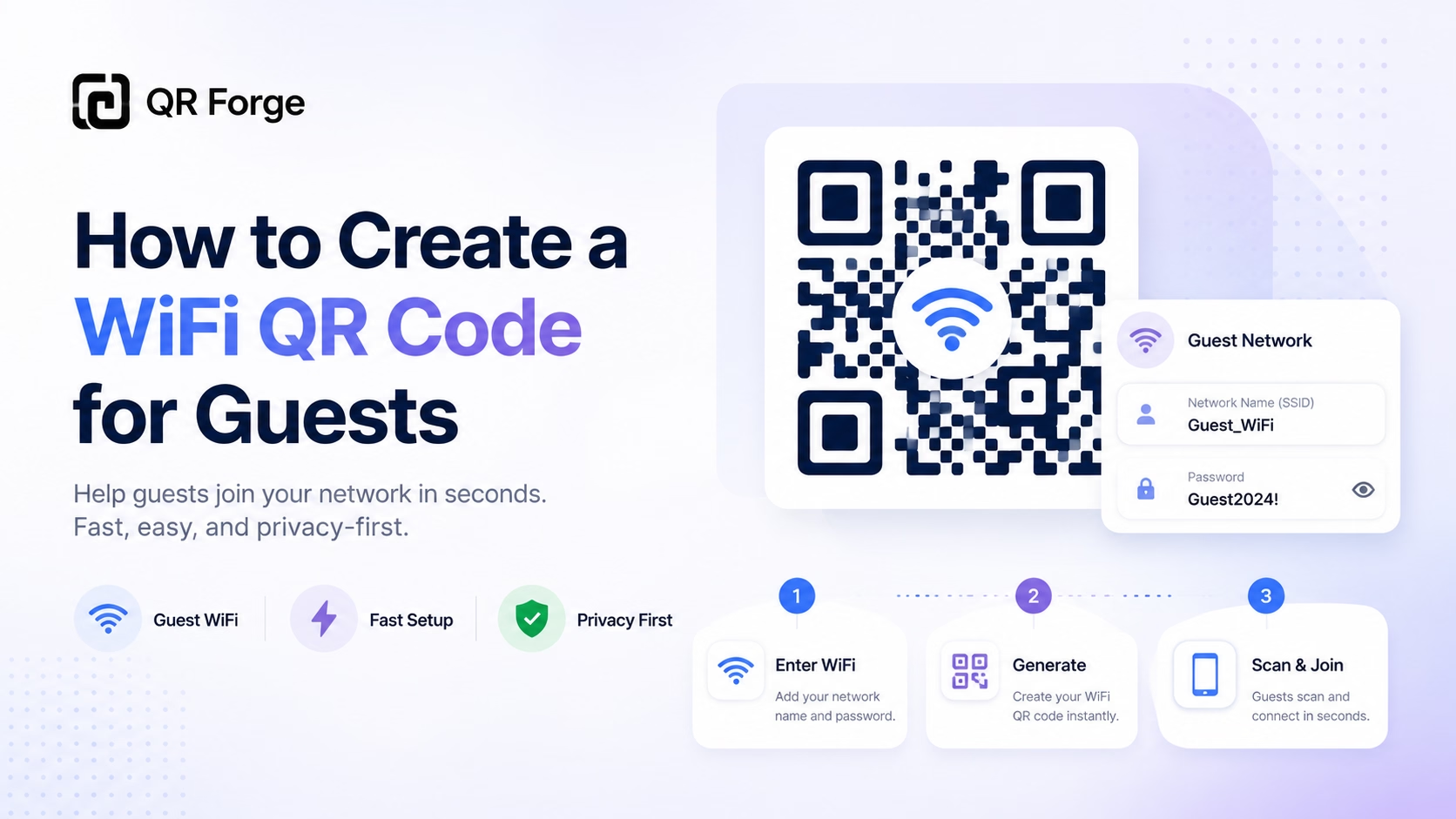
How to Create a WiFi QR Code for Guests
Create a WiFi QR code so guests can connect to your network without typing the password manually. Useful for homes, cafes, hotels, offices, and events.
Let guests scan your network details instead of typing a password.
A WiFi QR code encodes your network name and security details. Compatible phones or scanning apps may offer to connect after scanning; support and prompts vary by device and network configuration.
Network credentials
Style Presets
Dot Style
Corner Square
Corner Dot
Colors
Gradient
High contrast
21.0:1 contrast detected. Test the finished QR code in its intended lighting and on target devices.
Your QR code will appear here
Fill in the details to generate your QR code.
No account needed · downloads are instant
Enter QR details before copying or downloading.
Practical steps for creating QR codes people can use right away.
Create a WiFi QR code so guests can connect to your network without typing the password manually. Useful for homes, cafes, hotels, offices, and events.
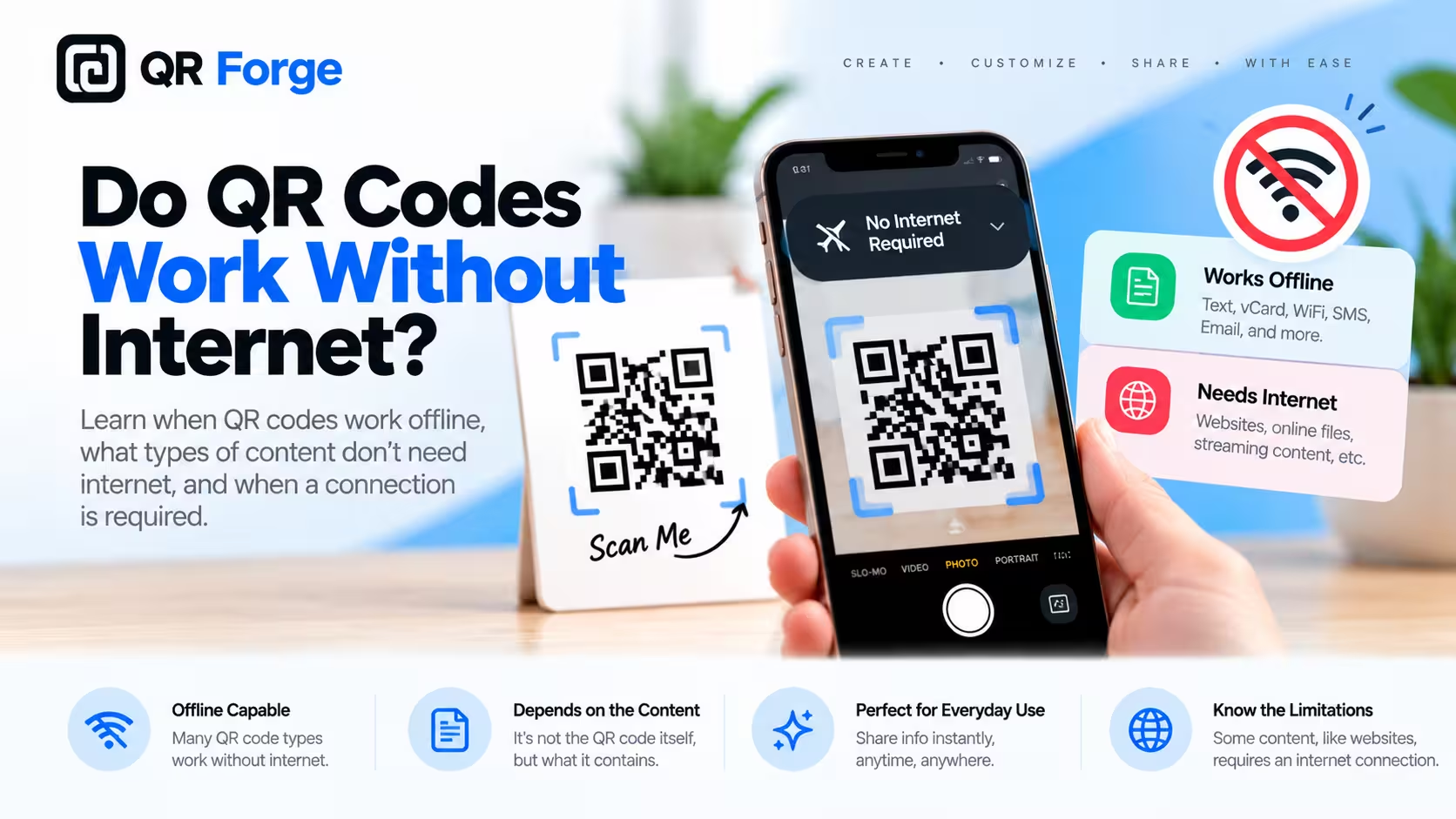
Learn whether QR codes work without internet, which QR code types can be used offline, and when an internet connection is still required after scanning.
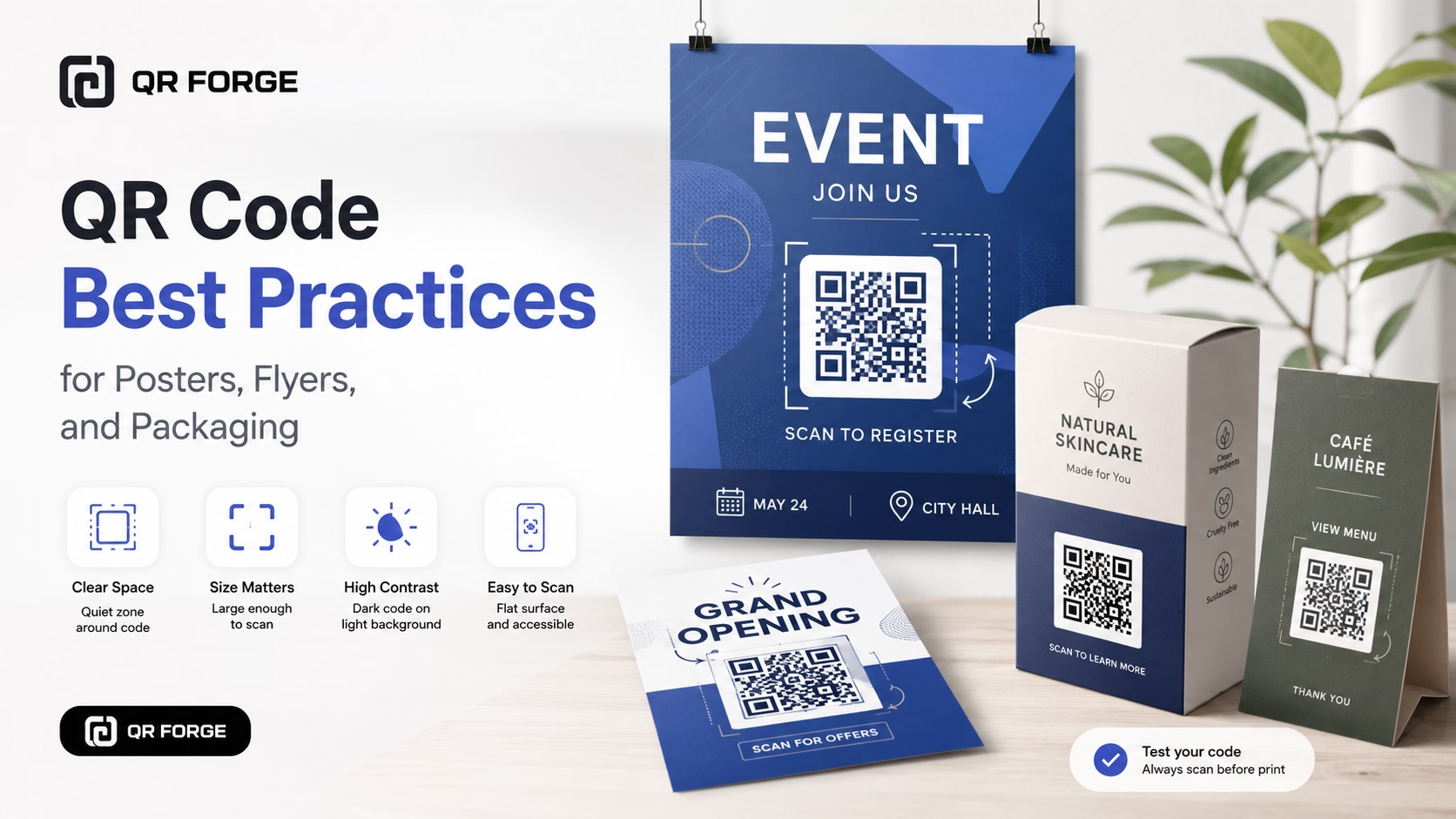
Learn practical QR code best practices for posters, flyers, packaging, menus, and printed marketing materials, including size, contrast, placement, testing, and calls to action.
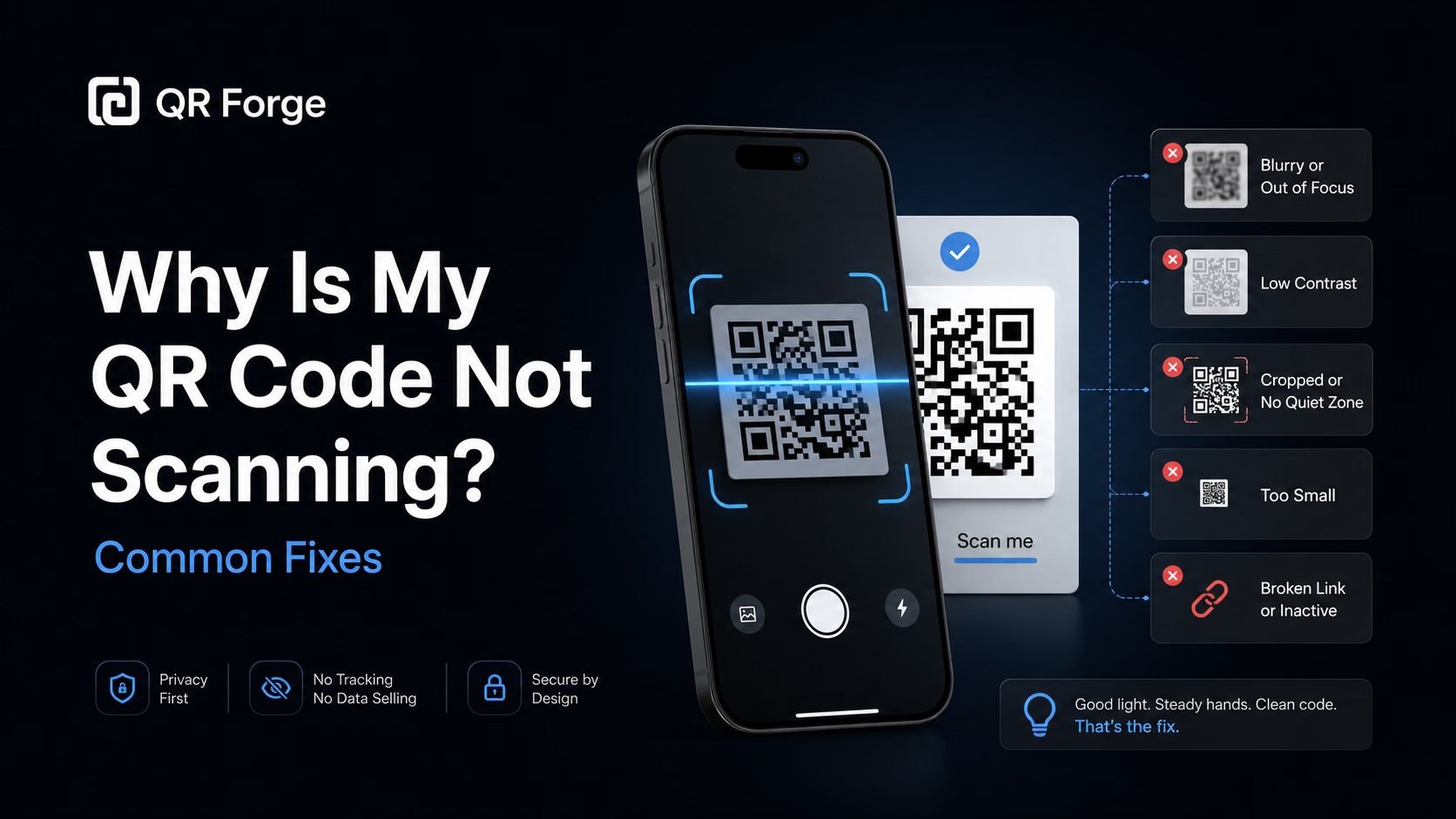
Learn why a QR code may not scan and how to fix common problems with size, contrast, quiet zone, print quality, lighting, distance, and broken links.
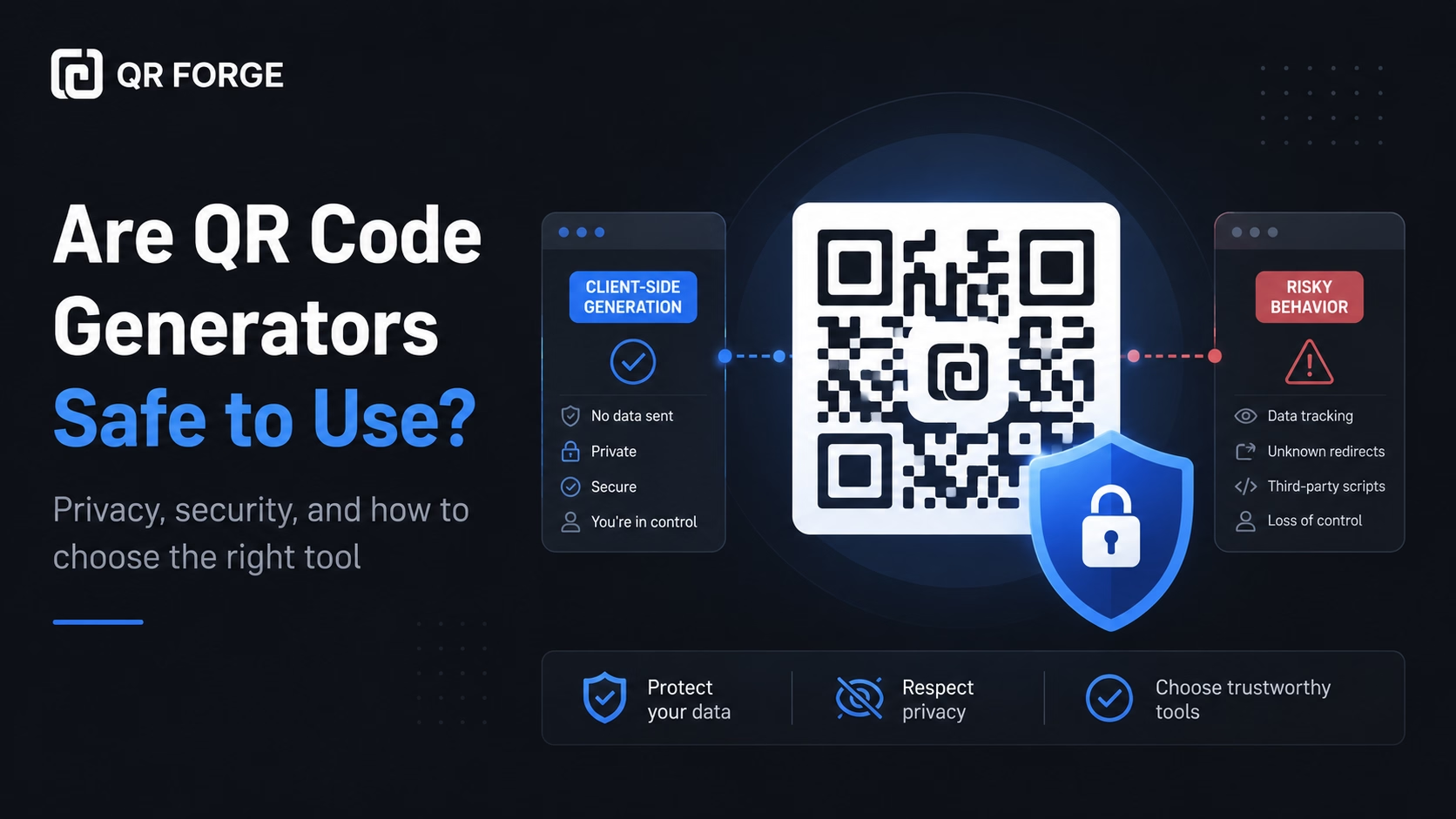
Learn whether QR code generators are safe, what data they may collect, how static and dynamic QR codes differ, and how to choose a privacy-friendly QR tool.
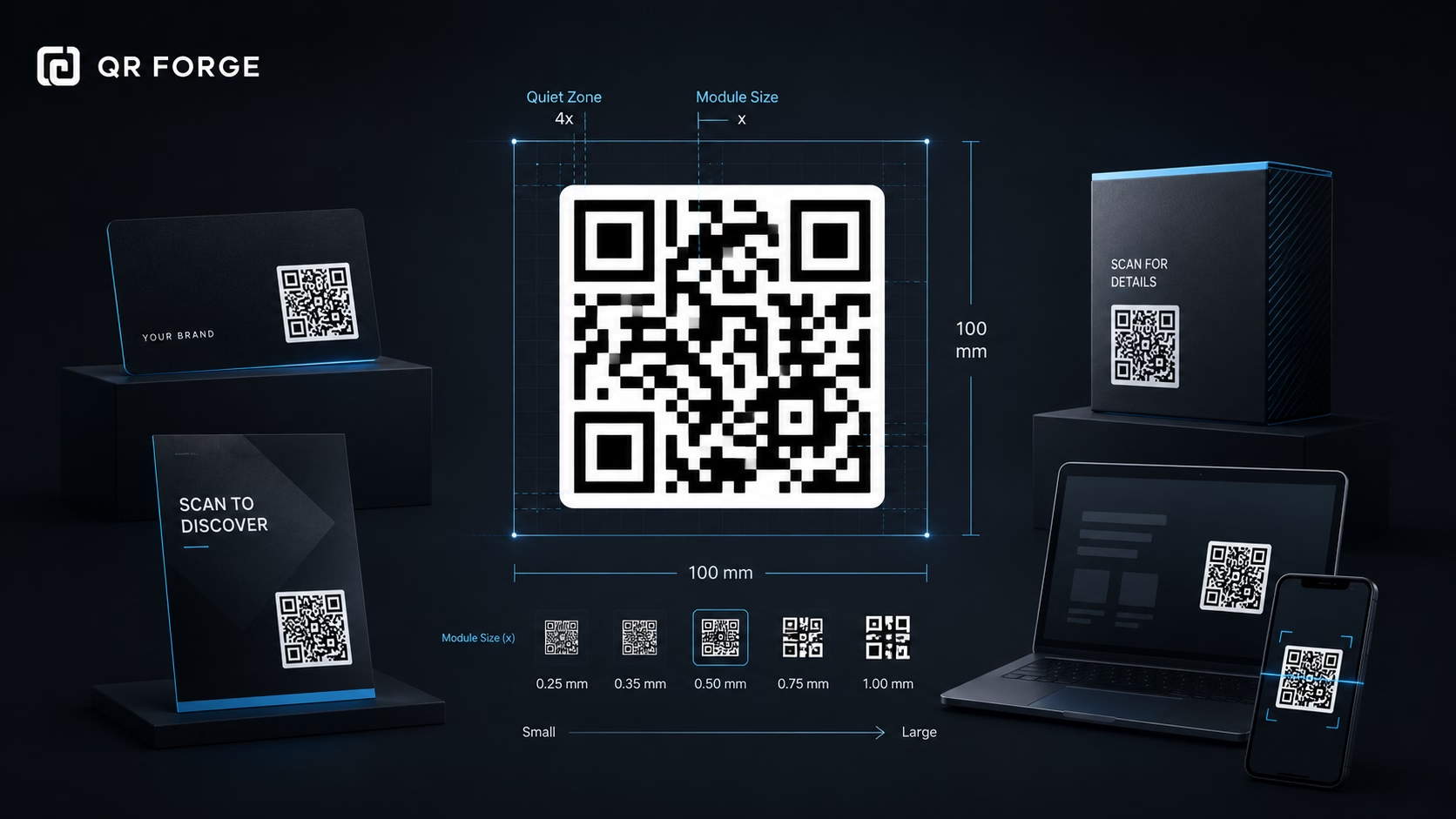
Learn the recommended QR code sizes for business cards, flyers, posters, packaging, menus, and screens so your QR codes stay easy to scan.
A WiFi QR code stores the entered network name, security type, and—when required—password in a WIFI-formatted payload. Some device cameras or scanning apps recognize this format and may offer to join the network. Support and confirmation steps vary by device and operating-system version.
Enter network details
Type your WiFi name (SSID), add a password when required, and select WPA/WPA2, WEP, or an open network.
Customize & preview
Pick colors, add your logo, and see the QR update live before downloading.
Download & display
Export as PNG or SVG and print it, frame it, or embed it in your signage.
Coffee Shops & Cafés
Replace the handwritten WiFi sign on your counter with a scannable QR code. Customers connect in seconds.
Hotels & Airbnbs
Print and frame a WiFi QR for each room. Guests skip the frustration of squinting at tiny password cards.
Offices & Coworking Spaces
Put guest WiFi QR codes in meeting rooms and reception — visitors connect without bothering staff.
Events & Conferences
Display a large QR on your screen or banner. All attendees can connect before the session begins.
Smart Homes
Frame a custom-designed WiFi QR in your entryway for family members and frequent guests.
Restaurants
Print on table cards or menus alongside your food-ordering QR — one scan for the network, one for the menu.
The WiFi QR payload is built in your browser and is not uploaded to a QR Forge application server. If you explicitly save the QR design, its payload remains in this browser's local storage until removed or cleared. Analytics and advertising services are separate; see our Privacy Policy for their data practices.
Support for recognizing WiFi QR payloads varies by device, operating-system version, and camera or scanner app. Test the code with the devices your guests are likely to use.
Choose WPA2 for modern routers (most common). WEP is outdated and insecure. 'No password' is for open/public networks.
Yes — toggle 'Hidden network' and the QR payload will include the H:true flag. Devices and scanning apps vary in how they handle hidden networks, so test it with the target device.
SVG gives you infinite sharpness at any print size. For digital use, PNG at 400px+ is ideal.
Yes — upload your logo in the Logo tab. A logo can cover QR modules, so consider a higher error-correction level and test the finished code; this does not guarantee that every device will scan it.
Generate your custom WiFi QR code in under 30 seconds. Free forever.