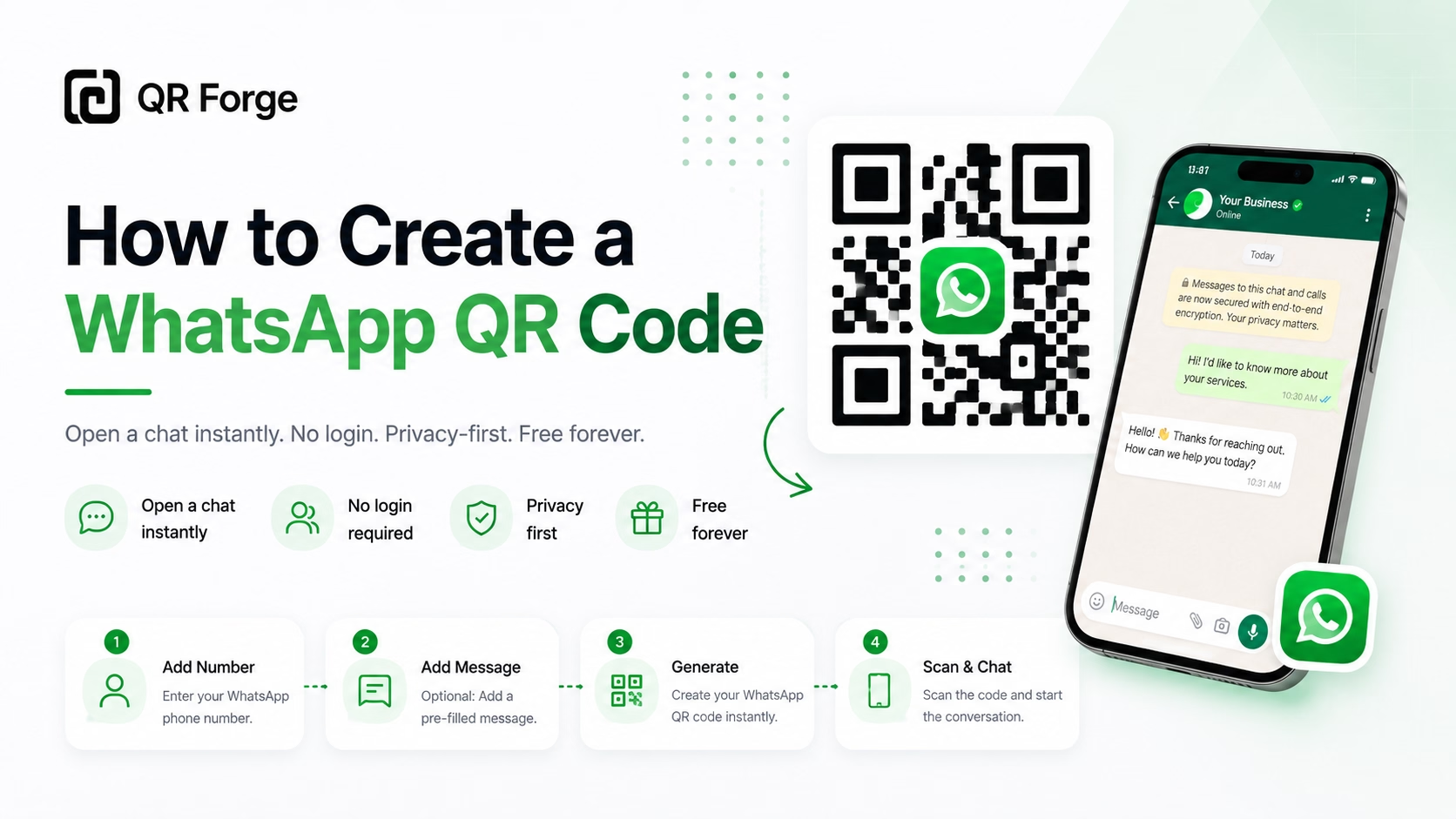
How to Create a WhatsApp QR Code
Learn how to create a WhatsApp QR code for a click-to-chat link, with tips for businesses, customer support, posters, packaging, and social media.
Let people scan to open a WhatsApp chat link.
A WhatsApp QR code encodes a wa.me click-to-chat URL for your number. A compatible device may open WhatsApp or its web client, with an optional message pre-filled for review. The person scanning still chooses whether to send it.
WhatsApp message
Include country code without spaces
Style Presets
Dot Style
Corner Square
Corner Dot
Colors
Gradient
High contrast
21.0:1 contrast detected. Test the finished QR code in its intended lighting and on target devices.
Your QR code will appear here
Fill in the details to generate your QR code.
No account needed · downloads are instant
Enter QR details before copying or downloading.
Practical steps for creating QR codes people can use right away.
Learn how to create a WhatsApp QR code for a click-to-chat link, with tips for businesses, customer support, posters, packaging, and social media.
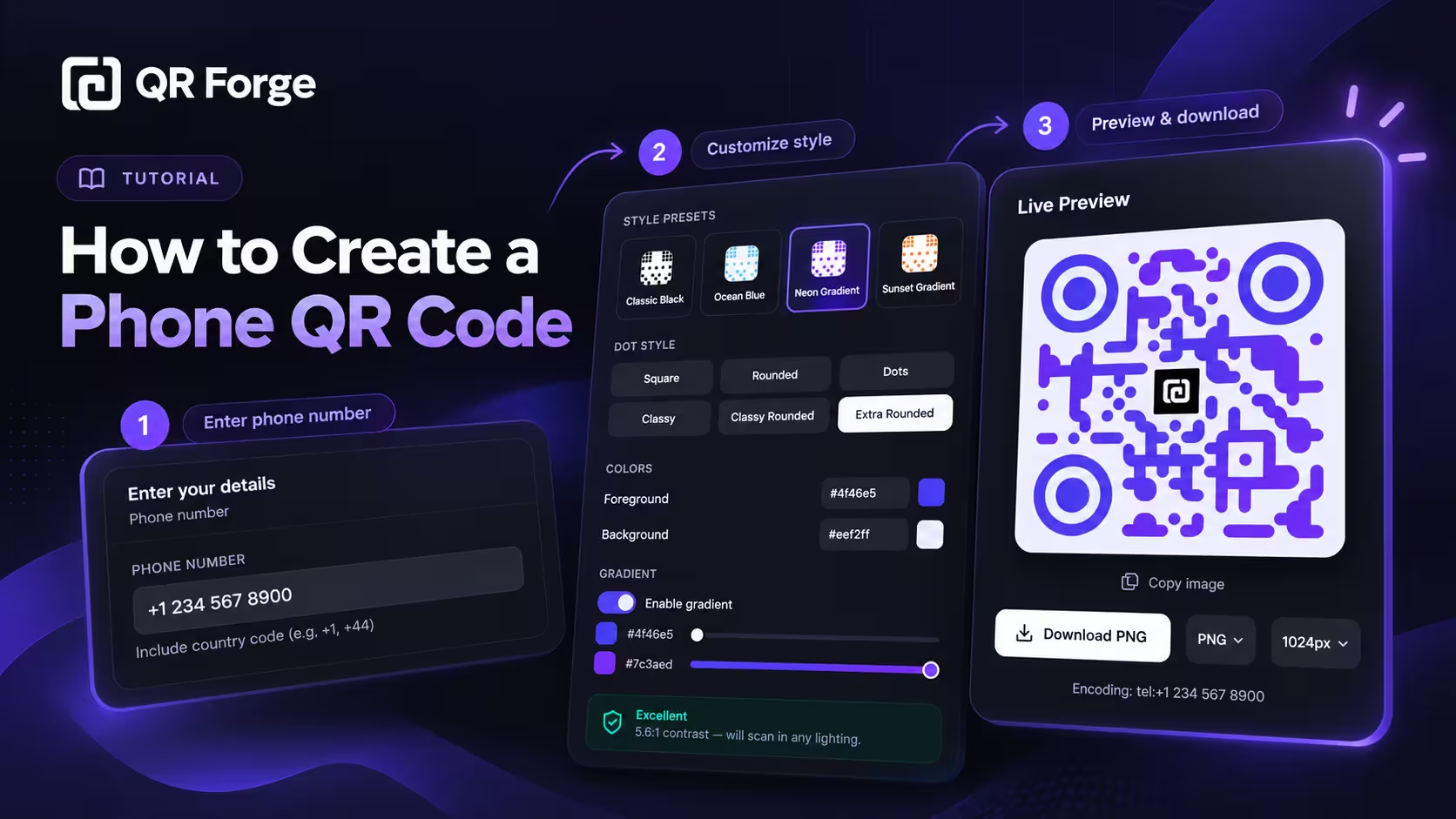
Learn how to create a phone QR code that prepares a call action, format an international number, customize and export the code, and test it on real devices.
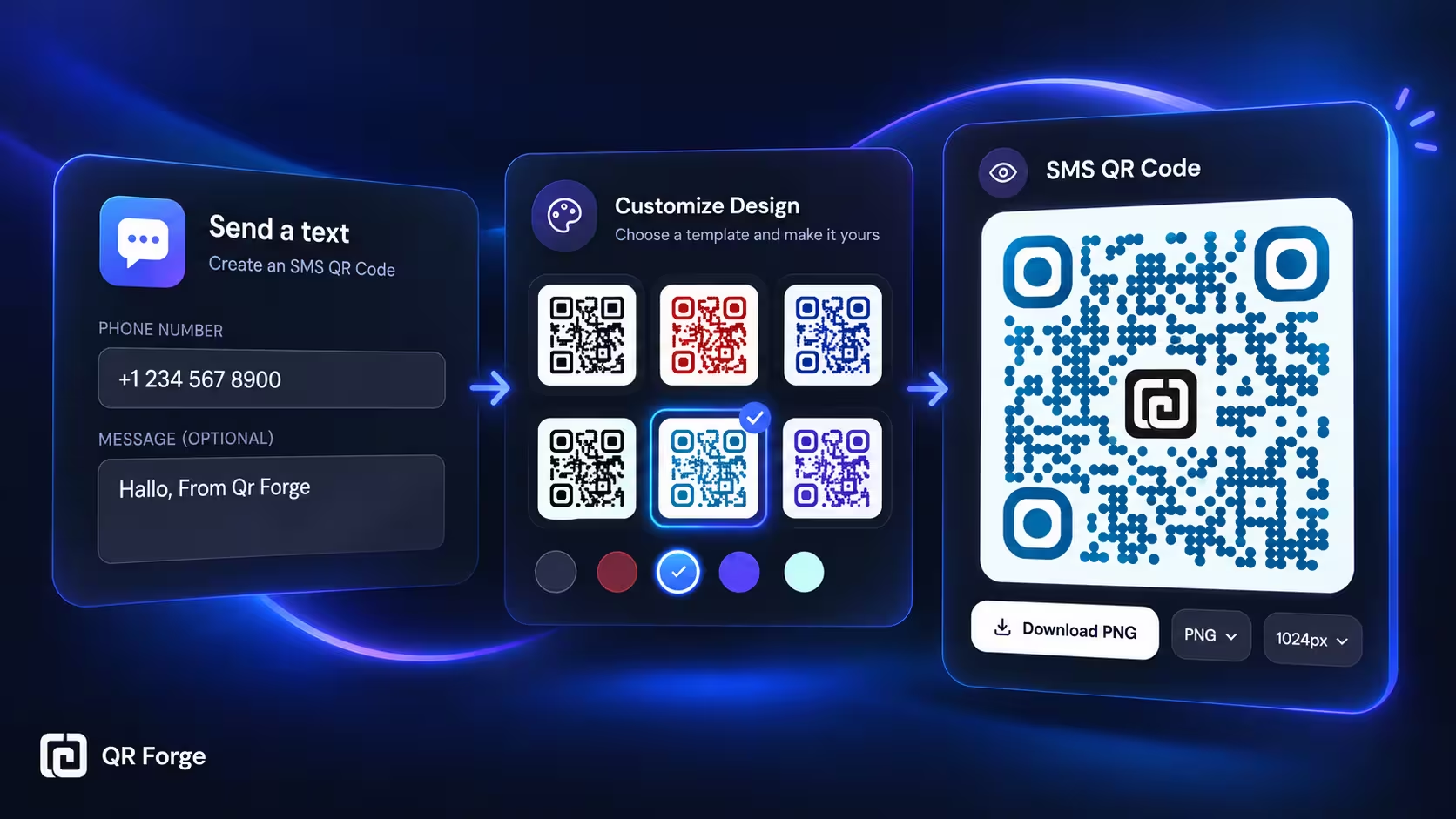
Learn how to create an SMS QR code that opens a text message draft, including phone number formatting, optional message text, customization, testing, and export tips.
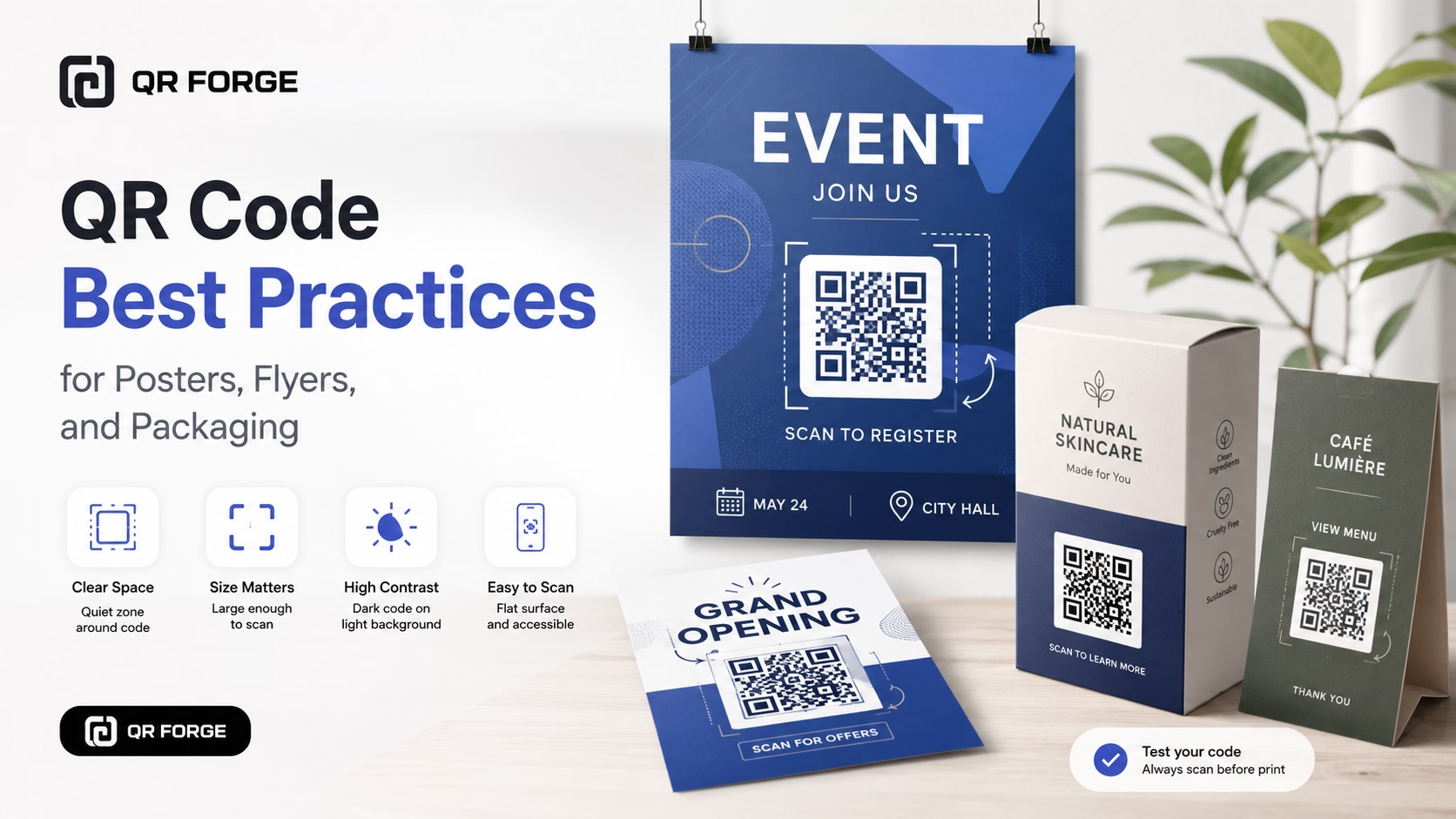
Learn practical QR code best practices for posters, flyers, packaging, menus, and printed marketing materials, including size, contrast, placement, testing, and calls to action.
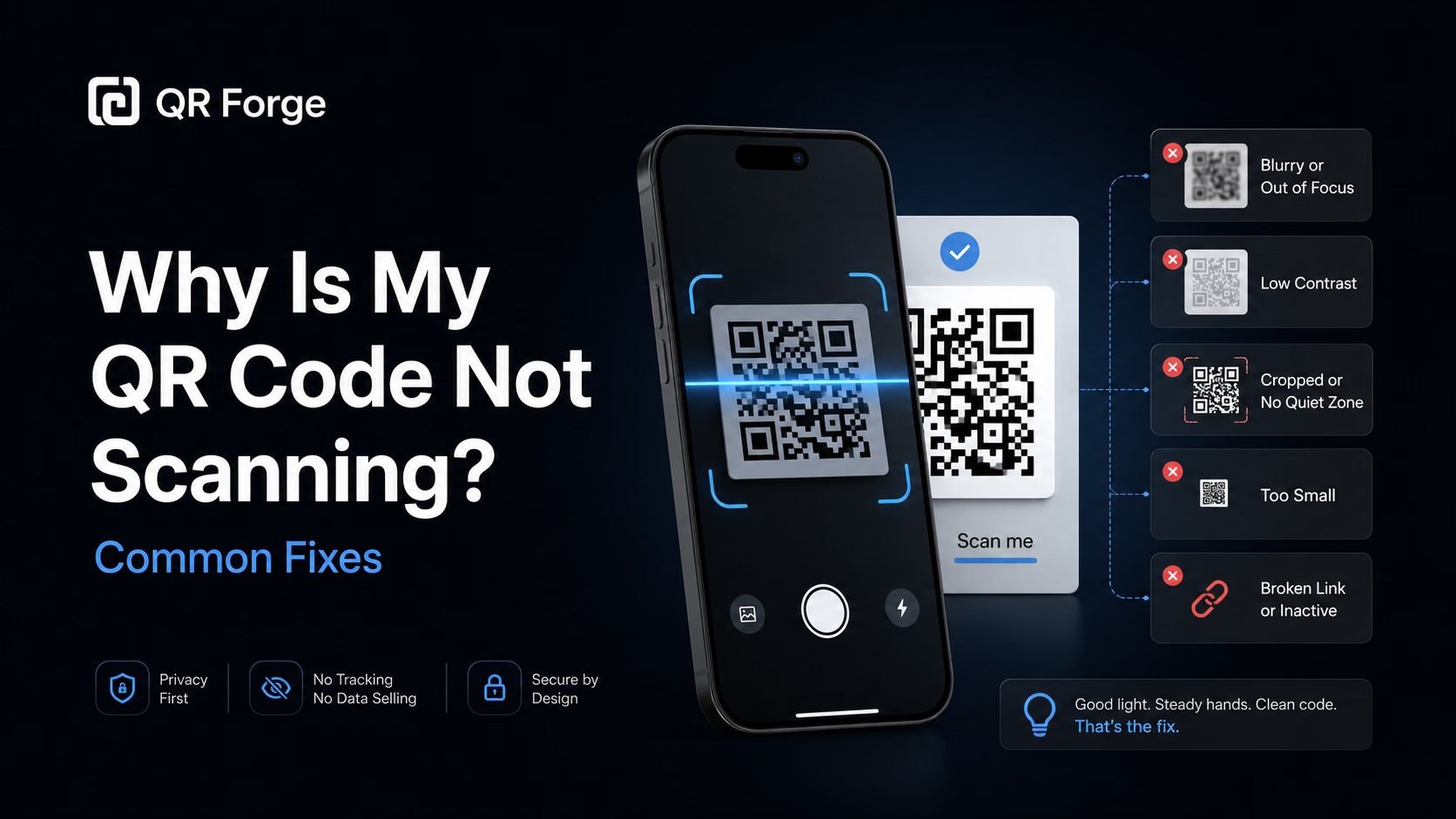
Learn why a QR code may not scan and how to fix common problems with size, contrast, quiet zone, print quality, lighting, distance, and broken links.
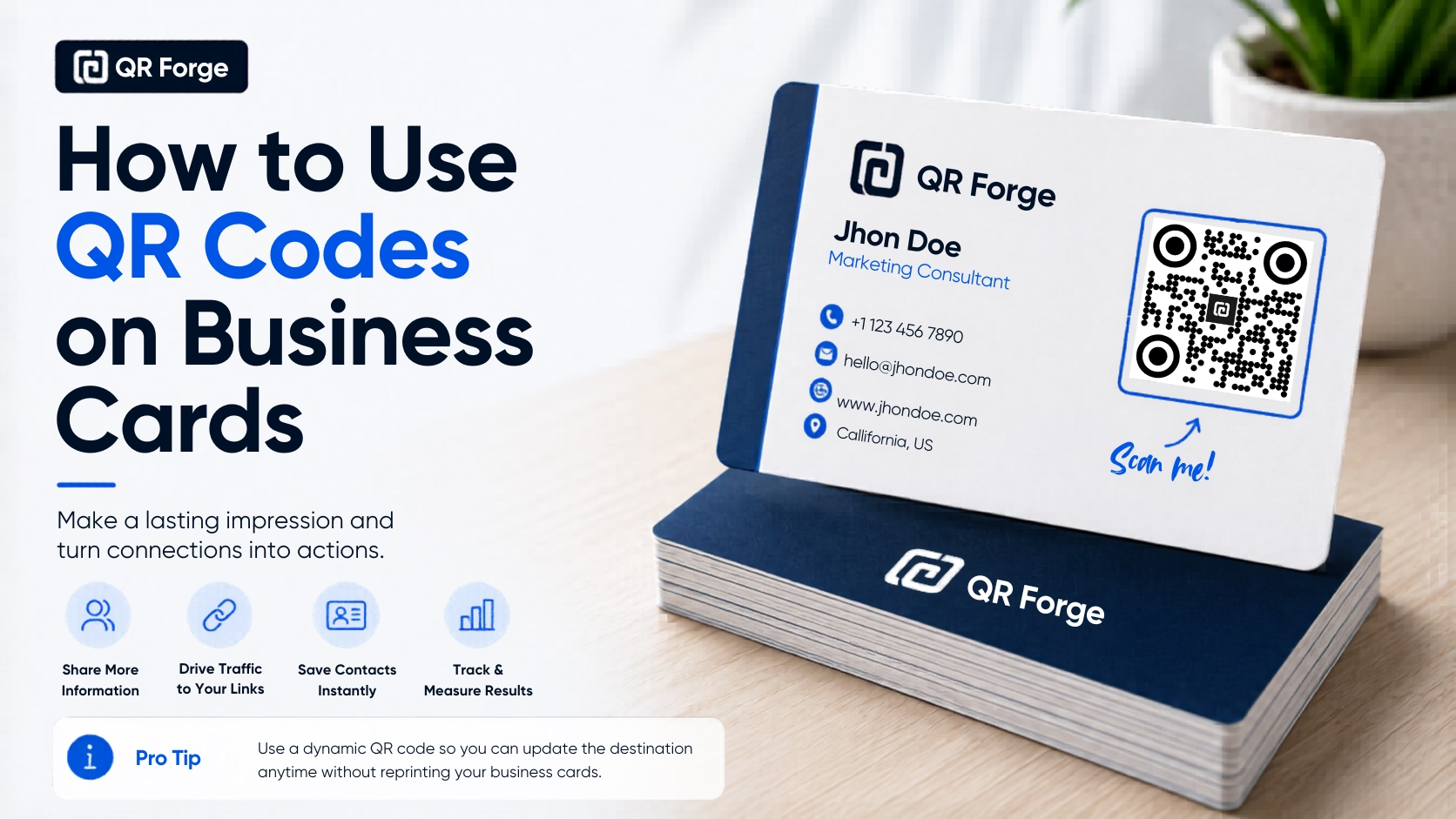
Learn how to use a QR code on a business card for websites, contact details, portfolios, social profiles, and WhatsApp, with practical design and printing tips.
A WhatsApp QR code encodes a wa.me URL (for example, https://wa.me/15551234567?text=Hello). Depending on the device, browser, and installed apps, the link may open WhatsApp or WhatsApp Web. A pre-filled message remains a draft for the user to review and send.
Enter your WhatsApp number
Type your number with country code (e.g. +1 555 123 4567). Optionally add a pre-filled message.
Style your QR code
Match the QR to your brand colors — green for WhatsApp, or your own palette. Add your logo.
Place it everywhere
Business cards, storefronts, social media bios, email signatures, invoices — anywhere you want instant contact.
Retail & E-commerce
Put a WhatsApp QR on your product packaging so customers can reach support without searching for a number.
Freelancers & Consultants
Add a WhatsApp QR to your business card or portfolio site — clients reach you in one scan.
Healthcare Providers
Allow patients to message appointment questions without calling. Put the QR in your waiting room.
Real Estate Agents
Print a WhatsApp QR on yard signs — interested buyers message you instantly while standing at the property.
Delivery & Logistics
Add a WhatsApp QR to delivery receipts so recipients can quickly report issues or ask about their shipment.
Tutors & Educators
Students and parents scan to start a conversation about lessons, homework, or scheduling — no email needed.
No — that's the point. The wa.me link opens a chat directly without requiring the scanner to add your number to their contacts first.
Yes. The link can include the message as a draft. The person scanning can review, edit, or discard it and must send it themselves.
A wa.me link may open in WhatsApp or WhatsApp Business when available, but the behavior depends on the device and installed apps. Test the link on the devices your audience uses.
Include the full country code without the leading + or zeros. For US: 15551234567. For UK: 447911123456. For Brazil: 5511912345678.
Not with a static QR code. For scan analytics, use a URL shortener or UTM-tracked landing page as the QR destination instead.
At minimum 5×5 cm (2×2 inches) for handheld scanning distance. For window displays scanned from 1+ meter, aim for 15×15 cm or larger.
Generate a WhatsApp QR code free, with no account or watermarks.