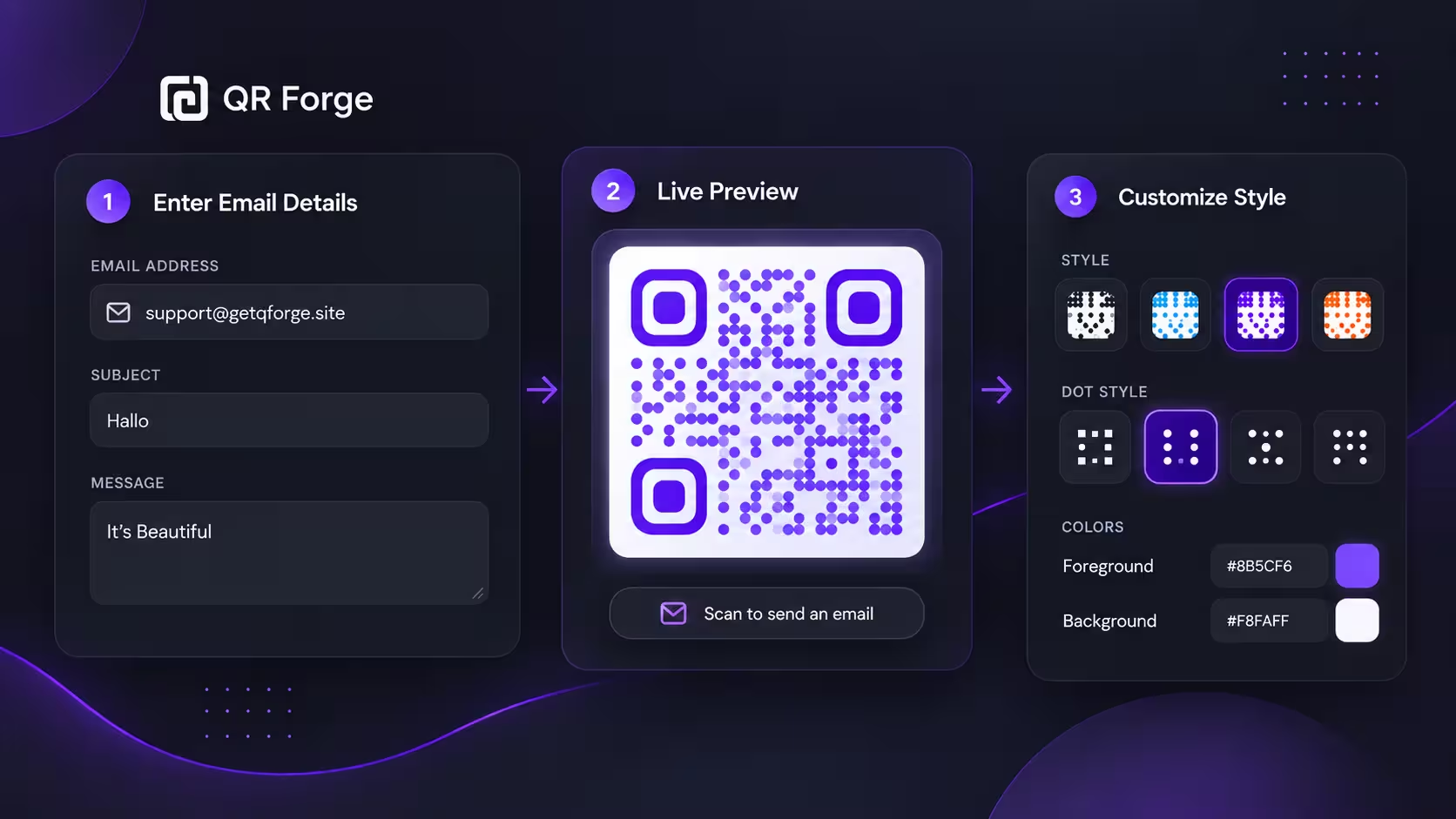
How to Create an Email QR Code
Learn how to create an email QR code that opens a new email draft, plus practical tips for subjects, messages, privacy, testing, and print use.
Scan to open a pre-filled email — no typing required.
An email QR code uses the mailto: protocol to open your device's default email app with the recipient, subject line, and even message body already filled in. Ideal for feedback forms, contact requests, and support inquiries on printed materials.
Email address
Style Presets
Dot Style
Corner Square
Corner Dot
Colors
Gradient
High contrast
21.0:1 contrast detected. Test the finished QR code in its intended lighting and on target devices.
Your QR code will appear here
Fill in the details to generate your QR code.
No account needed · downloads are instant
Enter QR details before copying or downloading.
Practical steps for creating QR codes people can use right away.
Learn how to create an email QR code that opens a new email draft, plus practical tips for subjects, messages, privacy, testing, and print use.
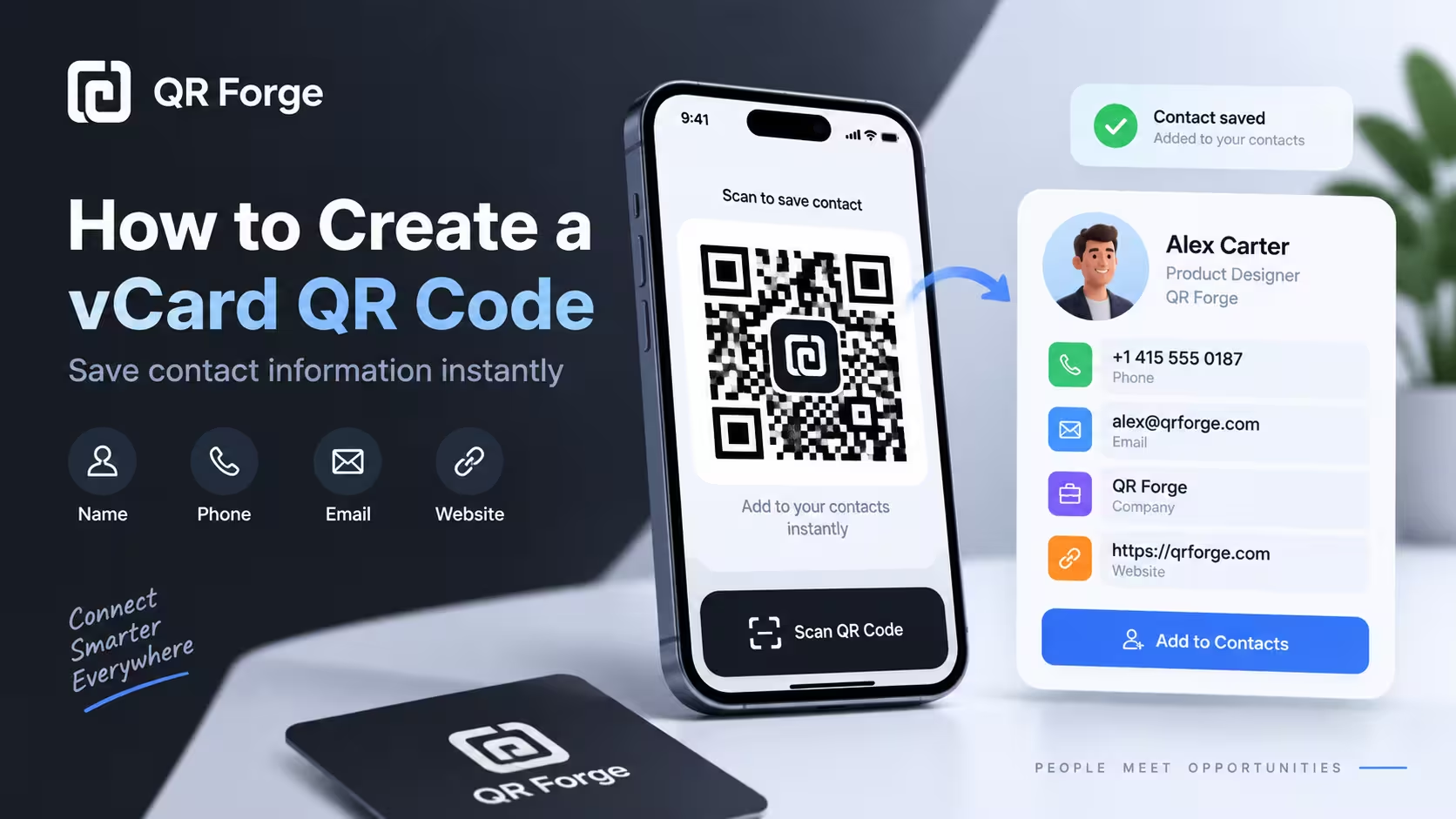
Learn to create a vCard 3.0 QR code with QR Forge's supported contact fields and test whether compatible devices offer a contact-save option.
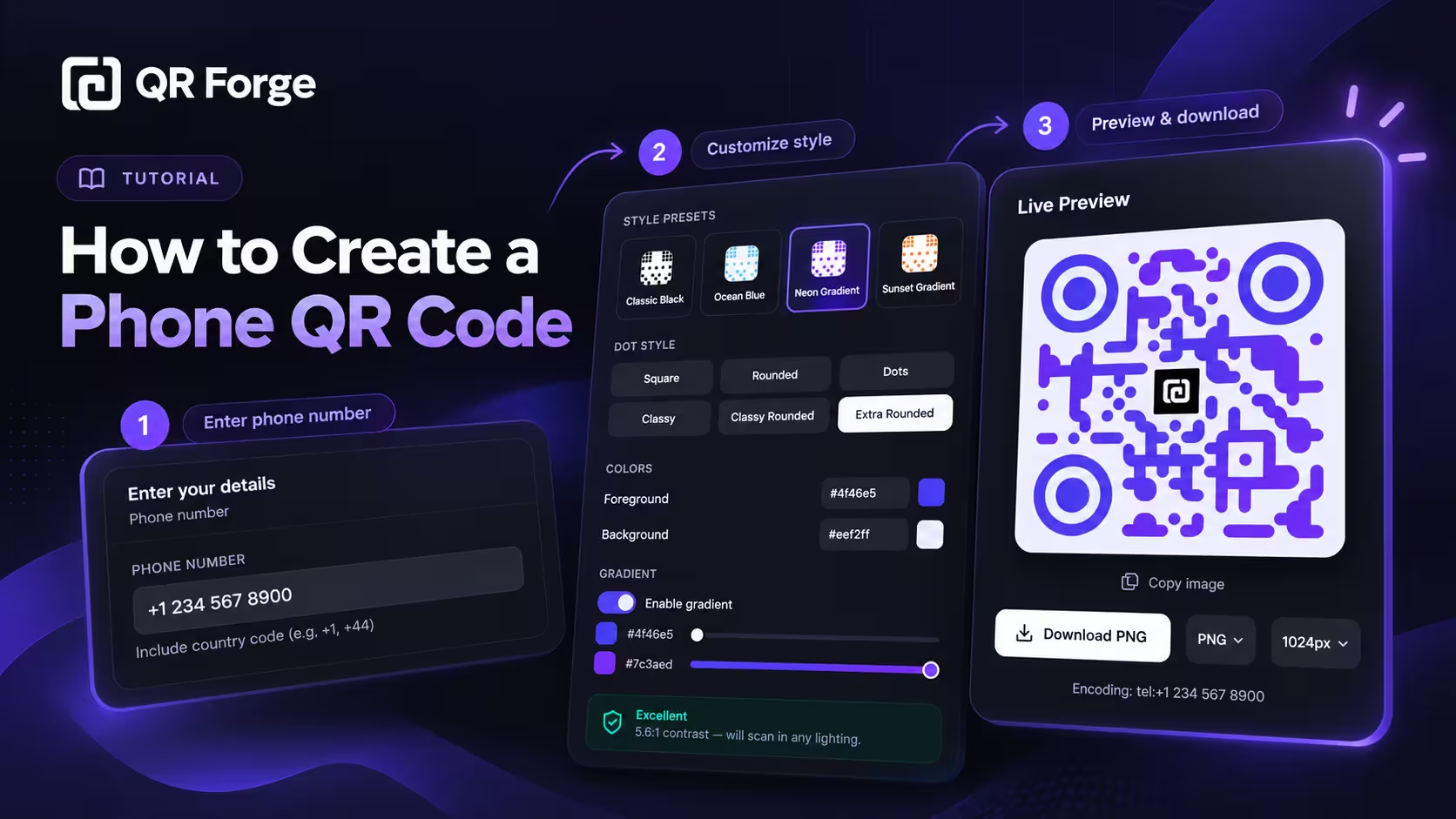
Learn how to create a phone QR code that prepares a call action, format an international number, customize and export the code, and test it on real devices.
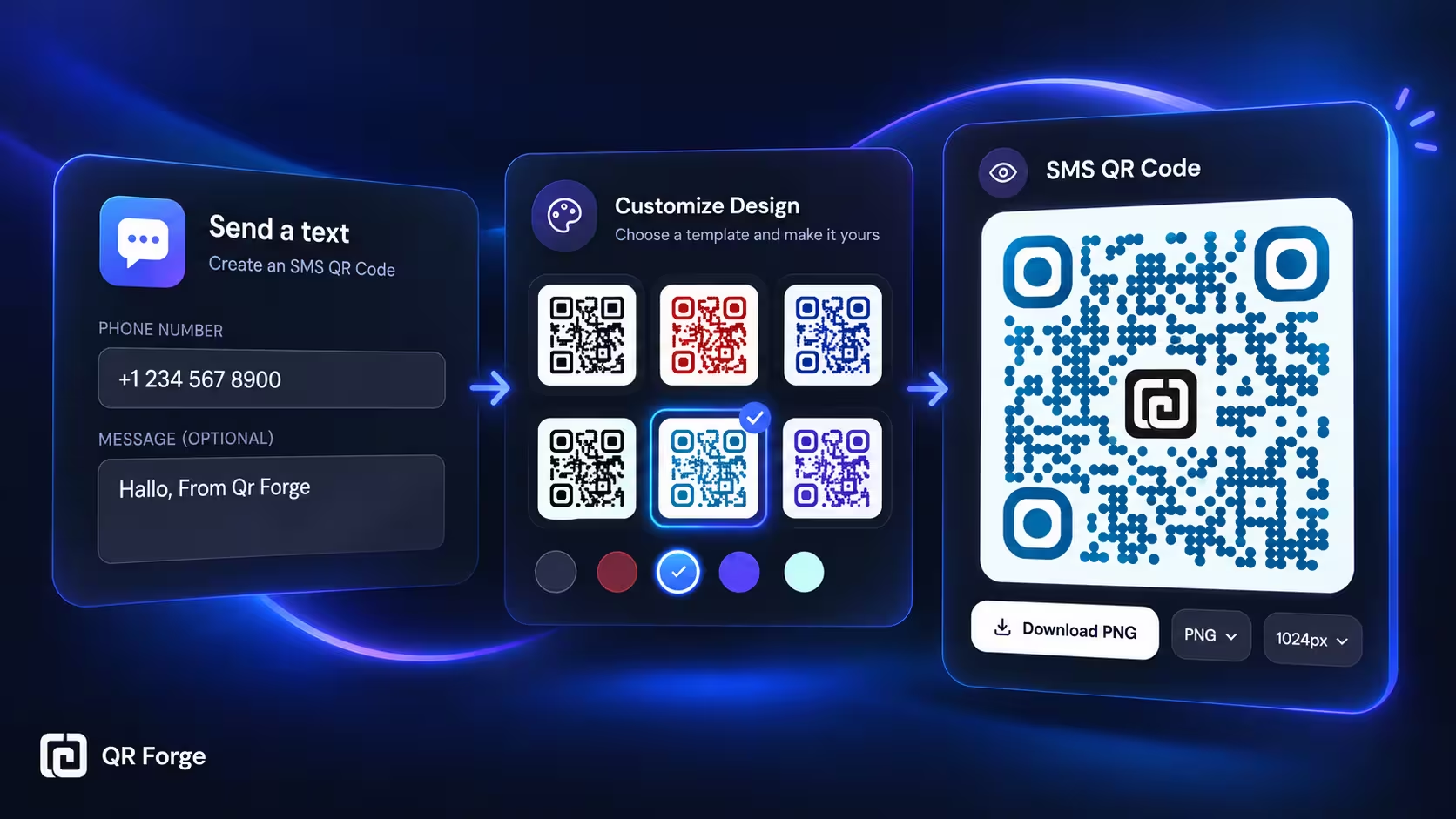
Learn how to create an SMS QR code that opens a text message draft, including phone number formatting, optional message text, customization, testing, and export tips.
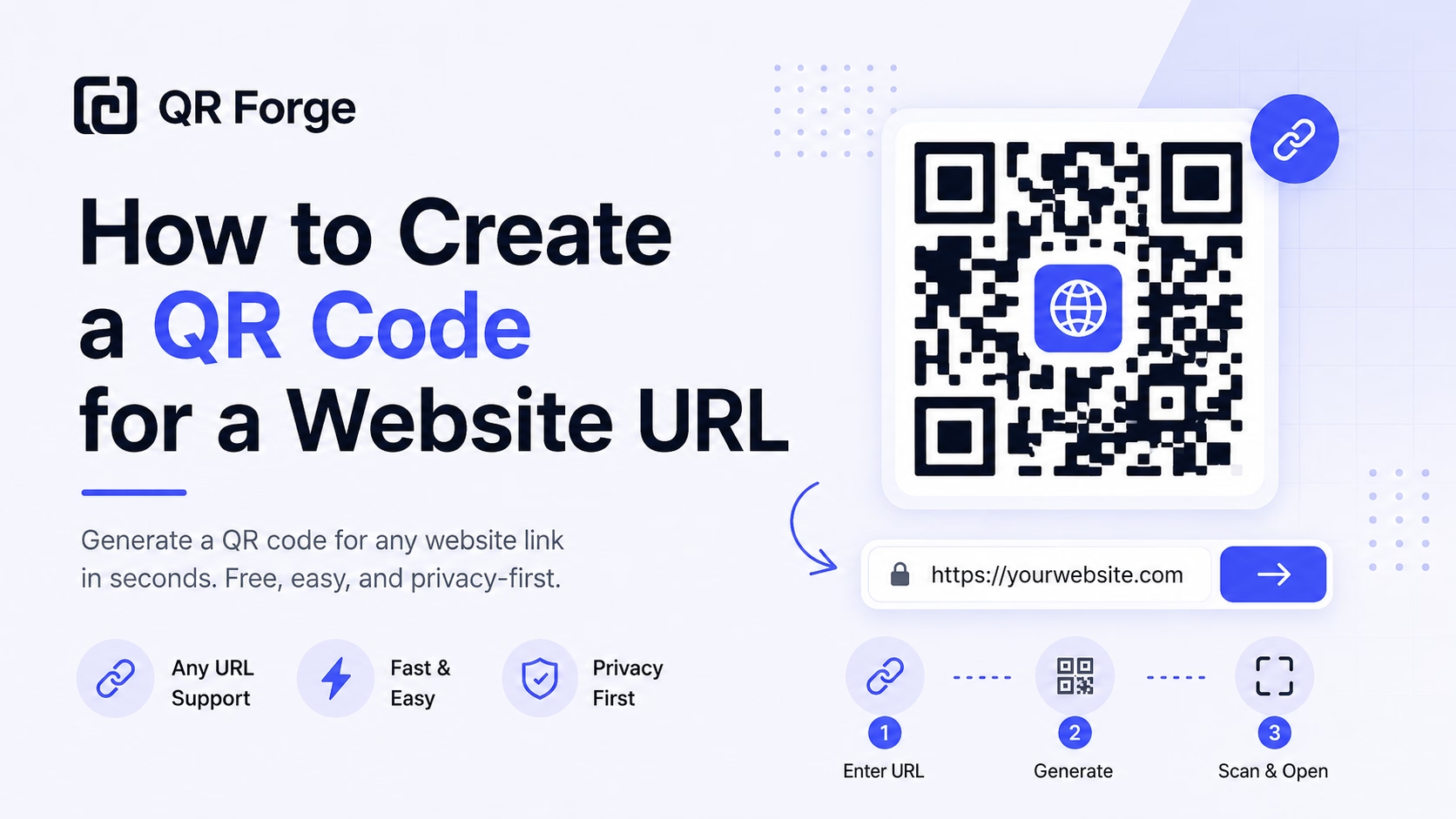
Learn how to create a QR code for any website URL, test it properly, and use it on posters, business cards, menus, packaging, and digital materials.
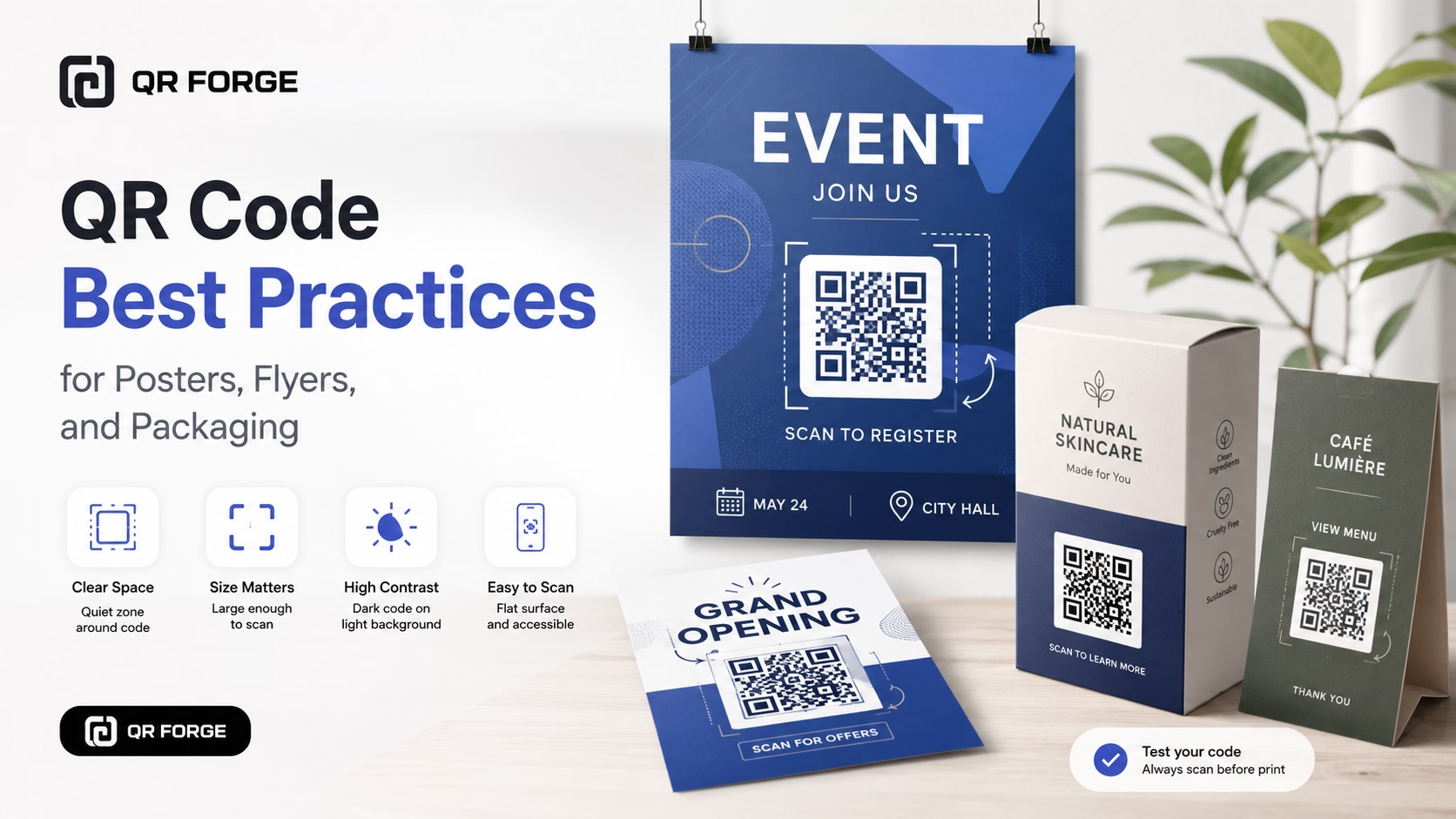
Learn practical QR code best practices for posters, flyers, packaging, menus, and printed marketing materials, including size, contrast, placement, testing, and calls to action.
An email QR code encodes a mailto: URI (e.g., mailto:[email protected]?subject=Inquiry&body=Hi%20there). When scanned, it opens the phone's native mail app with everything pre-populated. Unlike links to web forms, this works completely offline and requires no internet connection to open — just a camera and mail app.
Enter email details
Add the recipient address, subject line, and optional pre-filled message body.
Customize appearance
Choose colors and dot styles that match your brand identity.
Download and use
Place on business cards, brochures, packaging, or anywhere you want a frictionless contact method.
Feedback Collection
Print QR codes on receipts or packaging — customers scan to send product feedback directly to your inbox.
Networking Events
Conference attendees scan your badge or business card QR to email you — pre-filled with a context message.
Office Directories
Department QR codes in lobbies let visitors email the right team without hunting for addresses.
Print Advertising
Magazine or flyer ads include an email QR for readers who want more info — higher response rate than URLs alone.
Academic Posters
Research posters include an email QR so interested peers can request papers or collaboration opportunities.
Support & Warranty
Print on product manuals — customers scan for warranty claims or technical support with product info pre-filled.
No — a compatible device may open a mail app with a pre-filled draft. The user still reviews and taps Send. Available behavior depends on the device and its configured mail app.
It depends on which app or service the device uses to handle mailto: links. A compatible scanner may offer to open the configured email app; behavior varies by device and settings.
Yes. Fill in the 'Message' field and it will appear in the email body. Great for structured requests or feedback prompts.
Technically yes — you can use comma-separated addresses in the email field (e.g., [email protected],[email protected]), but support varies by mail client.
Different use cases. Email QR works offline and feels native. Web forms offer more control, validation, and analytics. For print materials, email QR is often simpler.
Yes — advanced mailto: syntax supports cc= and bcc= parameters, though we recommend keeping it simple for the best compatibility.
Generate your email QR code free — works on business cards, brochures, and signage.