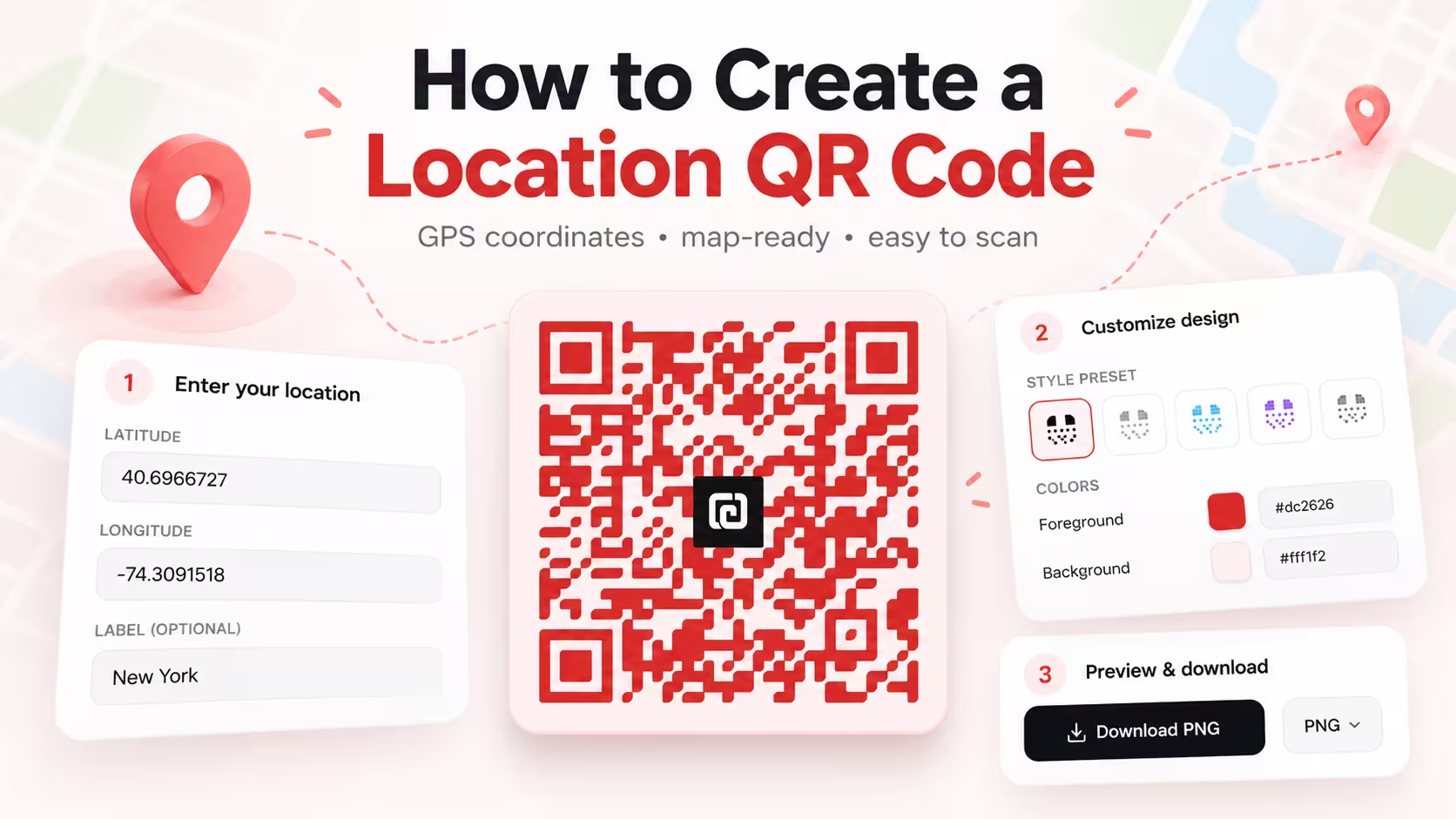
How to Create a Location QR Code
Learn to create a location QR code from a Google Maps share link or GPS coordinates, verify the destination, and test the exported code.
Share a place with a Google Maps link or GPS coordinates.
For most people, a Google Maps share link is the easiest way to create a location QR code for a place, business, or map pin. Alternatively, enter GPS coordinates for a custom or unlisted location. Test the link and QR: QR Forge cannot verify the destination or guarantee how a scanner opens it.
Google Maps link or GPS coordinates
Open Google Maps, select a place, tap Share, then copy the link.
Style Presets
Dot Style
Corner Square
Corner Dot
Colors
Gradient
High contrast
21.0:1 contrast detected. Test the finished QR code in its intended lighting and on target devices.
Your QR code will appear here
Fill in the details to generate your QR code.
No account needed · downloads are instant
Enter QR details before copying or downloading.
Practical steps for creating QR codes people can use right away.
Learn to create a location QR code from a Google Maps share link or GPS coordinates, verify the destination, and test the exported code.
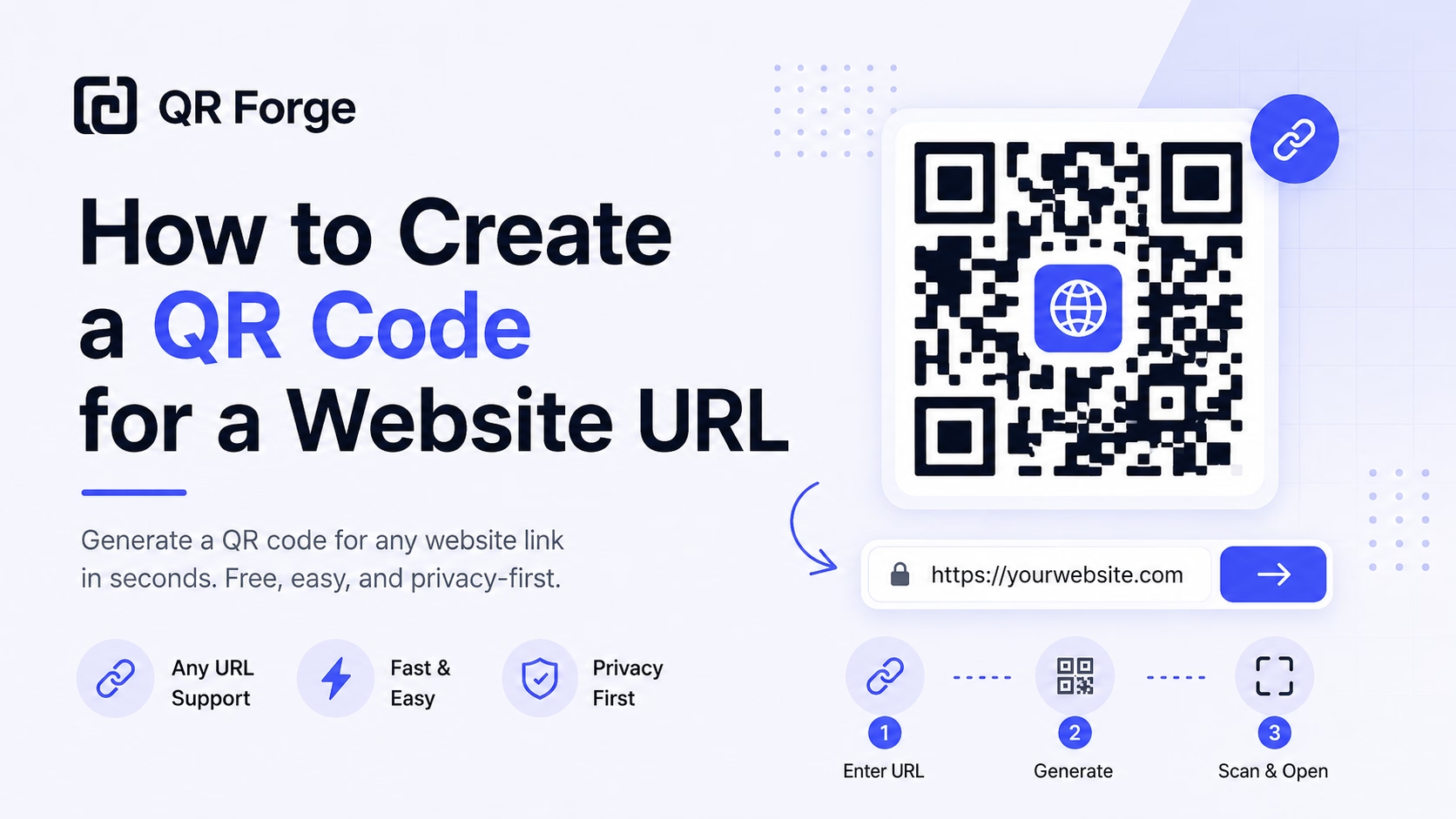
Learn how to create a QR code for any website URL, test it properly, and use it on posters, business cards, menus, packaging, and digital materials.
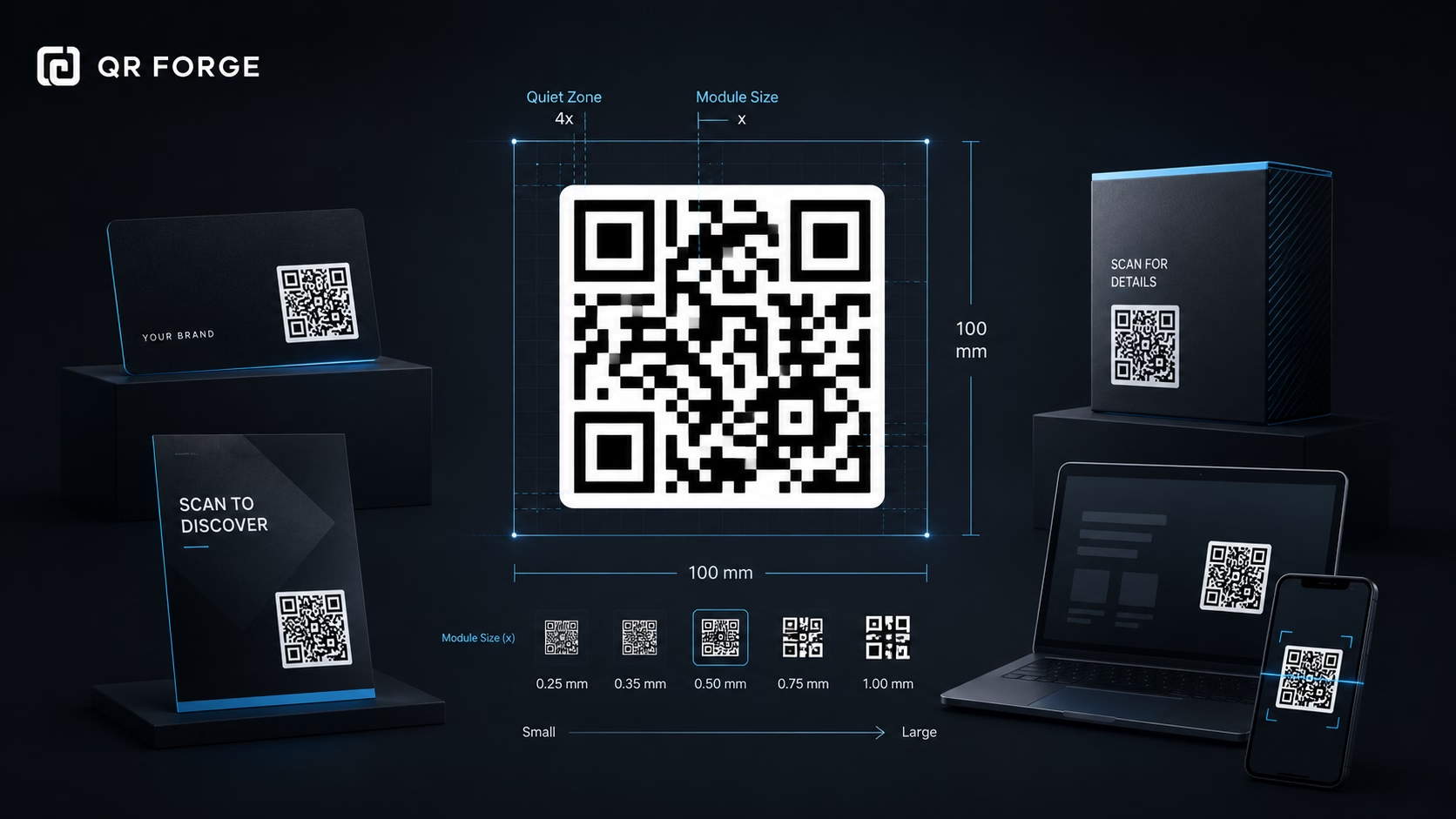
Learn the recommended QR code sizes for business cards, flyers, posters, packaging, menus, and screens so your QR codes stay easy to scan.
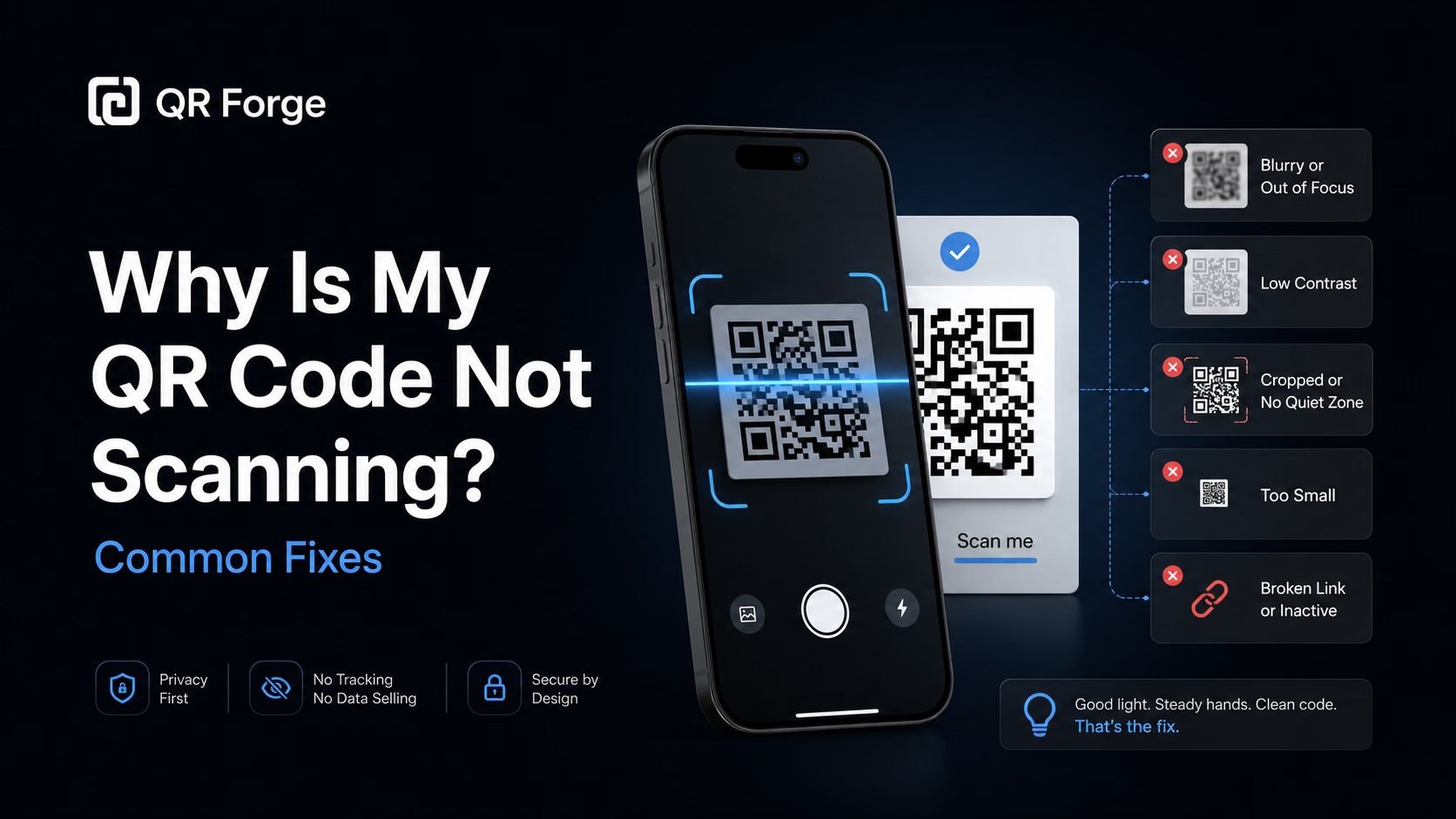
Learn why a QR code may not scan and how to fix common problems with size, contrast, quiet zone, print quality, lighting, distance, and broken links.
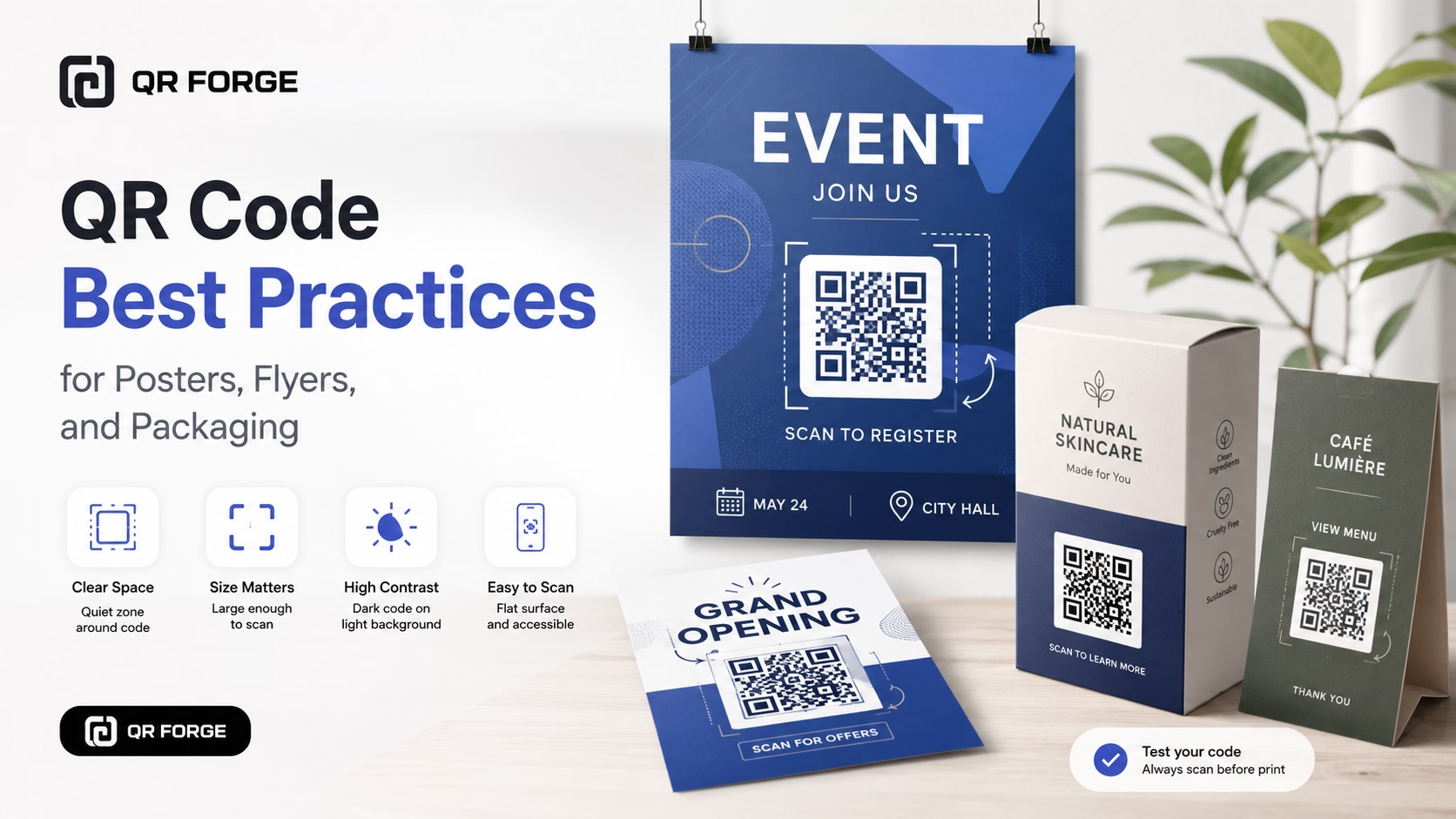
Learn practical QR code best practices for posters, flyers, packaging, menus, and printed marketing materials, including size, contrast, placement, testing, and calls to action.
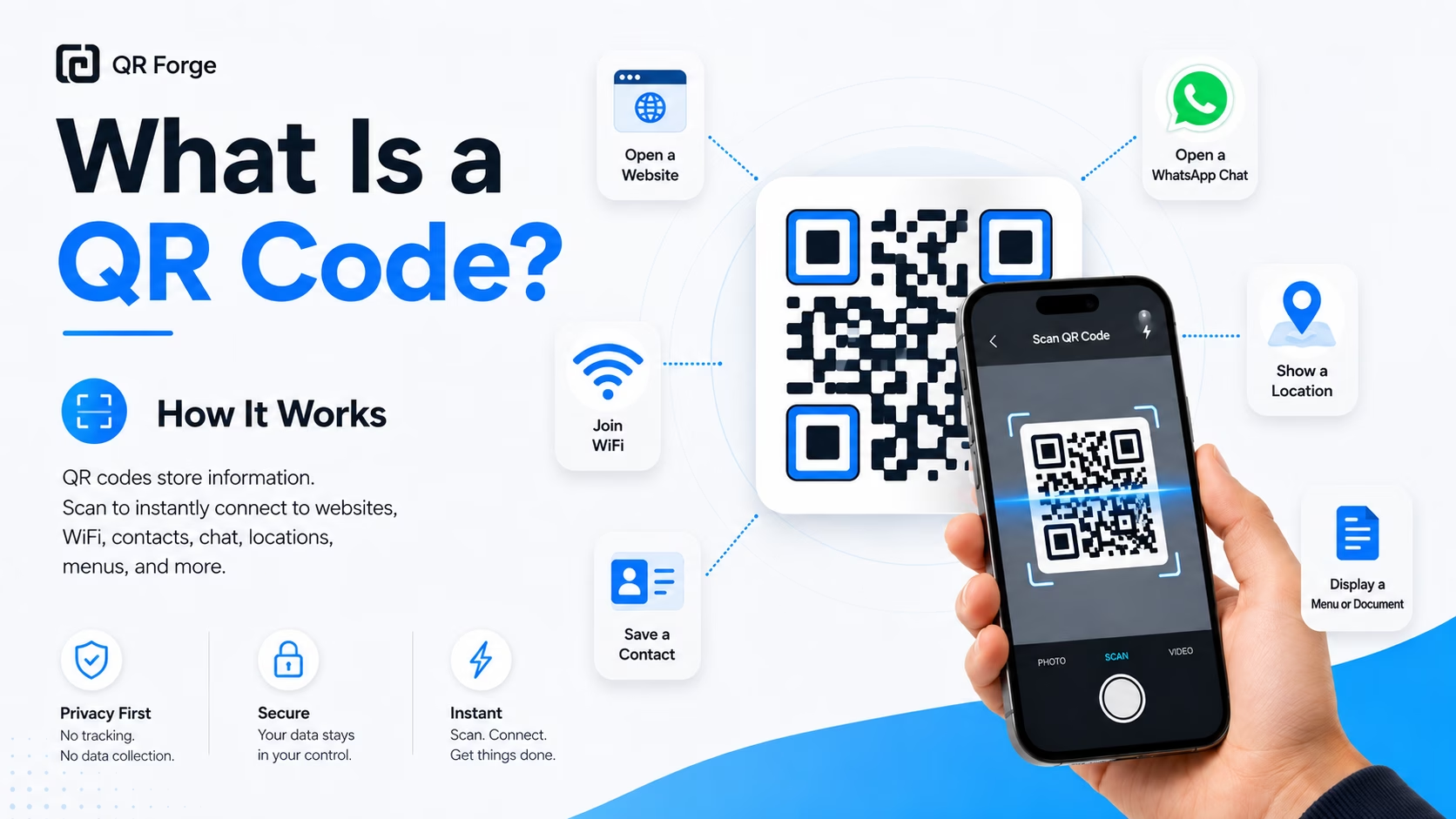
Learn what a QR code is, how it works, what information it can store, and why QR codes are useful for websites, WiFi, contact sharing, menus, and more.
A Location QR Code encodes a Google Maps URL. Paste a supported Google Maps share link, or create a GPS Coordinates QR Code by entering latitude and longitude with an optional label. A compatible scanner may offer to open the link in a browser or map app. Verify the place before sharing.
Choose a location
Paste a Google Maps share link, or select GPS Coordinates and enter latitude and longitude with an optional label. Check the destination before sharing.
Style and brand your QR
Customize the appearance to match your event, venue, or business branding.
Share on invitations or signage
Print on event invites, parking signs, delivery instructions, or anywhere visitors need precise directions.
Construction & Job Sites
Sites without clear street addresses — encode exact coordinates for subcontractors and delivery drivers to find the right entrance.
Outdoor Events & Festivals
Invitations and social posts include a QR for the exact field or gate — not just the park name.
Rural Properties & Farms
Share coordinates for a remote location, and verify the point and access instructions before sending visitors.
Parking & Venue Entrances
Point visitors to a specific parking lot entrance or loading dock rather than the building's main address.
Hotels & Resorts
Concierge cards include a QR for the hotel's GPS pin — especially useful in cities where blocks and building numbers confuse navigation.
Marinas & Boat Launches
Coordinate-based location is far more precise for water access points than any street address or verbal description.
Open Google Maps, navigate to your location, right-click (desktop) or long-press (mobile) the exact point, and select 'Copy coordinates'. Paste both values into the fields above.
The QR contains a Google Maps URL. Whether it opens in a browser or a map app depends on the scanner and device; it does not guarantee an Apple Maps action.
Find the place in Google Maps and paste its share link. Check that it opens the intended destination before printing.
Decimal places describe coordinate precision, but they do not verify real-world accuracy. Check the point and entrance in a trusted map before sharing.
The QR can be decoded offline, but loading the map and directions commonly requires connectivity. Offline map support depends on the app and downloaded area.
The optional Label field adds text to the encoded URL. How the label appears depends on the map app; it does not replace or verify the coordinates.
Generate your Google Maps QR code free. Pinpoint precision, instantly shareable.