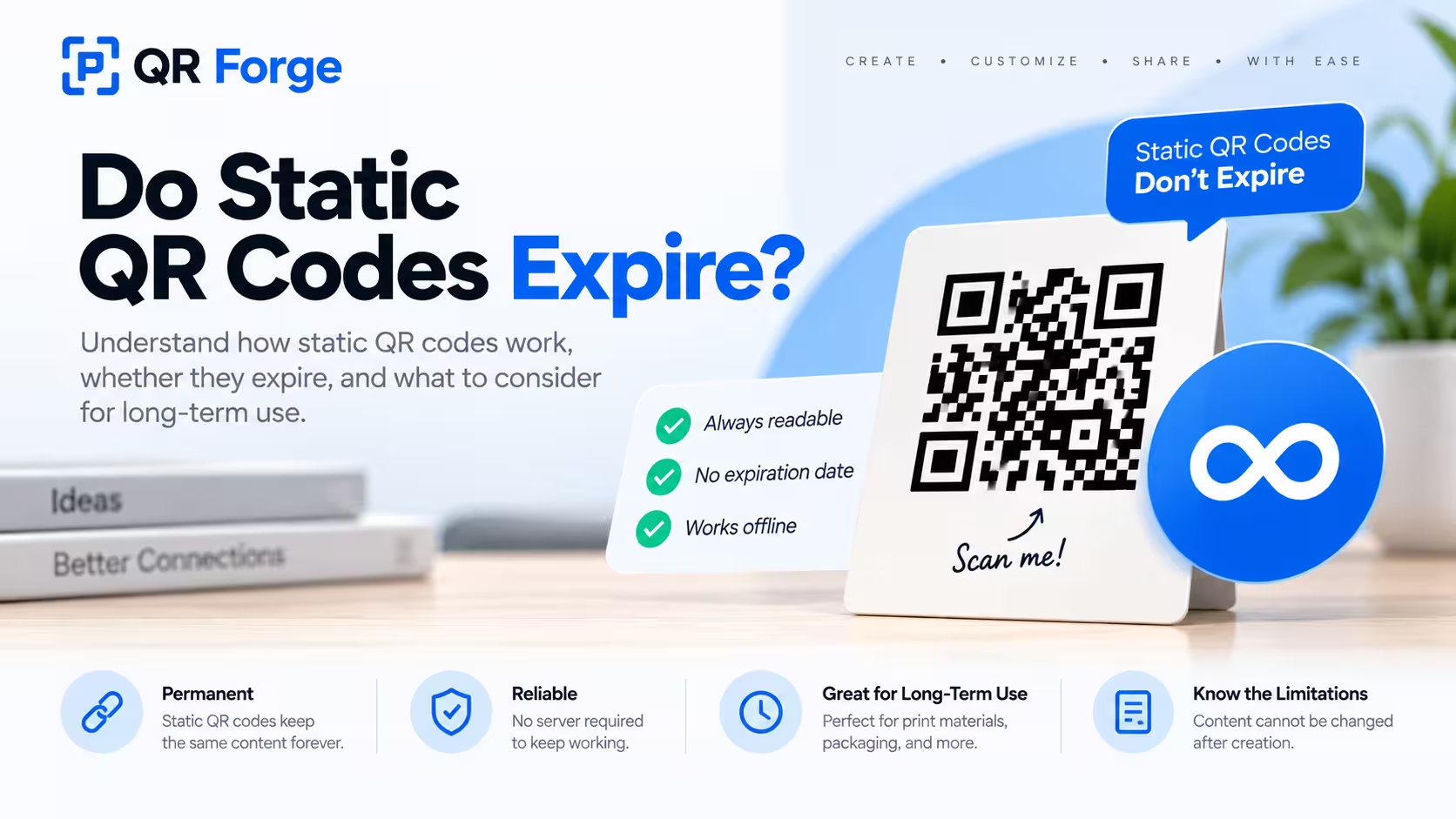
Static QR codes do not expire by themselves.
There is no hidden countdown inside the QR pattern, no built-in expiration date, and no subscription required just to keep the code readable.
If a static QR code stops being useful later, the reason is usually something outside the QR code itself: the destination changed, the encoded information became outdated, or the physical code was damaged.
This guide focuses specifically on how static QR codes behave over time and what you should know before using them on long-term printed materials.
Create a static QR code
Generate a direct QR code for a website, text, WiFi network, or contact information without a forced redirect.
Do static QR codes expire?
No.
A static QR code does not have an expiration date built into it.
The data is stored directly
A static QR code contains the final information inside the QR pattern.
Depending on the type of code, that information might be:
- a website URL
- plain text
- WiFi credentials
- a phone number
- an email address
- contact information
- a WhatsApp link
The code does not need to contact a QR platform just to decode that information.
Time does not change the pattern
A QR image generated today contains the same modules tomorrow, next year, or many years from now.
As long as the image remains readable, a scanner can continue decoding the same information.
A static QR code does not expire because of time. Its usefulness depends on whether the encoded data and the physical or digital QR image remain valid.
Why static QR codes do not need a subscription
Static QR codes do not rely on a provider-managed redirect for basic operation.
Direct encoding
The normal flow looks like this:
Scan QR code -> Read encoded data -> Open or use that data
There is no required QR service sitting between the scanner and the final destination.
No account dependency
Once the QR image is created, the scanner does not need access to the account that generated it.
No renewal requirement
A static QR code does not need to be renewed each year.
The generator does not need to remain online for the already-created QR code to keep being readable.
Can a free static QR code expire?
No, not just because it was free.
Free and static are different concepts
“Free” describes the price of the tool.
“Static” describes how the data is encoded.
A free static QR code can remain usable indefinitely if the encoded information remains valid.
Be careful with free dynamic services
Some services offer dynamic QR codes under a free trial or limited plan.
Those may depend on a subscription, account, or redirect service.
Always check whether the code is actually static or dynamic.
What can make a static QR code stop working?
A static QR code can remain technically valid while becoming practically useless.
The website no longer exists
If the QR code points to a deleted page, it may still scan correctly but open a broken destination.
The domain expires
A QR code cannot prevent a domain from expiring.
If the domain disappears or changes ownership, the code still points to the same address.
The URL changes
If content moves to another path, the old static QR code still contains the original URL.
The phone number changes
Phone, SMS, and WhatsApp QR codes remain tied to the number encoded at creation time.
WiFi details change
A WiFi QR code becomes outdated when the network name, password, or security settings change.
Contact information changes
A vCard QR code can keep scanning while showing an old email address, phone number, or job title.
The QR image is damaged
Printed codes can become difficult to scan because of scratches, fading, folds, moisture, dirt, or physical wear.
Static QR code expiration vs broken destination
These are not the same thing.
Expired QR code
For a true static QR code, there is normally no expiration timer.
Broken destination
The code can work perfectly while the website, file, phone number, or other destination fails.
Example
A static QR code may contain:
https://example.com/product-guide
If that page is removed, the QR code has not expired. The page has disappeared.
Static vs dynamic expiration
Static and dynamic QR codes behave differently over time.
Static QR code
A static code stores the final data directly and does not depend on a QR redirect provider.
Dynamic QR code
A dynamic code usually stores a provider-controlled short URL.
The flow looks like:
Scan -> QR provider -> Final destination
Why dynamic codes may stop working
A dynamic QR code can depend on:
- an active account
- a paid subscription
- a redirect domain
- provider servers
- platform policies
- usage limits
For the broader comparison, read static vs dynamic QR codes.
Are static QR codes permanent?
They can be permanent as encoded symbols, but their content may become outdated.
Permanent pattern
The QR pattern itself does not change after creation.
Non-permanent information
Phone numbers, URLs, WiFi passwords, contact details, and business information can change.
A static QR code is best for data you expect to remain stable.
How long do static QR codes last?
Potentially indefinitely.
Their practical lifetime depends on three things.
The QR image remains readable
A clean digital QR image can remain readable indefinitely.
Printed versions depend on material quality and physical condition.
The encoded information remains accurate
Phone numbers, WiFi passwords, contact details, and URLs may change.
The destination remains available
Websites, domains, files, and online services need to stay accessible.
For a broader discussion, see how long do QR codes last.
Static URL QR codes
A URL QR code stores the website address directly.
The website still needs maintenance
The QR code cannot guarantee that the page remains online.
Use stable URLs
For printed materials expected to last years, avoid temporary campaign URLs unless you intend to maintain them.
Static WiFi QR codes
WiFi QR codes can also be static.
The credentials are encoded
The QR code may contain the network name, password, and security type.
The code does not update automatically
If the password changes, the old QR code still contains the old password.
Generate a new code whenever the network credentials change.
Static vCard QR codes
A vCard QR code stores contact information directly.
Useful for business cards
It can help recipients save your contact details quickly.
Contact data can become outdated
If your phone number, company, email, or job title changes, the old QR code continues storing the old information.
Static WhatsApp QR codes
A WhatsApp QR code can store a direct WhatsApp link.
The number remains fixed
The code continues pointing to the number that was encoded.
A number change requires a new code
If your business moves to another WhatsApp number, generate a new static code.
Can you change a static QR code after printing?
No.
That is the main trade-off of static QR codes.
The pattern represents the data
Changing the destination changes the encoded data.
Changing the data means creating a different QR pattern.
You cannot remotely update it
Unlike a dynamic QR code, there is no provider redirect to edit.
Plan before mass printing
Before printing thousands of cards, packages, signs, or flyers, make sure the information is stable.
How to make a static QR code last longer
Use a domain you control
For website QR codes, your own domain gives you more control over long-term availability.
Keep the URL stable
Choose a permanent path when possible.
Redirect old pages on your own website
If content moves, configure your website to redirect the old URL to the new location.
Avoid temporary data
Do not print long-term materials with a phone number, campaign URL, or WiFi password you expect to change soon.
Use durable printing
Protect long-term QR codes from fading and physical damage.
Should you use a static QR code for printed materials?
Often, yes.
Static QR codes work well when the destination is stable.
Good long-term uses
Examples include:
- company website
- permanent product information
- portfolio
- evergreen documentation
- stable contact details
- permanent location information
Less ideal uses
Static codes are less convenient for frequently changing promotions, temporary pages, rotating campaigns, or information you expect to update regularly.
Static QR codes for product packaging
Packaging can stay in circulation for a long time.
Use a permanent destination
Link to a URL you plan to maintain.
Keep old URLs working
If content moves, redirect the old page on your website instead of deleting it.
Test print durability
Packaging can introduce folds, glare, curves, seams, and scratches.
Static QR codes for business cards
Business cards are another long-lived use case.
Website links can last well
A stable personal or business domain is a good destination.
Contact details may change
A vCard QR code may need reprinting when your role or contact details change.
Read how to use QR codes on business cards for design guidance.
Static QR codes for posters and signs
The expected lifespan of the material should influence your destination choice.
Temporary poster
A campaign URL may be fine when the poster is only used briefly.
Permanent sign
A permanent sign should use a stable destination that can be maintained for years.
Outdoor signs
Use durable materials and protect the code from fading, scratches, and weather.
Do static QR codes need internet?
The QR code itself does not need internet to be decoded.
Can work offline
Examples include plain text, WiFi credentials, and some contact information.
Requires internet after scanning
Websites, online files, social profiles, and cloud documents still need internet connectivity.
Static QR code privacy
Static codes can offer a simple privacy model.
No required tracking redirect
The scanner can go directly to the encoded destination.
No account needed after creation
The QR code does not need to report back to the generator.
Destination privacy still matters
A static QR code pointing to a website can still lead to a site that uses analytics, cookies, or other tracking.
How QR Forge handles static QR codes
QR Forge focuses on direct, privacy-first static QR generation.
Client-side generation
Basic QR generation is designed to happen in your browser.
No forced redirect
QR Forge does not need to place a tracking redirect between the scanner and the final destination for basic static codes.
No account dependency
A generated static QR code does not need an active QR Forge account to keep working.
No subscription dependency
The QR code does not require a QR Forge subscription to remain readable.
Static QR code checklist for long-term use
Encoded information
- URL is correct
- phone number is correct
- email is current
- WiFi credentials are final
- contact details are accurate
Long-term destination
- domain is under your control
- page is not temporary
- old URLs can be redirected
- destination works on mobile
QR design
- strong contrast
- enough quiet zone
- readable size
- square proportions
- high-quality export
- final proof scans
- material is durable enough
- code is protected from damage
- multiple phones have been tested
Do static QR codes expire? Final answer
No.
A true static QR code does not expire because of time, a free plan, or a subscription ending.
It can remain readable indefinitely.
What can change is the world around it: websites disappear, domains expire, passwords change, contact details become outdated, and printed materials become damaged.
For long-term use, create a static QR code with stable information, maintain the destination, and test the final printed version.
Create a static QR code
Generate a direct QR code in your browser with no login, no watermark, and no forced tracking redirect.
